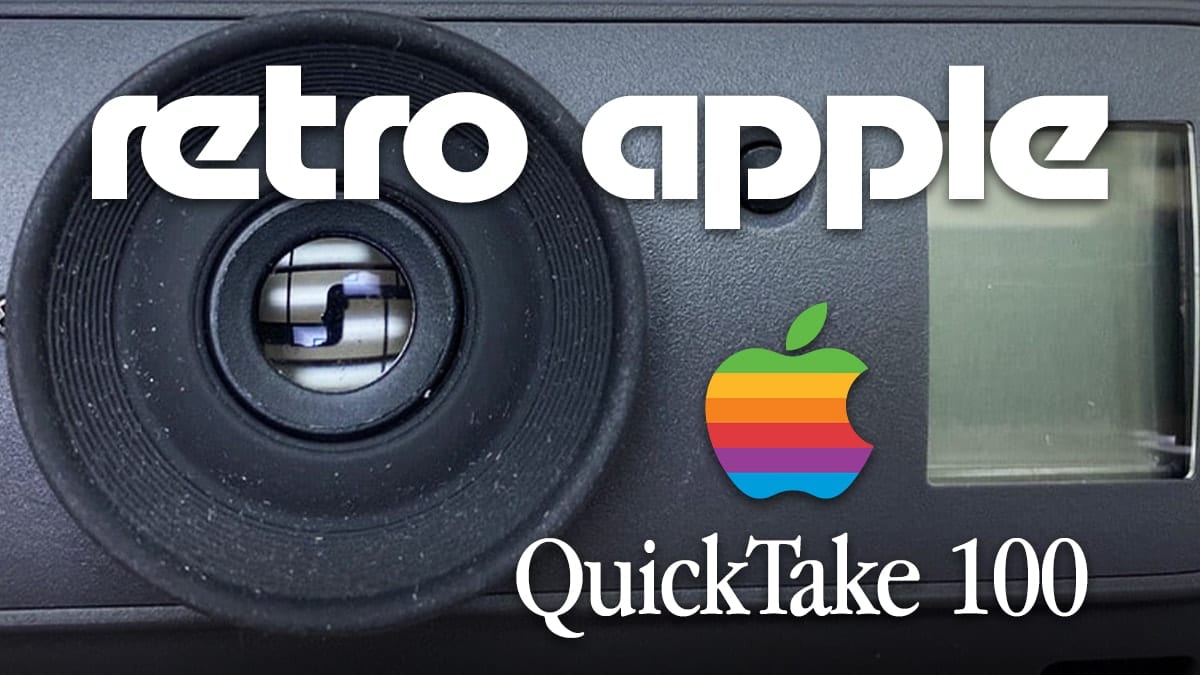
Apple QuickTake 100 digital camera

Retro Apple: The QuickTake 100 Digital Camera

In 1994, photography was a rather involved affair. You put film — in either a roll or cartridge — into your camera, took photos without knowing immediately how the image turned out, then took the film out of the camera and either developed it yourself in a darkroom or took it to a location to be developed for you. Apple helped to popularize digital cameras beginning in 1994, and today we’re taking a look at what is considered the first digital camera to have consumer acceptance: the Apple QuickTake 100.


How to Set the Default Wireless (Wi-Fi) Network in macOS

By default, macOS attempts to join the wireless network it was most recently connected to. However, if you’re like me, you have a Wi-Fi network you use most often. This guide will show how you can set it as the...

A Visit from Near-Earth Asteroid 2011 ES4 – Is It Dangerous?

On September 1, 2020 (plus or minus a week), Earth will be visited by a celestial wanderer named Asteroid 2011 ES4. This asteroid is one of a class called Apollo asteroids. The name Apollo has nothing to do with the NASA Lunar Landing Program, but everything to do with Near-Earth Asteroids with orbits which cross the Earth's orbit similar to an asteroid named 1862 Apollo.

microsoft word and macos pages logos on photo collage

How to Export Your Images From macOS Pages & Microsoft Word

Every now and then, I find it necessary to grab an image from a Pages or Word document. You might be lead to think that the process is similar for both applications, but they are not. In fact, this is one of the few cases where it’s in some ways easier to do with Microsoft’s product than Apple’s. Why? I have no idea. But with Word, it is stupid-easy. With Pages, it’s just plain stupid.

How to Set a Default Folder for a New macOS Finder Window

If you often work with files in a specific folder, then it's worth designating the folder as the default folder with which every new macOS window automatically opens.  But first, a reminder not to confuse the Finder with the Desktop. The...

Read This Before Buying a 2020 27-inch iMac to Save Big!

There's no doubt about it. As we noted in an earlier post, Apple's new 27-inch iMac 5K for 2020 is a beast of a machine. With 10-core availability, all Solid State Drives, True Tone Retina display with a nano-texture glass option, faster GPU, T2 chip security, and up to 128 GB of RAM, you may finally be ready to make the leap into a new machine. It's completely understandable. But before you do, do yourself a favor and consider the one thing that is still user-upgradable after your purchase: the memory.

1 252 253 254 1,007
Page 253 of 1007