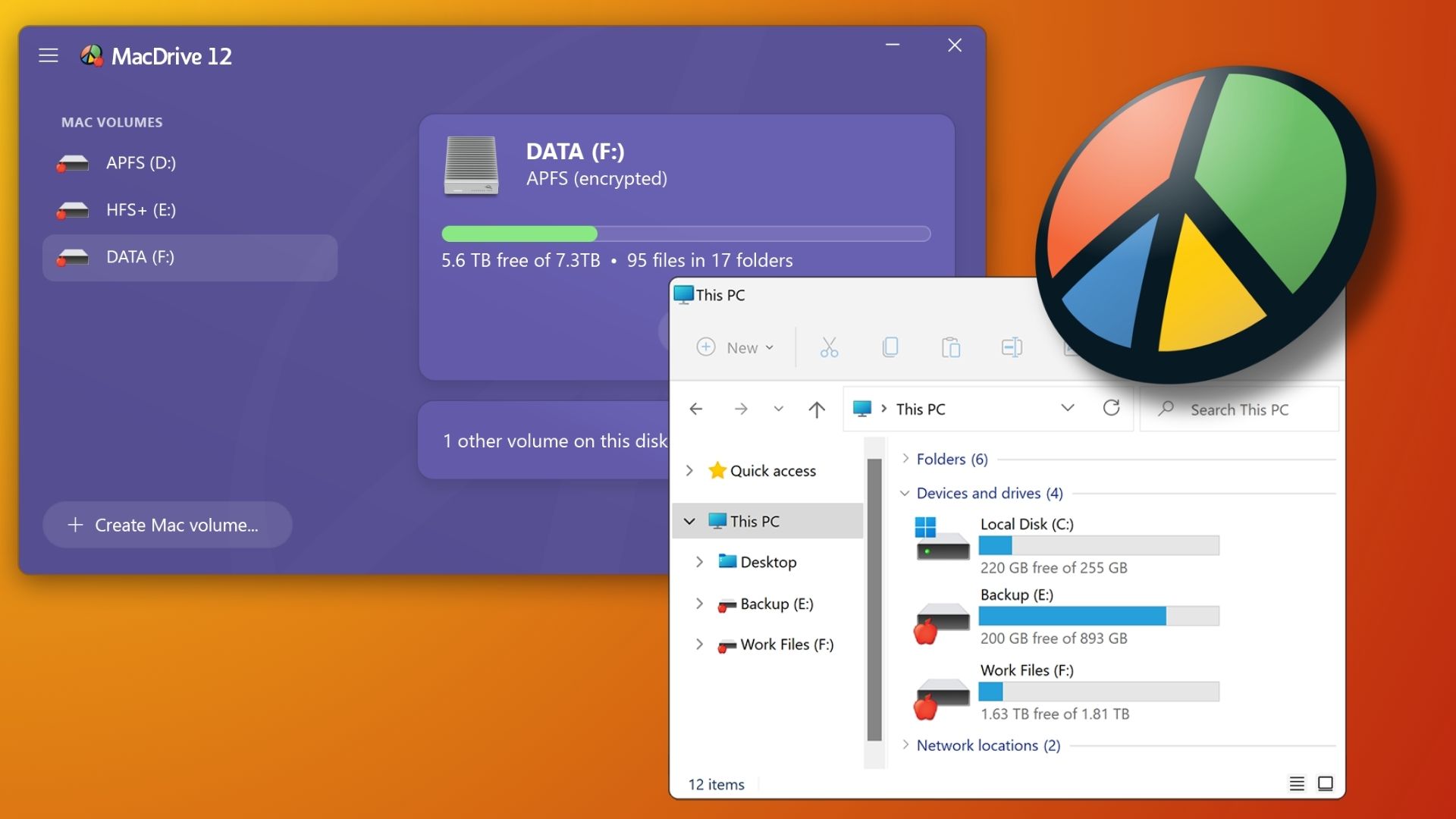
If you’ve ever needed to move data between a Mac and a Windows PC, you know what kind of a headache that can be due to the fact the two platforms can’t read the other’s default file format. However, there are some workflows that encounter this problem quite a bit and we recently covered the file formatting fiasco that can result in a blog post advising on how best to approach that problem. While a lot of folks might turn to exFAT, a file that both Macs and PCs can read, that format also has some serious downsides if you’re trying to use it as the file format for a working drive.
But that’s precisely why we’ve been developing MacDrive for decades. MacDrive is an app that allows you to plug a Mac-formatted drive into a Windows PC and use it just like you would on a Mac. And now, the new MacDrive 12 raises the bar in ways that matter most to creative professionals working across platforms.
A Quick Refresher on the Problem MacDrive Solves
No matter if you’re using a Mac or a PC, it’s best practice to format any external drive you’re using with those systems to that platform’s native file format for the best performance. For Macs that’s APFS (Apple File System). For PCs, the default format is NTFS (New Technology File System).
The issue is that if your workflow involves taking a disk between these platforms…well you can’t. And the typical workarounds aren’t great. While the exFAT file format can be read by both platforms, exFAT also strips away the protective features of Apple’s file systems and introduces its own reliability concerns. Cloud transfers work but add time and cost. And some third-party tools have offered partial solutions but with important gaps, especially around encrypted volumes.
That’s the problem MacDrive exists to solve. And version 12 closes the last remaining gaps.
What’s New in MacDrive 12
MacDrive 12 is the only solution that gives Windows users complete native access to every Mac format: HFS+, APFS, and now, critically, full read/write support for encrypted APFS volumes directly in Windows Explorer.
This new support for Encrypted APFS is huge as it has been a long-standing limitation for cross-platform workflows. Some solutions required decrypting first, which meant accepting real data exposure just to access your files. MacDrive 12 handles encrypted volumes natively, so your data stays protected end to end.
Here’s the full picture of what MacDrive 12 delivers:
- Complete Format Support: Full read/write access to HFS+, APFS, and encrypted APFS volumes. No exceptions.
- Disk Management Tools: Create, partition, format, and repair Mac disks directly from Windows. You don’t need to touch a Mac to manage Mac storage.
- Native Windows Integration: Mac drives appear in Windows Explorer exactly like native Windows drives. Drag, drop, work. The underlying file system stays invisible, which is exactly how it should be.
- RAID Array Support: Full support for SoftRAID and Apple RAID configurations, so your redundancy and performance stay intact across platforms.
- Advanced APFS Crash Protection: MacDrive 12 is the only Windows solution with complete APFS crash protection. When power fails or a system crashes mid-write, APFS ensures completed writes survive and interrupted writes vanish cleanly — no corruption, no recovery headaches.
- Professional Performance: Whether you’re offloading 8K footage, editing directly from a Mac-formatted SSD, or managing large photo libraries, MacDrive 12 is engineered to keep pace with demanding professional workloads.
Who Should Be Using MacDrive 12
The honest answer is: anyone who regularly crosses the Mac/Windows line with drives in hand.
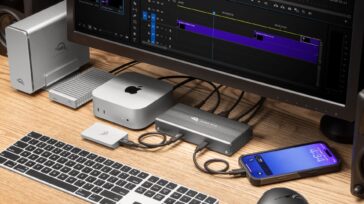
Video editors and photographers working in mixed-platform environments will find MacDrive 12 especially valuable. Footage saved to a Mac-formatted SSD can be accessed directly on a Windows editing station—no transcoding, no compatibility delays.
Production companies can offload from Mac-formatted media directly to Windows-based post pipelines, keeping the workflow moving without format friction.
IT administrators managing mixed Mac/Windows environments can access Mac volumes for troubleshooting, recovery, or file transfers from a single Windows workstation.
Data recovery specialists gain full access to encrypted APFS volumes—authorized access that doesn’t require compromising encryption first.
Remote and distributed teams can pass drives between Mac and Windows users without worrying about format compatibility or the risk of data corruption.
MacDrive 12 Launches at NAB 2026
OWC is showcasing MacDrive 12 live for the first time this week at NAB 2026, Booth N2373 in the North Hall. If you’re at the show, stop by the booth to see it in action.
OWC MacDrive 12 will be available April 28, 2026, priced at $59.99. Existing MacDrive users can upgrade for $29.99.