Search Results for: Look video

Speing Cleaning

Streamline Mac Spring Cleaning with Parallels Toolbox

Our very own Tom Nelson recently provided some wonderful tips on cleaning your Mac, both inside and out. If you find that some of the "inside" cleaning sounds a bit time-consuming or difficult, we have another solution for you --...

Picture of a man siting at the litchen table working

What You Need (And Need to Know) to Work From Home Successfully

I'm working from home today. It doesn't have anything to do with the coronavirus; it just so happens that I wasn't planning on going into the office. But it is becoming evident that more and more people are going to be working from home in the coming days and weeks. And that is a good thing because of the rapidly developing concerns regarding the viral outbreak we are all having to deal with right now. Perhaps you have been asked to work from home, or you are wise to self-quarantine for a while. If so, let's talk about what that may look like and what you will need—and need to know—to be successful.

A carton of eggs showing small images of owc products with text saying "One dozen essential accessories."

A Dozen Essential Mac Accessories

Whether your Mac has just been unboxed or you’ve had it for years, there are some accessories that every Mac owner should consider indispensable. Today we’ll take a look at a dozen of these accessories and how they can assist you in your daily work.

Purple mac smart folder icon with yellow lightbulb on light purple background

Smarter Smart Folders

Smart Folders have been around in one form or another since OS X Tiger. For a while, the Finder’s sidebar included a dedicated Search For section, with predefined Smart Folders that displayed apps and documents you used "Today," "Yesterday," or "Past Week." There were also Search For entries for "All Images," "All Movies," and "All Documents." These smart searches were a popular feature and served as an introduction to what Smart Folders could do. Now it's time to dig a little deeper and discover some of our favorite saved searches.

Scared google chrome icon covering Jonathon Morris' face with a 2019 mac pro and two stacks of memory sticks

6,000 Tabs of Google Chrome vs. 1.5TB of OWC Memory. Who Will Win?

We had a simple question: What would happen if we pushed a top of the line, 28-core Mac Pro loaded with 1.5TB of OWC memory, to its limits? Which begged a second question: What exactly is the best way to do that? This latter inquiry was easy enough to answer. We just needed to reach out to our friend, Jonathan Morrison. He would know how to get to the bottom of this. What he devised was elegantly simple...

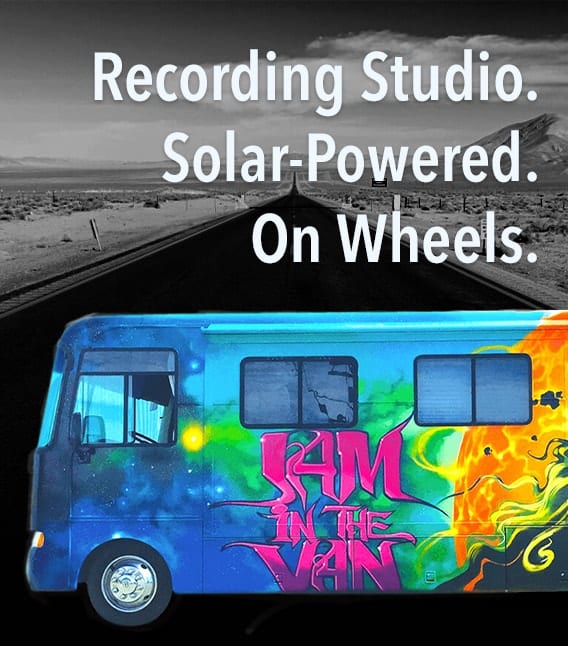
Jam in the Van. Recording Studio. Solar-Powered. On Wheels.

OWC Hits the Road with Jam in the Van

Technology trailblazer, OWC, has announced a new sponsorship for 2020 with Jam in the Van, which kicked off during The NAMM Show, held last month at the Anaheim Convention Center. Jam in the Van is a mobile recording studio that travels the country, showcasing regional music and creating live music videos wherever they go. Formed in 2011, Jam in the Van is a mobile studio functioning as a robust content workspace, video production house, and live event production team. It is also the world's first and only solar-powered mobile recording studio. Focused on changing the way artists share their music, Jam in the Van creates authentic, impactful, and engaging spaces for artists and fans to interact.

Artist rendering of Blue Origin Rocket

Florida’s Space Coast: Old Memories, New Energy

When I’m not writing articles for The Rocket Yard, I’m often traveling around the world with my wife, a recently retired engineer who spent 37 years in the rocket (Titan launch vehicle) and satellite business. We’re currently on a short trip to Florida prior to leaving on a cruise, which gave my spouse the chance to relive some of her career years at Kennedy Space Center. What we found was that the Cape Canaveral / Cocoa Beach / KSC area — also known as the Space Coast — is being rejuvenated by new entrants into the space industry.

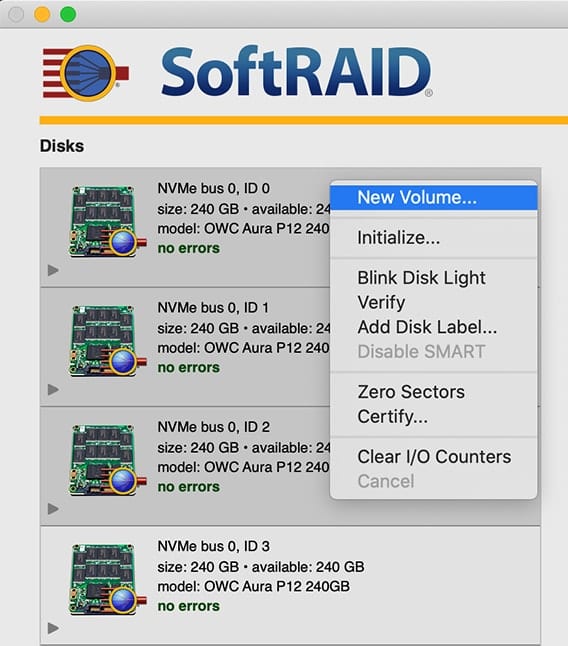
SoftRAID window showing dropdown menu with New Volume

Accelsior 4M2: RAID 0 + Mac Boot Drive

Occasionally customers who purchased the Accelsior 4M2 ask if it’s possible to “set aside” one of the four installed M.2 SSDs as a macOS boot volume, while the remaining three are used as a RAID 0. This setup will reduce the maximum performance levels as compared to the factory RAID 0 config, but it is possible. The steps in this Rocket Yard Guide provide an overview of the process.

1 56 57 58 114
Page 57 of 114