



How to Share a Website URL in iMessage Without a Link Preview
The Messages app is smart enough to render a thumbnail preview of website links. But what if you want the recipient to see the actual text of the domain name? There is a way.


Tech tips and how to’s. All the great, timeless reference articles we have.
The Messages app is smart enough to render a thumbnail preview of website links. But what if you want the recipient to see the actual text of the domain name? There is a way.
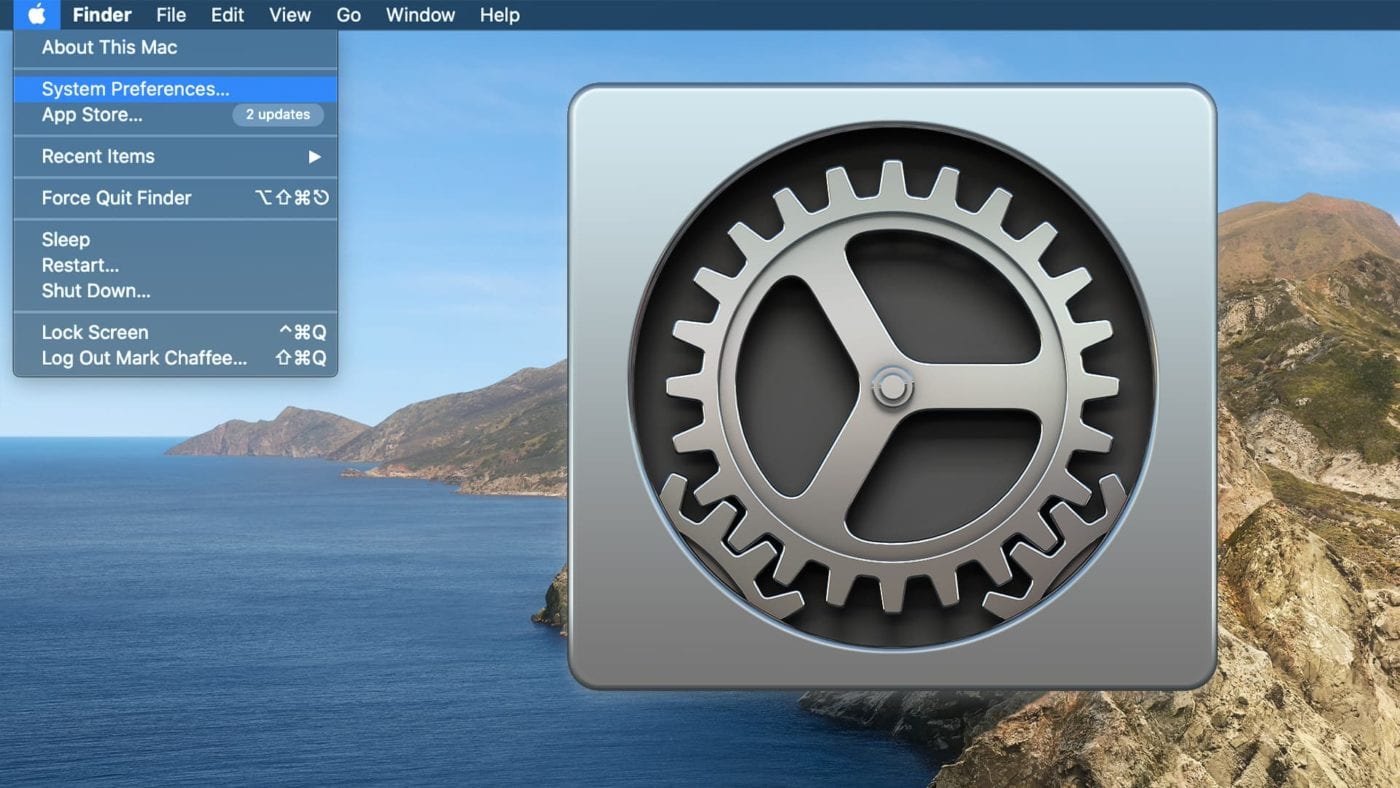
Sometimes you may need to hide the Systems Preferences in macOS to prevent unwanted changes. (I’m looking at you, wife ‘o mine!) Here’s how...
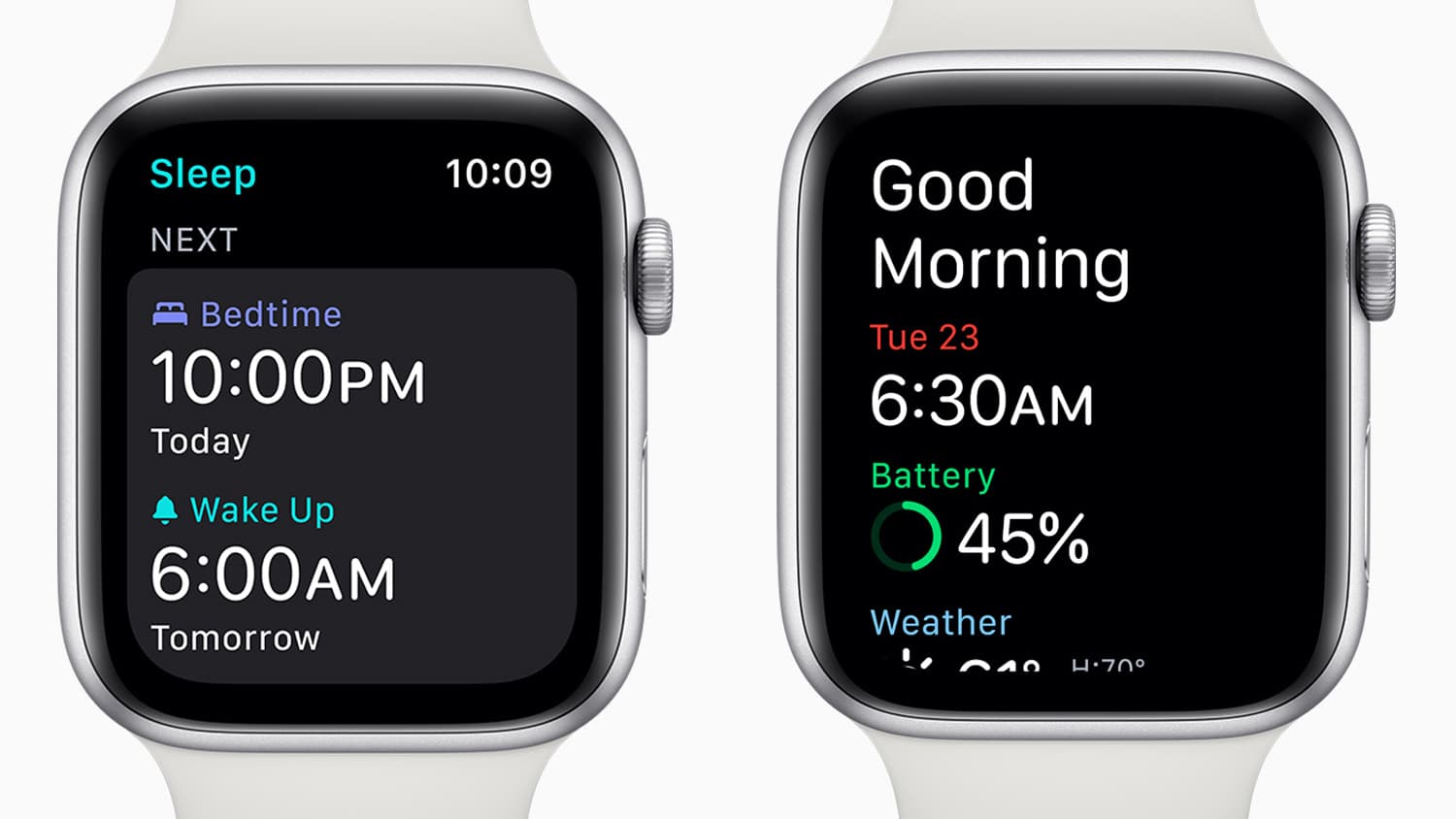
The Apple Watch is an incredible tool for tracking your fitness and health as well as other aspects of your daily life. watchOS 7 has added several new functions, but none is as important to the well-being of Watch owners as the Sleep app.
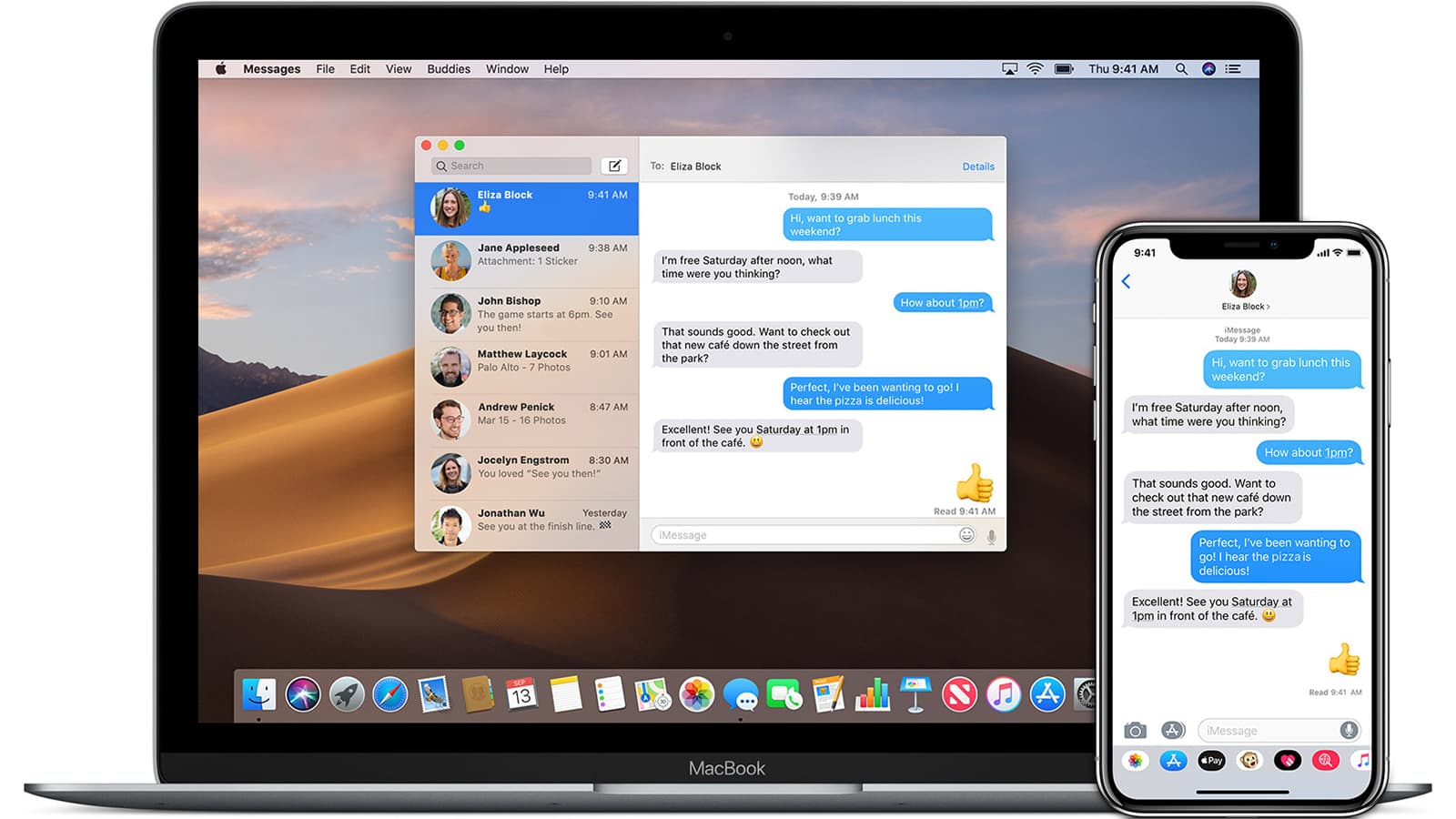
SMS is a message that contains only text. MMS can send pictures, video, or audio content to another device. Both can be sent from your Mac, and we'll show you how.

I was so fascinated with the watchOS 7 handwashing timer when it first appeared last week that I neglected to look deeper into the app. You can read all about how to set up this useful and — in the time of COVID-19 — important app in this post, but today I’ll show you how to get more out of the app.
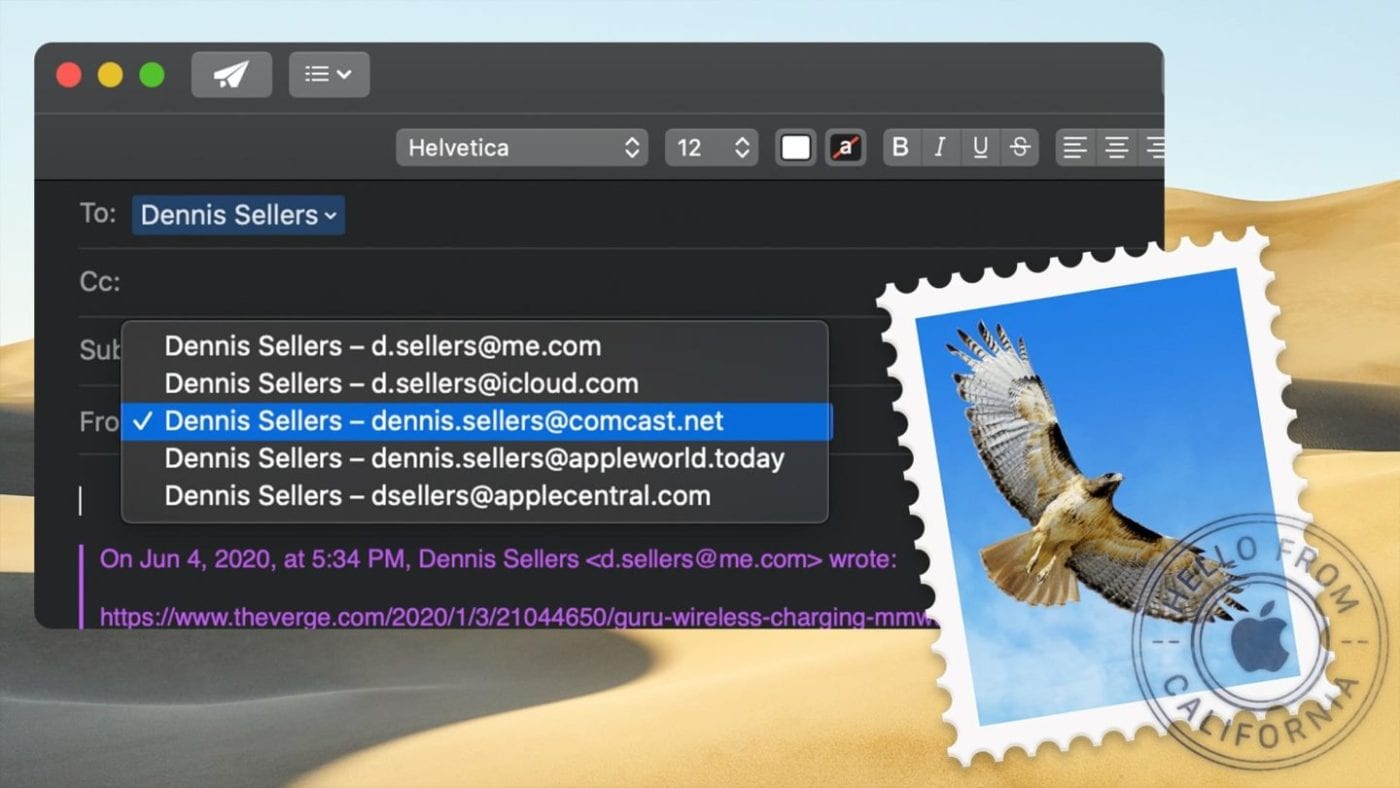
The Mac Mail app is pretty smart and is pretty much reliable at associating an email address with a particular account, so I don’t set up a specific return address in Mail. However, when you reply to an email, you can choose a different return email address than the one associated with it.

