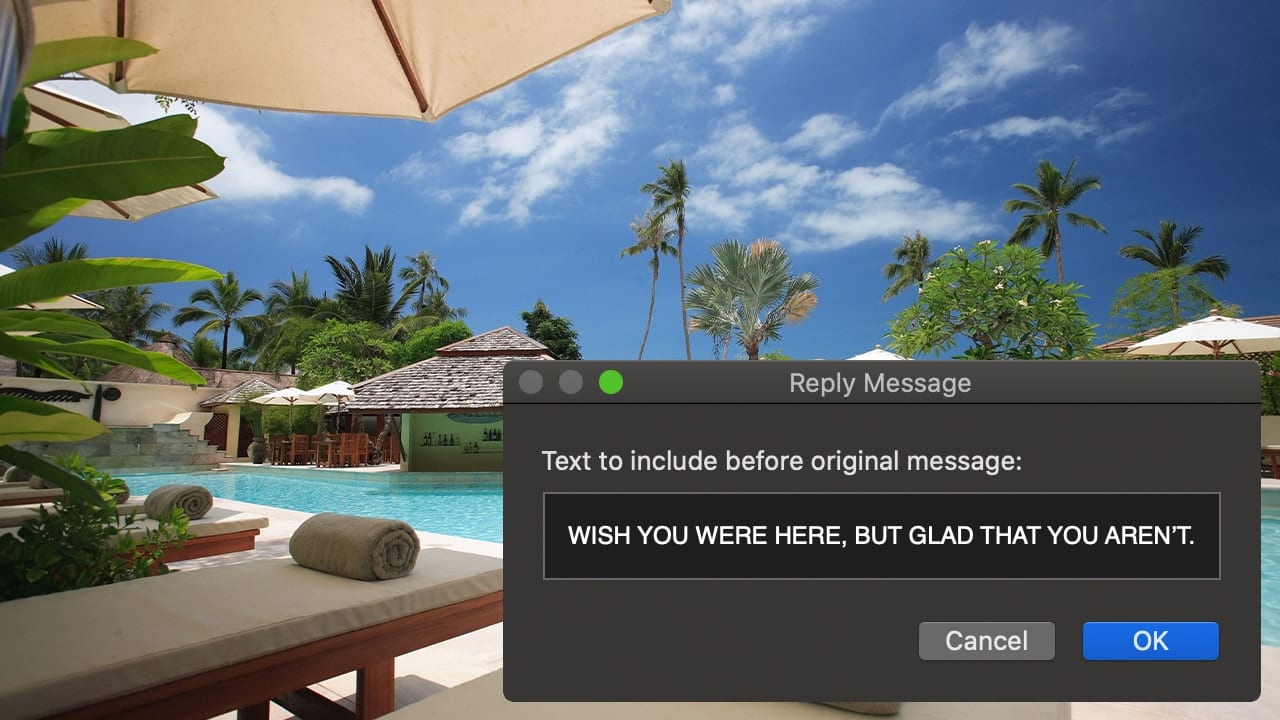
How to Create an Auto Reply Message in macOS Mail

Do you find yourself typing the same ol’ replies when using Mail in macOS? Not necessary, my friend. You can set up macOS Mail to respond automatically to incoming messages with a text you have pre-composed. Here’s how to set up an auto-response message in Mail...
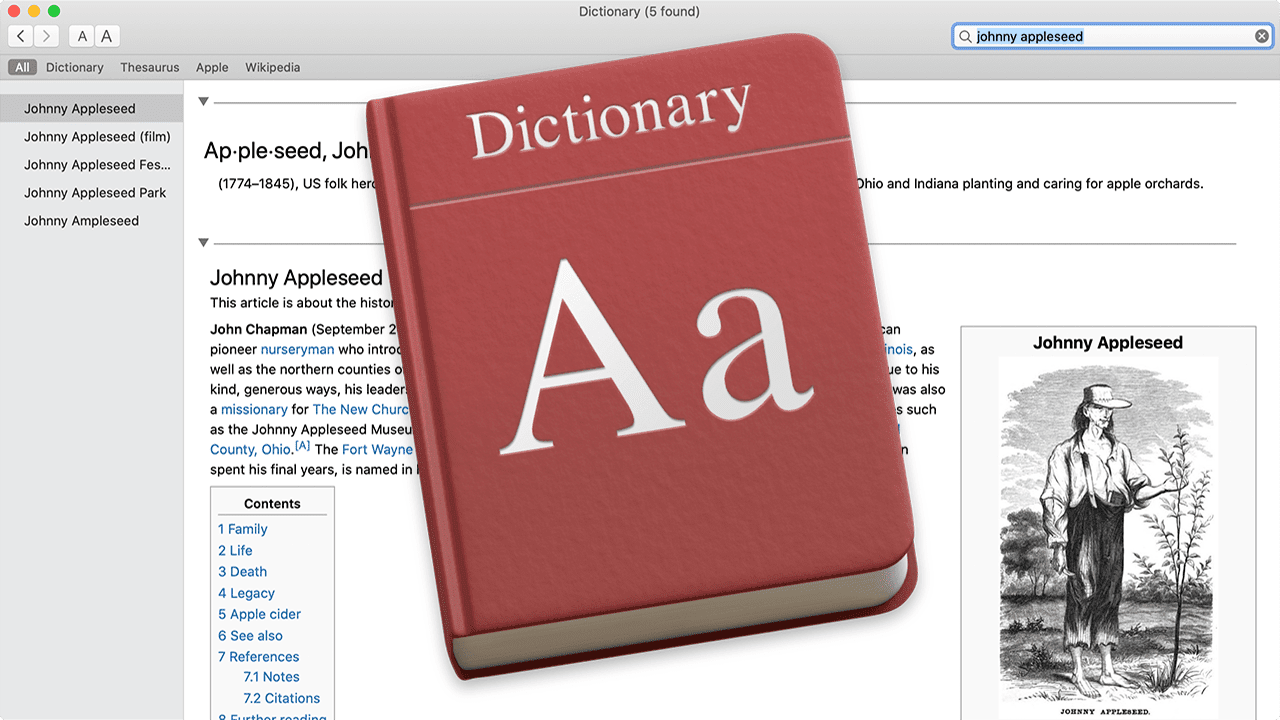
Mac dictionary entry for johnny appleseed with dictionary app logo

How to Become a macOS Dictionary App Power User

Recently I've been taking deep dives into some of the apps that are part of macOS. So far, you've been given the knowledge to become a power user of the macOS Calculator and Stickies apps. Today, you'll learn how to squeeze every last bit of capability out of the Dictionary app. 3..2..1...Launch!

Tony Vincent singing on stage

Life in the Broadway Fast Lane With “The Voice” Tony Vincent

In 2019, after 21 years in New York City, artist and musician Tony Vincent ("The Voice," "Jesus Christ Superstar," "American Idiot," We Will Rock You," and "Bohemian Rhapsody" in front of Queen Elizabeth II and 200 million fans) relocated to...

Eye with accessibility logo

How to Control your Mac with Head Gestures

The Mac platform has always been one of the best computing environments for accessibility, and a recent macOS update added a feature that points the way to a possible future where the mouse, trackpad, and even finger taps may not be needed to control your Mac. macOS 10.15.4 brought a new alternative control method to the Mac – using your head and facial gestures.

Managing Apps That Automatically Open When You Log In

You can have apps, documents, folders, or server connections open automatically whenever you log into macOS. To add or remove automatic items... Look at the top left of your Mac screen and choose "Apple menu > System Preferences."Click "Users & Groups."Select your...

1 … 262 263 264 … 1,020
Page 263 of 1020