I often wax poetic when reminiscing about Macs from yesteryear. The late ’80s and early ’90s period reflected a simpler time, where memory was measured in megabytes, color displays were optional, and floppy disks still mattered. It was a period of time, pre-Web, where computing still felt personal.
Whether you’re curious about what that experience was actually like, or you simply want to relive those halcyon days once again, you can—thanks to Jeff Halter of Morphing.Cloud.
Halter has created two charming programs that will undoubtedly fill Mac users with waves of nostalgia. The first is Stacks, a Hypercard player for modern Macs. The second is Afterglow, which lets modern Macs faithfully run original After Dark screensaver modules. Both applications are not emulators. Both applications are free.
Stacks
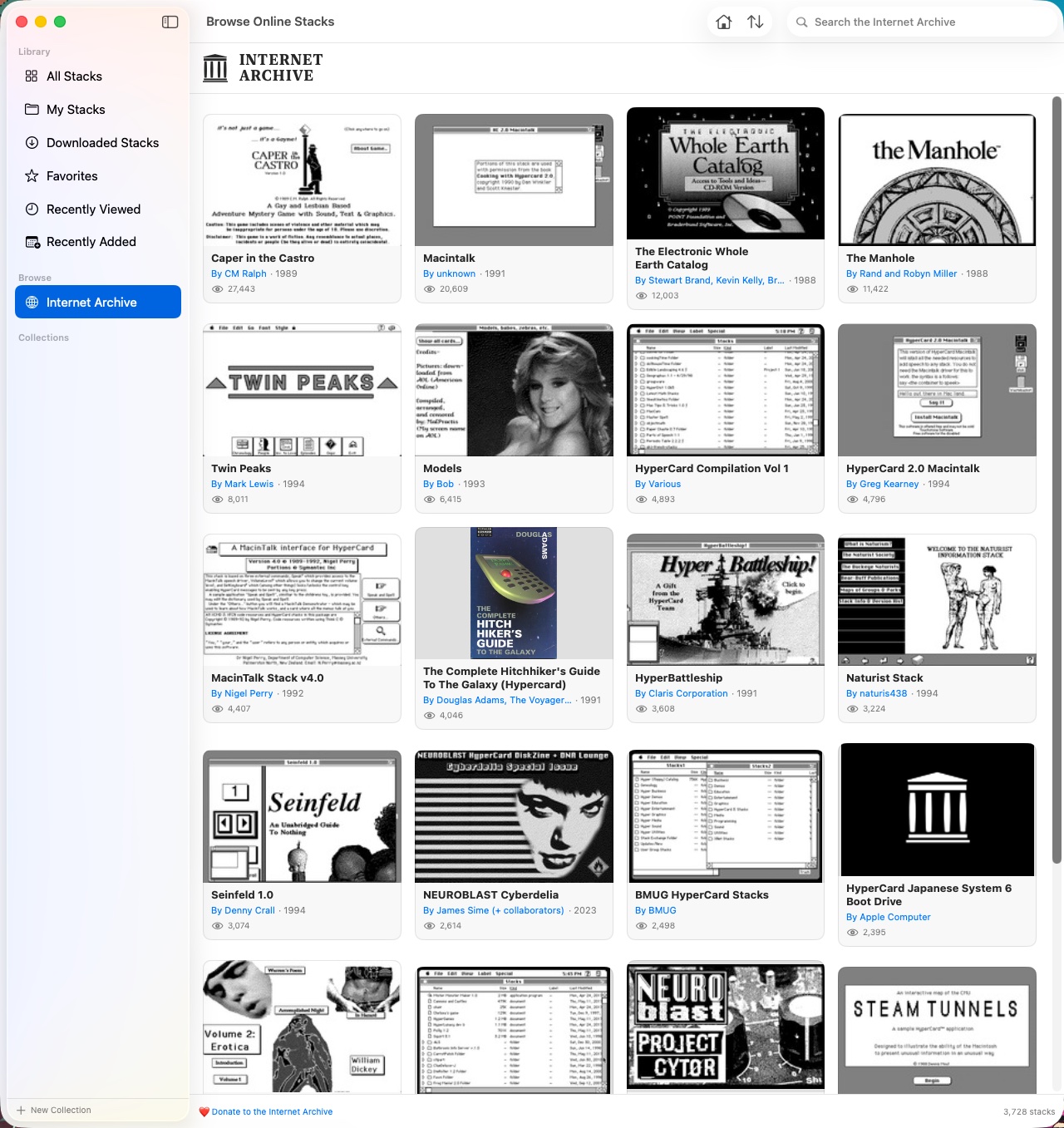
Before the web, there was HyperCard. My experience with Apple’s (long defunct) multimedia tool was limited to playing and interacting with a few HyperCard stacks. A stack is a collection of Hypercard frames, each of which contain text, images and/or sound. Traversing through a stack is very much like browsing the web. There are navigation menus, previous and next buttons, and interactive elements that respond to your mouse click.
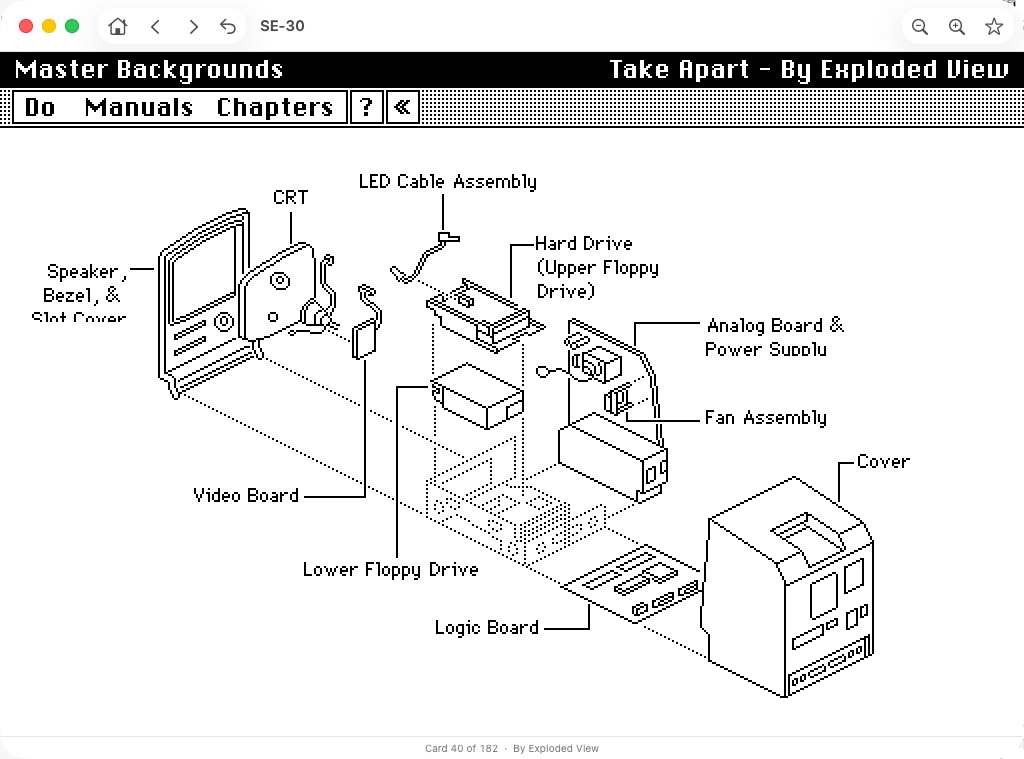
Stacks, the app, lets modern Mac users play classic HyperCard stacks in all their glory, with period-accurate type, sound, instruments and MacinTalk speech synthesis. It requires a modern Mac running macOS Sonoma or greater.
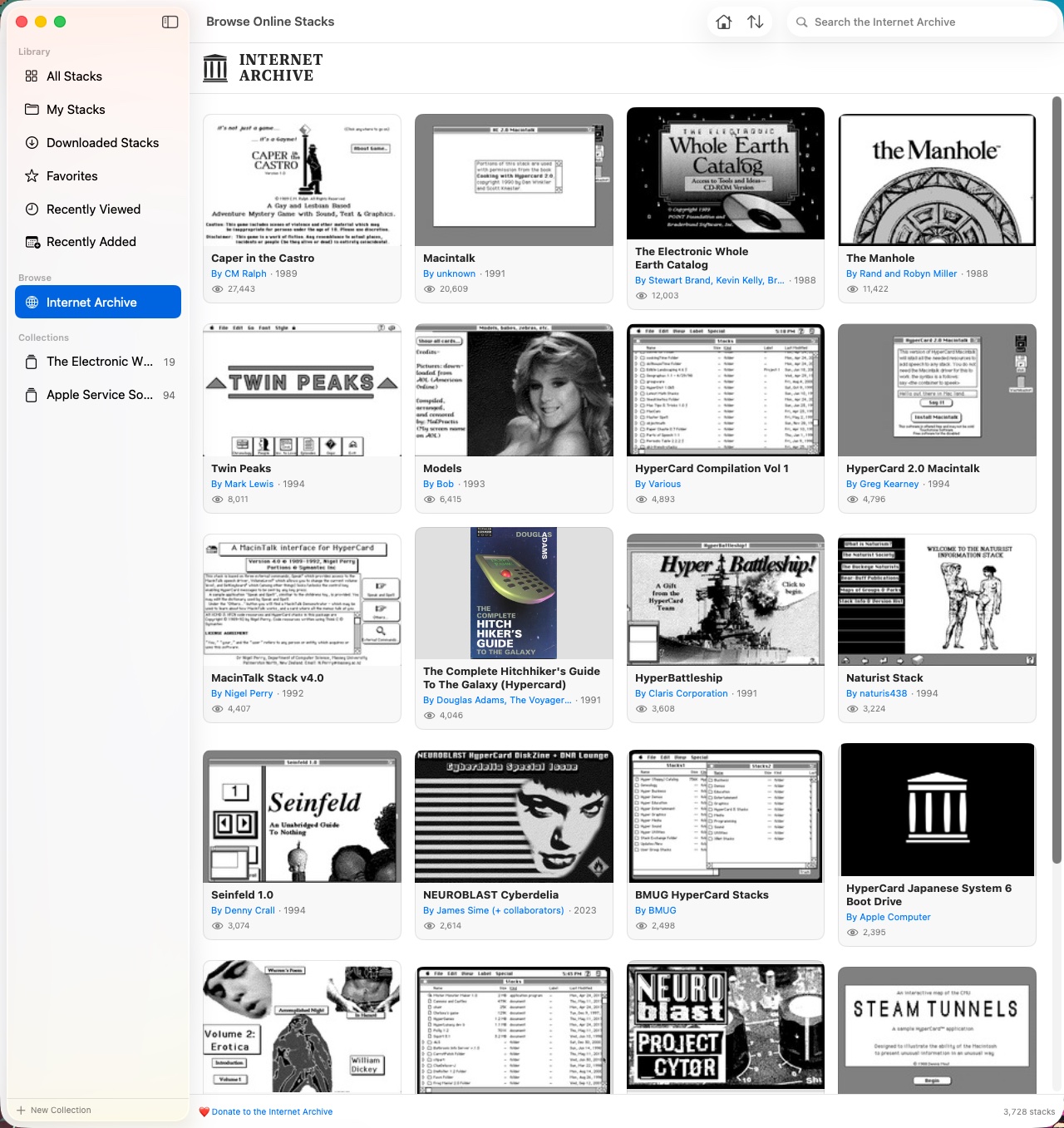
Stacks includes a convenient way to browse stacks from the Internet Archive. There are plenty of stacks to choose from. I recommend the Whole Earth Catalog and the Apple Service manuals. You can also load your own.
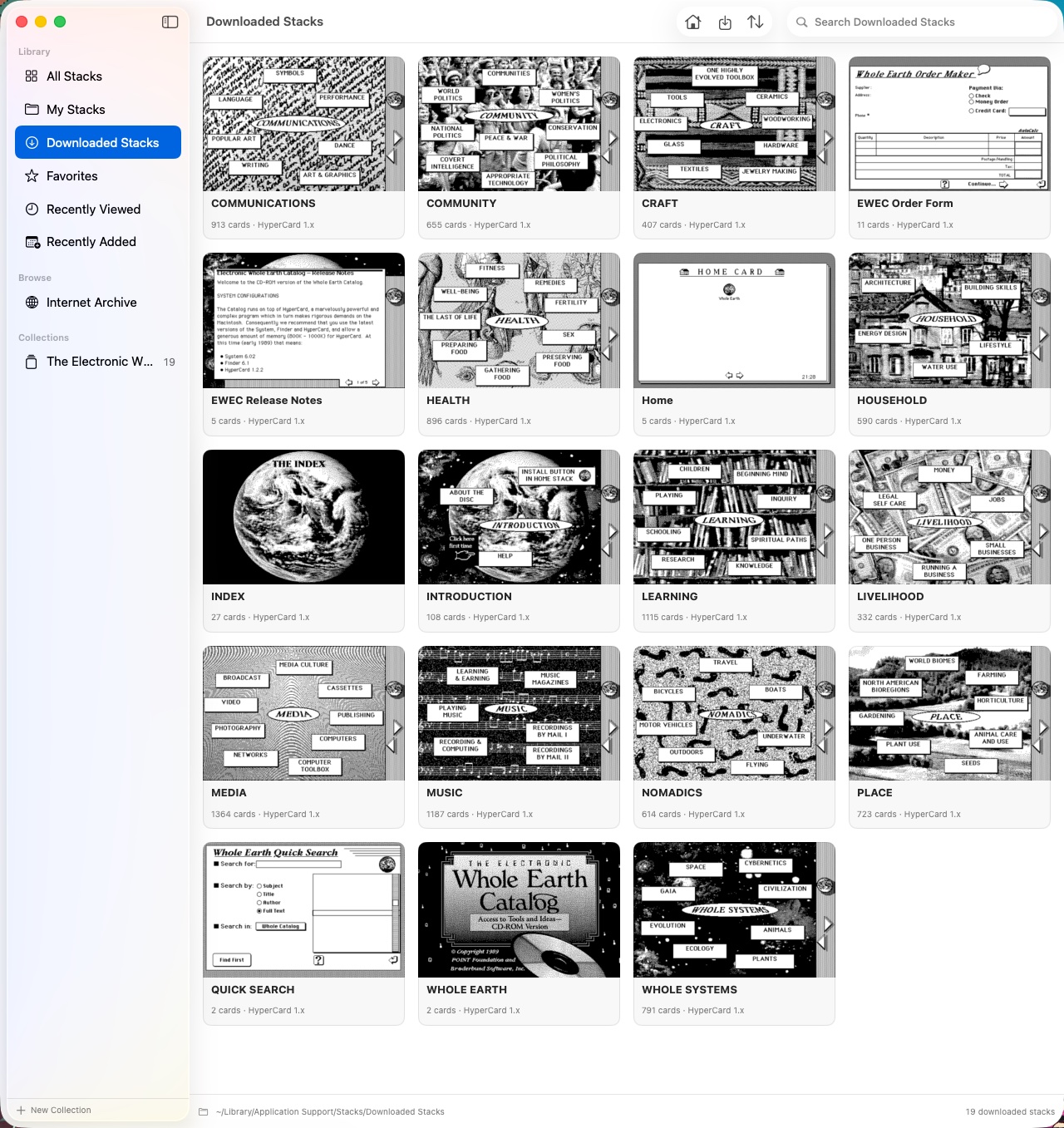
Moving through stacks felt oddly refreshing. There were no ads or pop-ups to be found.
Stacks is a fantastic software preservation tool; it allows users to experience early multimedia content in a very accessible way. You won’t need an emulator or a vintage Mac.
Afterglow
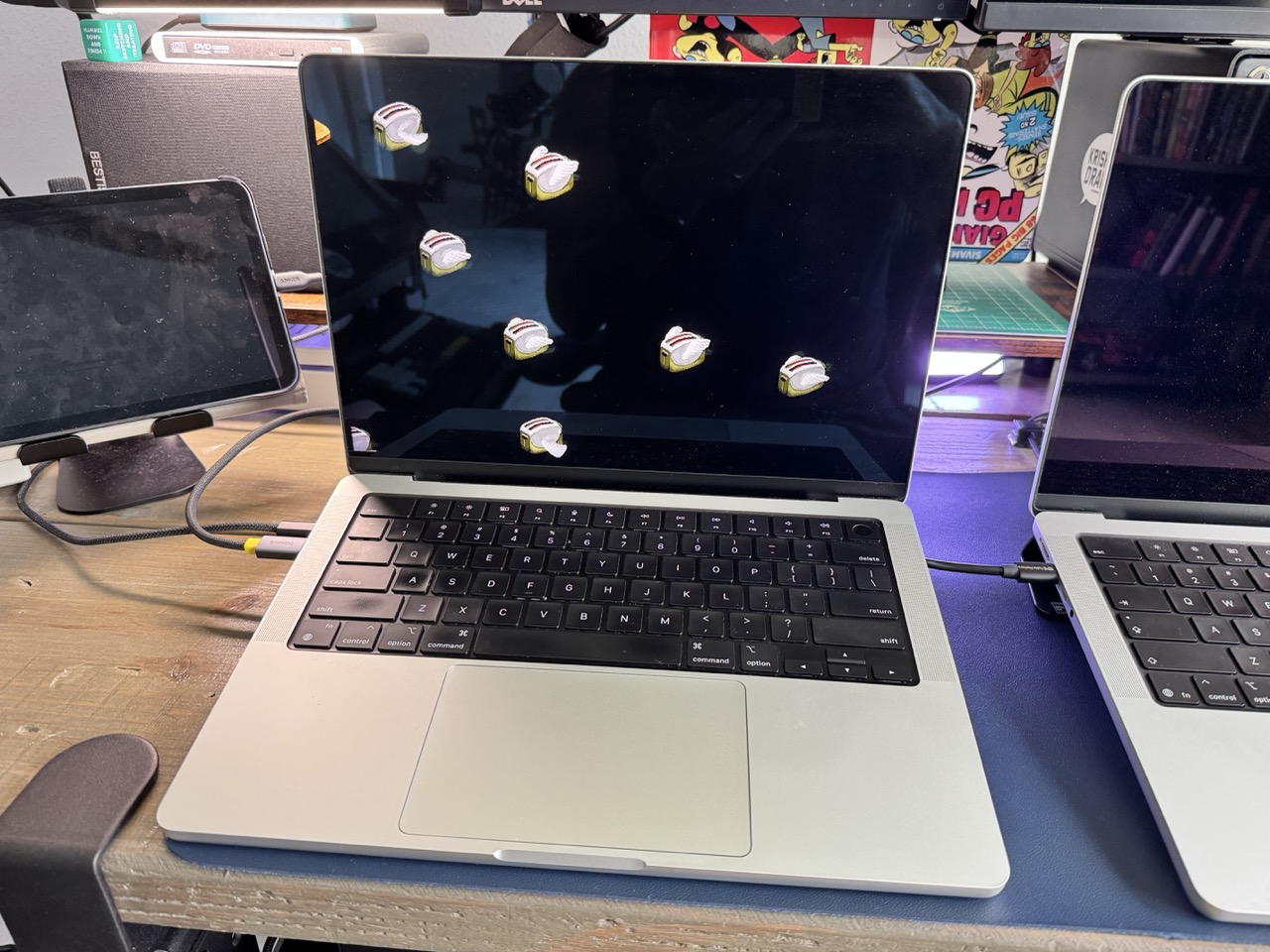
Modern incarnations of After Dark’s Flying Toasters abound for different computing platforms on the Internet. But Afterglow is different. It runs the actual classic Mac OS After Dark modules on your modern Mac. This is not a port or a remake. This is the actual 68K Mac module that you probably had on your Mac LC II.
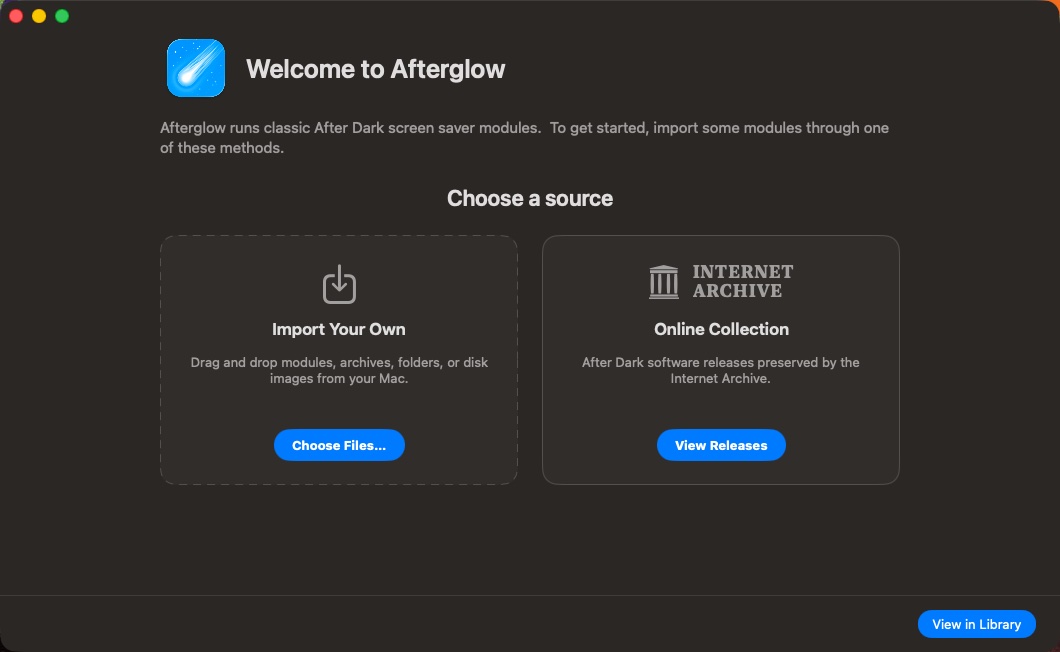
Like Stacks, Afterglow allows users to import their own modules or choose from ones that are available on the Internet Archive.
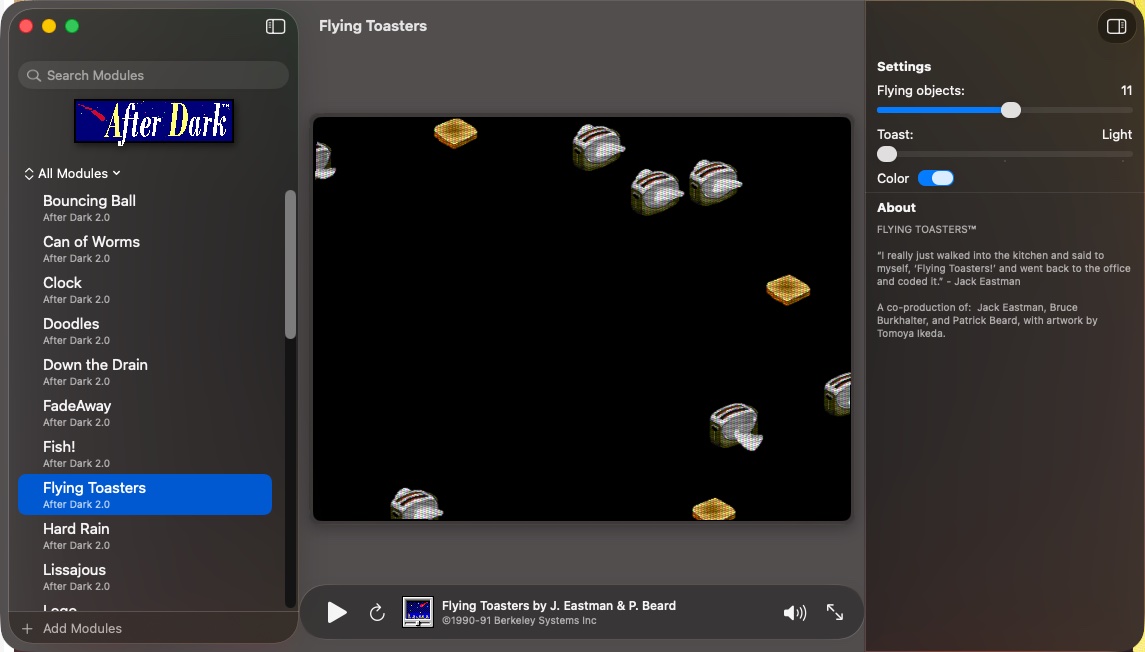
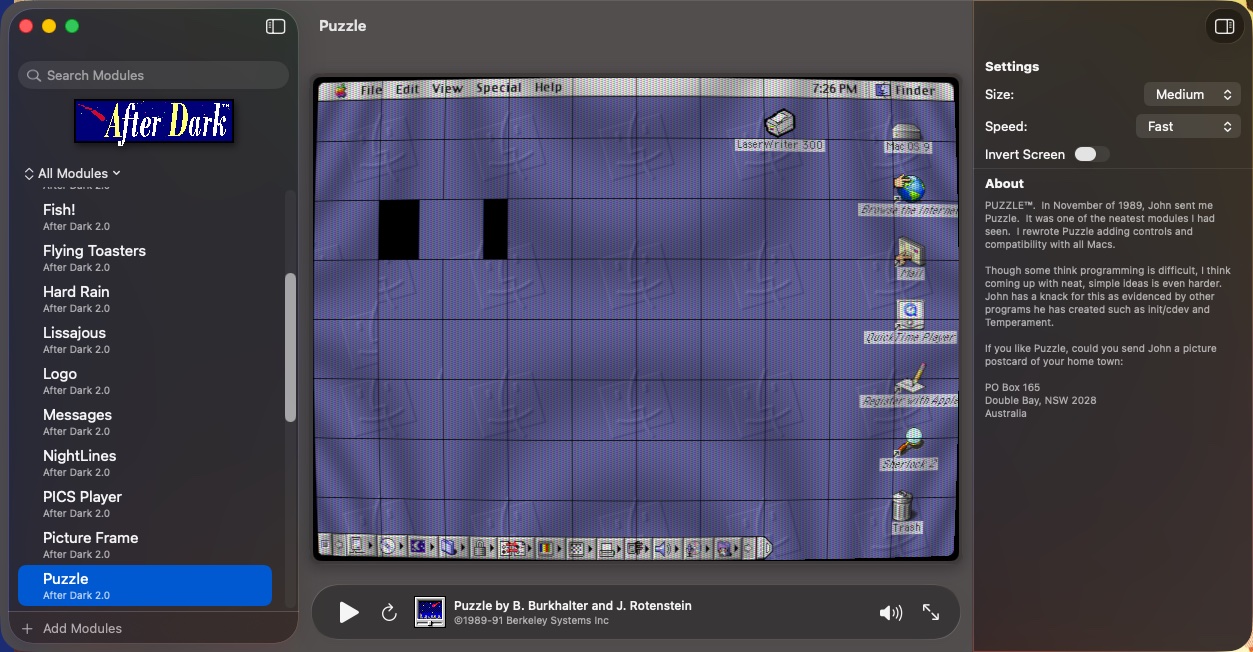
Users can experience all of the modules within a particular After Dark collection by running them within Afterglow’s interface. Each module can be customized via sliders.
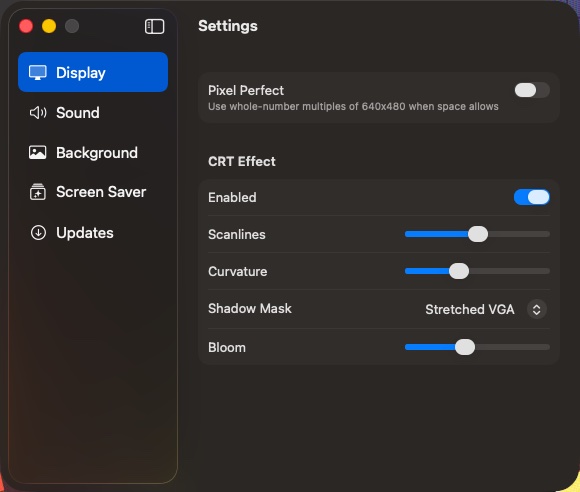
Afterglow will even play sounds that accompany specific modules. Finally, I can hear my Flying Toasters flap their little wings. Huzzah!
If you’re feeling really nostalgic, you can replace your current macOS screensaver with any of the After Dark modules contained within Afterglow. The accompanying sounds won’t play through, which is probably for the best in a work environment.
In my testing, Afterglow works great on a single display. Multi-display support isn’t available yet, but hopefully an update will remedy the situation soon.
Conclusion
Both Stacks and Afterglow are relatively new. As I write this post, both programs still sport a version 1.0 release.
Stacks and Afterglow are both free, which provides a more than compelling reason for Mac users to relive their nostalgia of pre-web computing (or see what all the fuss was about).