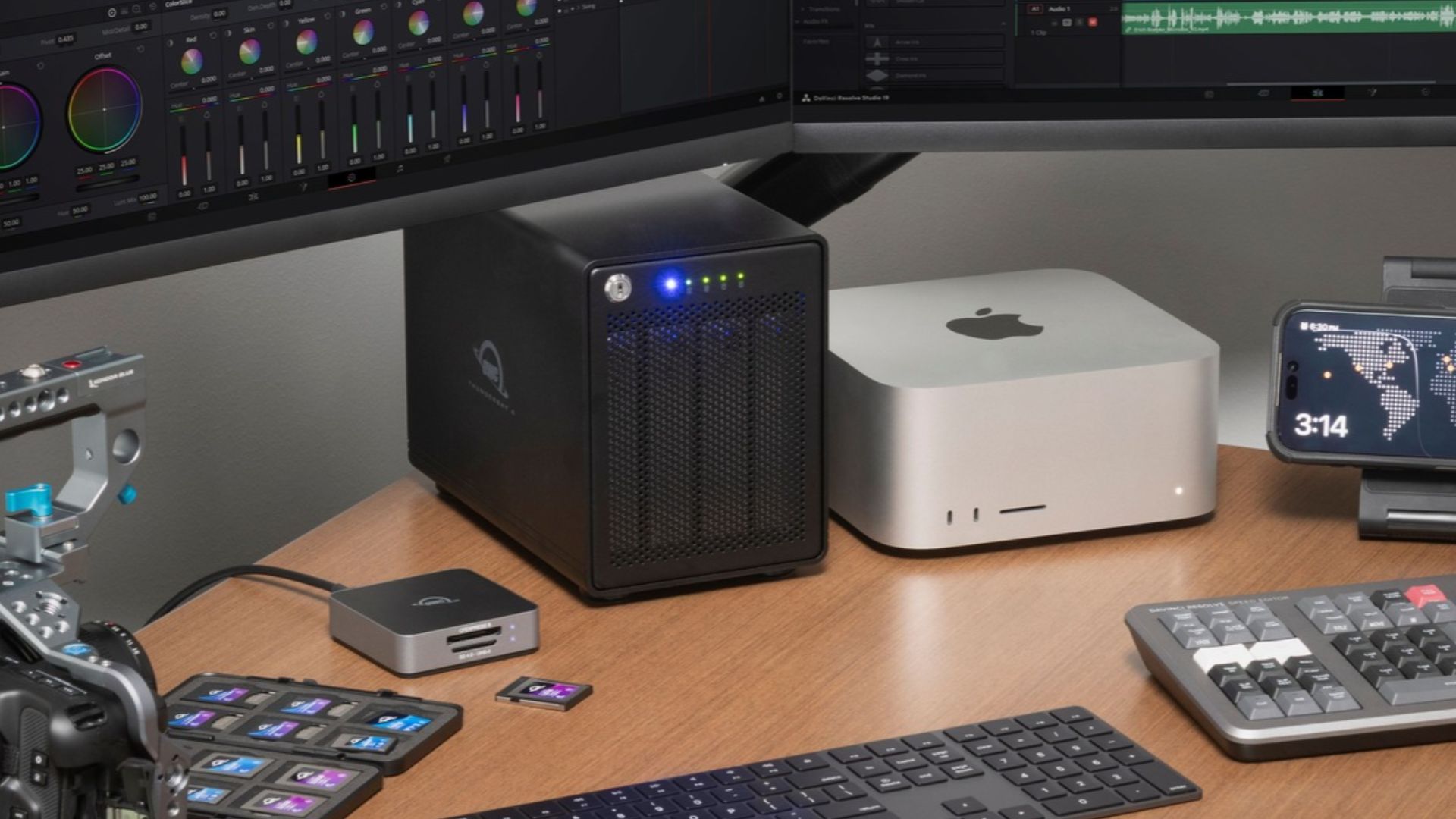
If your Mac media workflow depends on multiple drives—one for backups/long-term storage and another for editing or shuttling—you know that sometimes this can lead to a bit of a dance when it comes to port selection, particularly if your main Mac is a MacBook. If you’re particularly port limited, it could mean unplugging one drive from one of your precious few Thunderbolt ports, to plug in the other to tap into that drive’s full capability.
But the new OWC ThunderBay 4 is here to simplify things. The new ThunderBay 4 is a four-bay RAID solution built atop Thunderbolt 5, delivering all the speed, reliability, and RAID management you’ve come to expect from ThunderBay. but now with a faster downstream Thunderbolt 5 port.
But that’s not all. While the previous ThunderBay 4 topped out at 96TB, the new model holds up to 128TB of raw capacity in a single aluminum enclosure. That’s another 32TB for the RAW files, family videos, and years of finished projects you’d like to keep close at hand.
What Thunderbolt 5 Brings to a Hard Drive Array
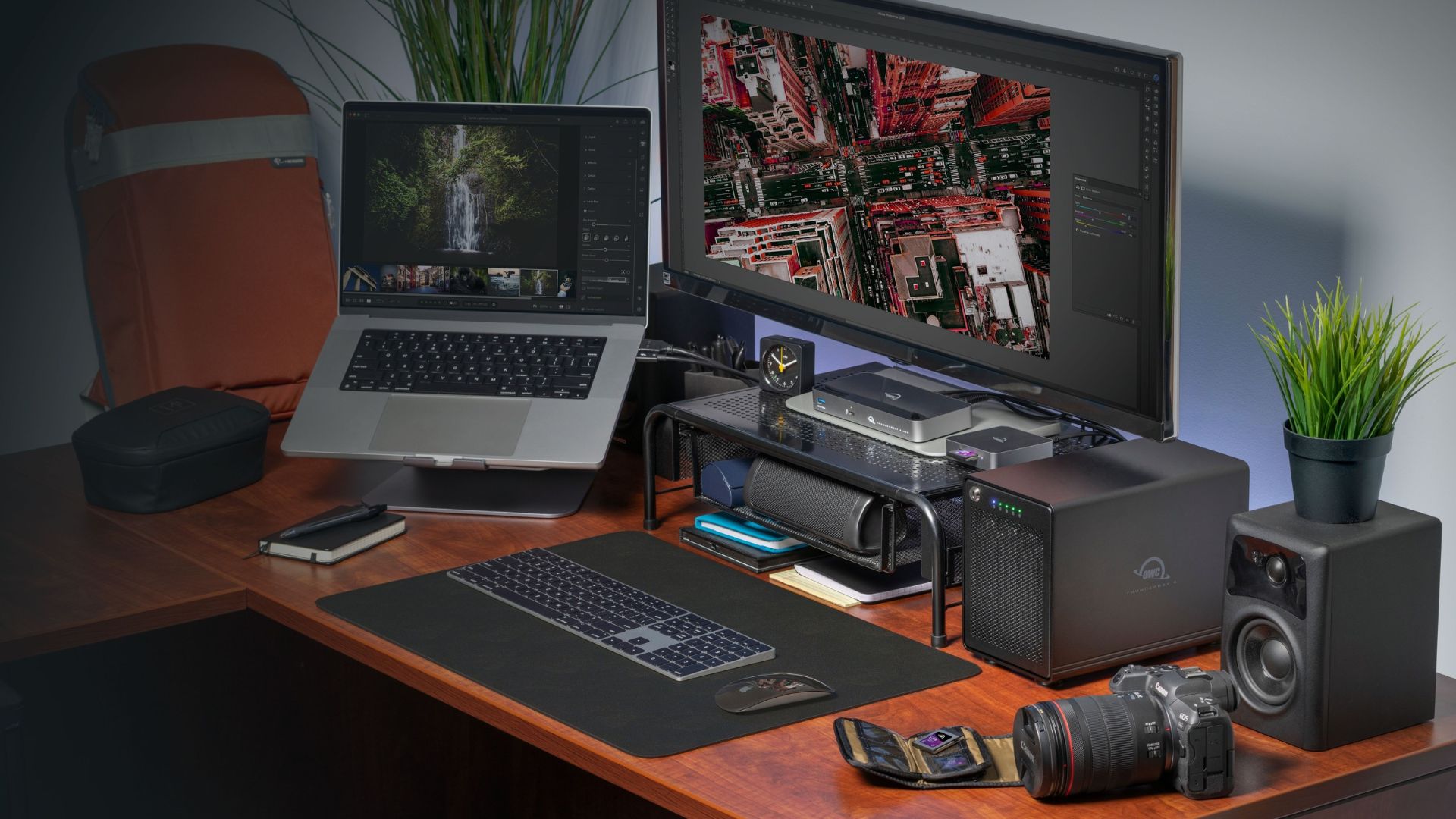
With hard drives installed, the new ThunderBay 4 delivers data speeds up to 1,268MB/s. ThunderBay 4 also supports 2.5″ SATA SSDs at speeds up to 1,703MB/s. But the real upgrade that Thunderbolt 5 brings to ThunderBay 4 is enhanced connectivity.
With the new ThunderBay 4, you can skip the port selection dance. Connect your ThunderBay 4 to one of your Mac’s Thunderbolt 5 ports and when it comes time to shuttle data onto your ThunderBay, simply plug your memory card reader or Thunderbolt 5 SSD like the OWC Envoy Ultra into the ThunderBay 4’s downstream Thunderbolt 5 port. One cable to the Mac gives you access to both drives.
And because Thunderbolt 5 is fully compatible with USB-C and USB4 devices, you can also plug in those devices into ThunderBay 4’s downstream port as well.
How Much Space Do You Get?
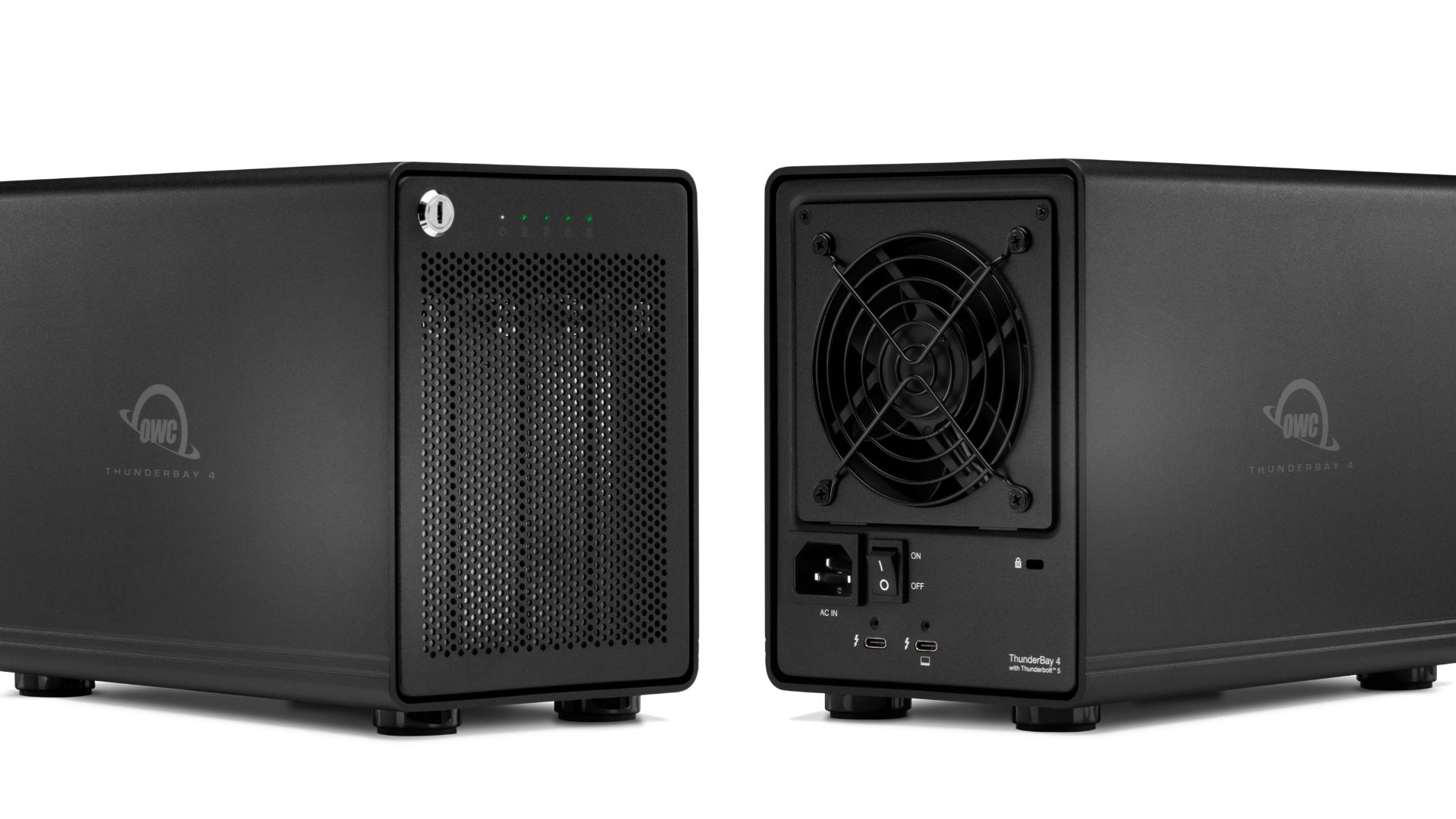
ThunderBay 4 is now available in capacities up to 128TB. Models ordered with storage installed from the factory arrive configured as RAID 5, which lets the array keep working even in the event that one drive fails. In the 128TB configuration, the equivalent of one of the four drives goes toward that protection, leaving about 96TB of usable capacity before formatting. For comparison, the previous 96TB configuration gave you about 72TB in RAID 5. That’s roughly 24TB more usable space with the same protection and the same number of bays.
And if you want to setup your ThunderBay 4 in a different RAID level, OWC SoftRAID 9 makes it easy to do so while monitoring drive health in the background. And if you or your team need remote access, ThunderBay 4 is built to work seamlessly with Strada, allowing you to remotely browse, preview, and edit ThunderBay media without cloud uploads.
Pricing and Availability
The new OWC ThunderBay 4 with Thunderbolt 5 is available for pre-order starting November 10. The empty enclosure starts at $449.99 for those who want to bring their own drives. Preconfigured models start at $1,499.99, with shipments expected to begin the week of November 16.