safari logo and keychain access logo on a macos catalina background

How to Use Safari Keychain on a Mac

Catalina Quick Tip iCloud Keychain is a convenient, time-saving feature. One useful thing it does is keep website login information and credit card information you use with AutoFill in Safari on macOS and iOS. iCloud Keychain also stores account settings, so your Facebook, Twitter, LinkedIn, and other social media accounts can be added automatically to another Mac when you sign...

Powered by OWC

Powered By OWC: Luke Wooten, Owner of Station West Studios

Luke Wooten is the owner of Station West, a recording studio complex located in Nashville, TN. As both a Producer and Engineer, Luke has earned dozens of #1s and multiple awards with artists such as Dierks Bentley, Brad Paisley, The SteelDrivers, and The Louvin Brothers. Over the past 20 years, he has collaborated with producers such as Frank Liddell, Brett Beavers, and Carl Jackson. In 2014 Luke launched Station West Music, an independent publishing company and home to country songwriter Jordan Brooker.

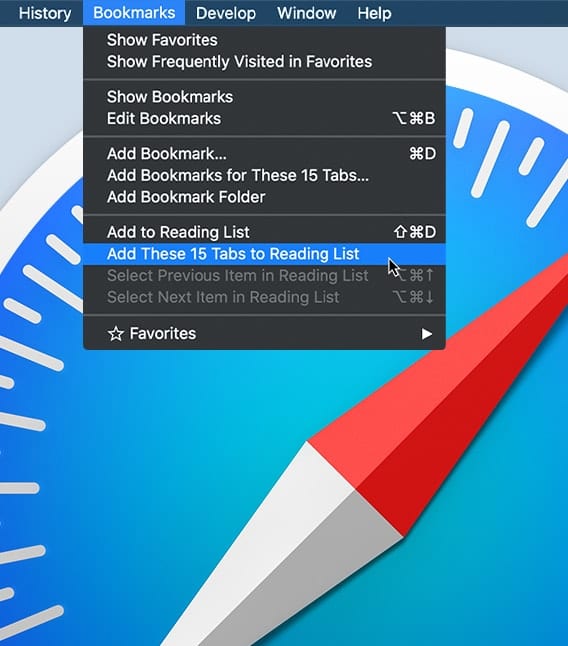
Safari Bookmarks menu with Safari icon in background

How to Manage Tabbed Windows in Safari on a Mac

In macOS’s web browser, Safari, you can create and open multiple tabbed windows. You can rearrange how they’re ordered, close them, or save a group of tabs as a bookmark that you can reopen all at once. Here's how to: • Add a Safari Tab • Close a Safari Tab • Navigate Safari Tabs • Save Safari Tabs

Richard Taylor playing guitar with OWC RADiO logo

OWC RADiO: Richard Taylor – Good Coffee & Podcast Audio

Richard Taylor is a man of many talents. A life-long musician, video producer, editor, post-production supervisor, audio engineer, Apple-certified FCPX Trainer, 15-year podcaster, and host of the Final Cut Pro Radio podcast and host of FCPX TV. Host Cirina Catania interviews Richard about creating great audio for podcasting and much more on this episode of OWC RADiO!

iPad Pro with Finder and Time machine Icons

Use the Finder in macOS Catalina to Back Up an iPhone or iPad

Recently I've noticed a number of software developers taking advantage of macOS Catalina users who previously used iTunes to back up their iPhones and iPads. How are they taking advantage of these folks? By charging up to $100 for apps that essentially perform a function that is built into Catalina. In this article, I'll show you just how easy it is to use the Finder in macOS Catalina to back up an iPhone.

1 290 291 292 1,008
Page 291 of 1008