Kevin Bourke playing guitar

OWC RADiO: Kevin Bourke – Publicity Overview for Media Landscape

Kevin Bourke is the founder and principal of BourkePR, a PR and communications consultancy. He specializes in the media/entertainment, production, post-production and music tech space. Kevin talks with OWC RADiO host, Cirina Catania, about the lessons he’s learned throughout his PR career and how it all started with a passion for music. Listen to this episode now at OWCRADiO.com...
Mac Family Sharing Icon - A Rocket Yard Guide

Guide to Family Sharing: How to Set It Up

Family Sharing is one of the many perks of owning an Apple product: the ability to allow up to six family members to share purchases made in the iTunes/Music Store, App Store, and Books Store, as well as share subscriptions to Apple Music, Apple News+, Apple TV, and Apple Arcade. You can also share the storage space provided by an iCloud storage plan. In this Rocket Yard guide, we’ll explore how to set up Family Sharing on your Mac. Family Sharing works across all Apple devices, allowing you to use a Mac or iOS device to set up and manage Family Sharing, but this guide will concentrate on the process for a Mac.

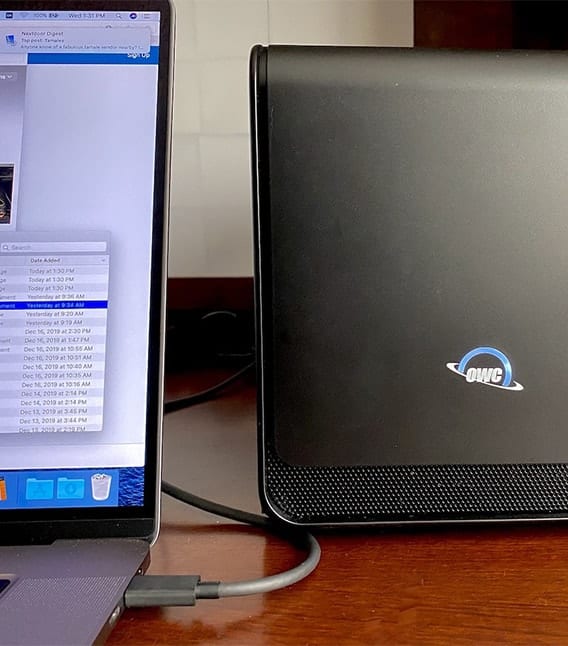
OWC Mercury Helios FX 650 on a desk with a 16-inch MacBook Pro

Turbocharging the 16-inch MacBook Pro with the OWC Mercury Helios FX 650 eGPU

For many professional users, the release of the new Mac Pro is an answer to a lot of requests for a more powerful and expandable Mac in the Apple lineup. But what about those of us who need the portability of the MacBook Pro and still wish to speed up game frame rates and video processing? Fortunately, there’s an answer to expanding these “non-expandable” machines — the OWC Mercury Helios FX 650 eGPU.

iTunes Sore Icon with text saying "iTunes Store"

How to Make the iTunes Store Icon Appear in the macOS Catalina Music App

With macOS Catalina, music, videos, podcasts, and audiobooks are organized into their own dedicated apps — named, appropriately enough, Music, TV, and Podcasts, and Apple Books. You can also access your iTunes Store purchases in the appropriate apps. However, when you open Apple Music, you won’t see a link to the iTunes Store. Why? Perhaps Apple prefers you to subscribe to Apple Music instead of buying songs and albums. Who knows how the tech giant thinks? However, you can make the iTunes Store icon magically reappear. Here’s how:

There’s Still Time to Take Advantage of the Section 179 Tax Break

The New Year is drawing closer, but there is still time for U.S. taxpayers to take advantage of the Section 179 depreciation deduction before 2019 comes to a close. To put it simply, Section 179 allows businesses to deduct the full purchase price of qualifying equipment and/or software purchased or financed during the tax year. That means that if you buy or lease qualifying equipment, you can deduct the full purchase price from your gross income. Taking this deduction isn’t mandatory, but if you don’t take it for the year the equipment is purchased, you don’t get another chance.

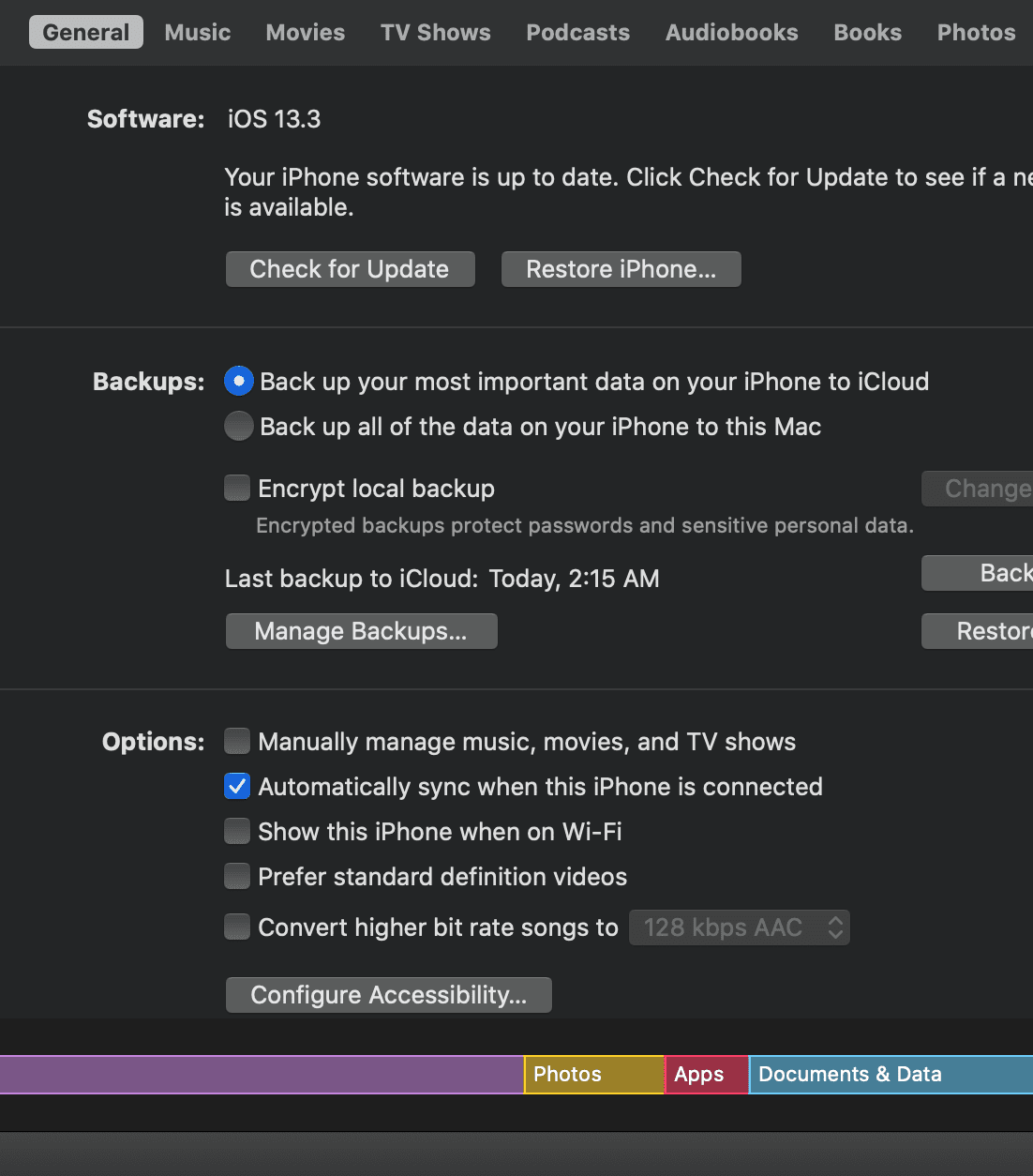
Screen shot of iPhone finder management in masOS Catalina

How to Make Your iPhone and iPad Appear in the macOS Catalina Finder

With macOS Catalina, Apple broke up the iTunes app into three separate apps: Apple Music, Apple TV, and Podcasts. Previously, you could connect iPhones, iPads, and iPod touches to your Mac and their icons would appear in iTunes. No longer. Now that — as well as syncing — is handled entirely in the Finder. To manage your iOS or iPad device in macOS Catalina, here's what you do...

1 303 304 305 1,008
Page 304 of 1008