Using an External Drive as Your Startup Drive: Part 2

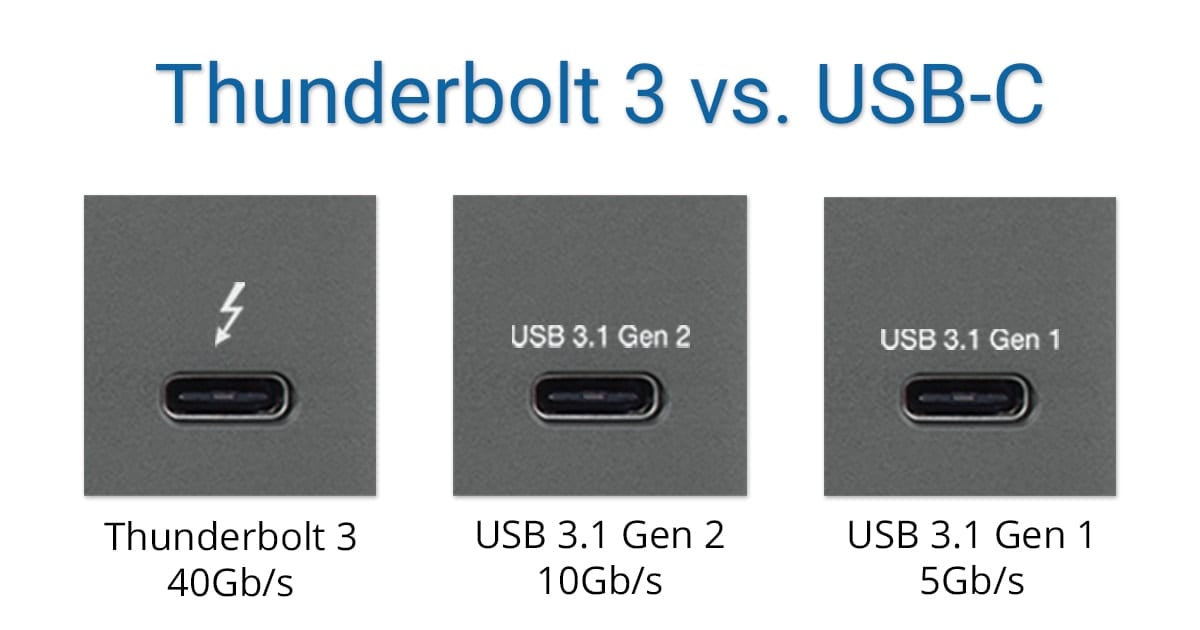
Using an external device as your Mac’s primary startup device can offer a number of advantages, as we outlined in Using an External Drive as Your Startup Drive: Part 1. This can include having increased storage space, faster performance, the ability to make use of a Mac that has a defective internal drive, or any combination of the above. In Using...


Image of Fimmaker Patrick Southern on black background with OWC RADiO logo

OWC RADiO: Patrick Southern – Workflow Architect at Frame.io & Emmy-Winning Editor

Patrick Southern is a Workflow Architect at Frame.io and Editor on the upcoming feature film 'Faith Based,' starring Jason Alexander, Lance Reddick, Margaret Cho, and David Koechner. Patrick moved to Los Angeles from Oklahoma in 2012 to pursue his filmmaking goals. OWC Host, Cirina Catania, has been watching his rise from Assistant Editor on the OJ Simpson documentaries, to Editor on branded videos and the independent feature, " Faith-Based," to workflow architect at Frame iO. To what does he attribute his success, and what can other aspiring creatives take away from Patrick's story? Follow along as Patrick and Cirina have a lively conversation about life in the filmmaking lane.

How to Implement Assistive Access in macOS

I recently purchased a new Mac. I used Migration Assistant to move over apps, preferences, etc. to it. However, whenever I tried to launch an AppleScript, it said I couldn’t because the utility didn’t have permission for assistive access on my Mac. You may run across this occasionally. Sometimes you have to control apps by manipulating their user interfaces with special AppleScript scripts that mimic an active user via the system’s accessibility frameworks. Make sure you trust any app or tool that asks you to do this. If you do have that trust, here's how.

How to Make a Screen Recording in macOS Mojave and Catalina

The Screenshot app in macOS Mojave — and now macOS Catalina — provides on-screen controls for easy access to every screenshot option and new video recording capabilities.  Press Command + Shift + 5 on your keyboard to bring up the...

Make Your iPhone Keyboard Work for You

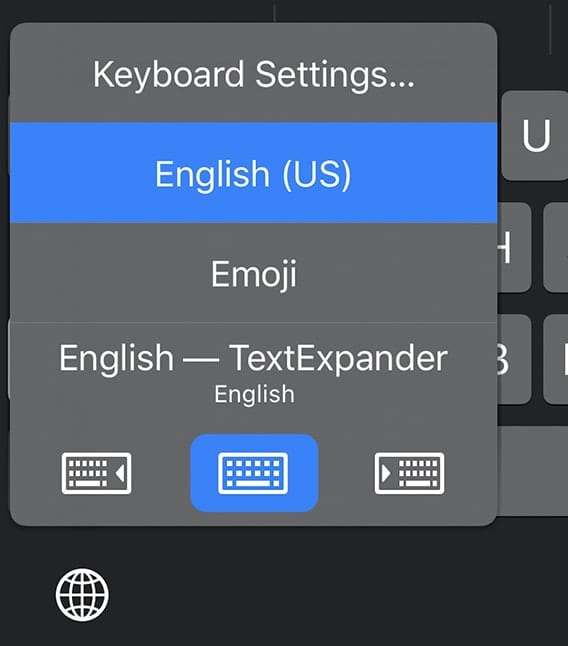
The iPhone is a surprisingly versatile device thanks to apps, and the one primary method of inputting data is still the virtual keyboard. While typing by tapping on a screen was a novelty in 2007 when the iPhone first appeared, it's now the default input method for the majority of smartphones. Today we'll look at some tips that make typing on the iPhone easier.

1 310 311 312 1,008
Page 311 of 1008