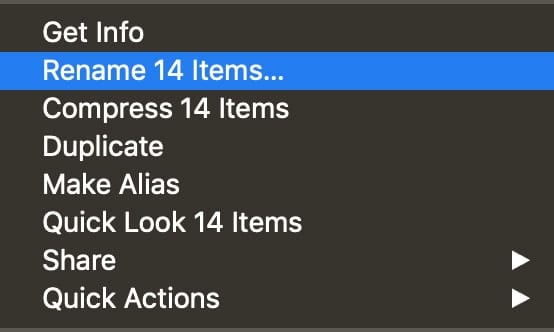
Rename Items

How to Rename Multiple Files, Folders, and Disks in macOS

It’s easy to rename a single file, folder, or disk with macOS. But what if you need to rename multiple items? Thankfully, this is relatively easy as well. Here’s how: Select the items in a Finder window or on the desktop, then Control-click one of them.  In the shortcut menu, select Rename Items. In the pop-up menu below Rename Finder...

7 Mac Mail Tips

For many of us, the Mac's Mail app is the most often used app in our collection. It has so many features that for most of us, we only touch the surface of what it can do. In this Rocket...

How to Find Duplicate Passwords in iCloud Keychain

Yesterday was World Password Day, and we reminded readers of The Rocket Yard of several important things to remember about creating and maintaining passwords. One of the key points of our post was to use multiple passwords -- in other...

1 356 357 358 1,008
Page 357 of 1008