Can of spam crossed out with a red circle and text saying "say no to spam"

Spam Control: Chapter 3 – Blocking or Reducing Spam Email on iOS/iPadOS Devices

So far in this series on spam control, we've covered the basics of what spam is and why it's bad, then followed up with methods of reducing spam text messages. Today we're going to dive into how to block spam email (or at least try to reduce the quantities of spam) using your iOS (iPhone or iPod touch) and iPadOS devices. The series concludes next week with an article on spam control for macOS. Ready? Grab your iPhone, iPod touch, or iPad, and let's get to work.

Mac PDF icon with magnifying glass on a transparent background

How to Use 🔎 Quick Look in macOS (Leopard and Later)

macOS Quick Look is a wonderful feature. Introduced on June 11, 2007, along with Mac OS X 10.5 Leopard. Quick Look can preview files such as Pages, Keynote, Numbers, Microsoft Office, PDFs, HTML, QuickTime readable media, plain text, and RTF text documents, and RAW camera images.

Pro Audio Distorion Plugins

Pro Audio: The Best Distortion Plugins

In my previous Pro Audio series article, I shared with you some of my favorite chorus effect plugins. In this post, I’ll list some popular distortion plugins. As always, I encourage you to explore the stock distortion plugins included with your DAW, because you may find that they achieve the sound you're looking for (and it won't cost you a penny more). For example, Avid's Lo-Fi is included in Pro Tools and you've probably heard that on a number of top 40 records, great free plugin.

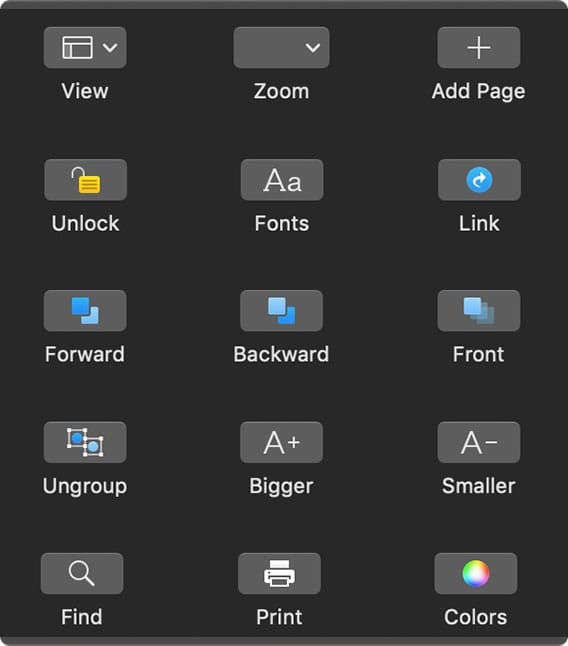
Touch Bar options for Pages

How to Customize MacBook Pro Touch Bar

Some of Apple’s MacBook Pros (including the 16-incher) and the most recent MacBook Air come with the controversial Touch Bar. Some folks don't like it, but I'm a fan. If you are, too, you can customize it. If you’re not...

macOS Finder logo with Tips logo

10 Fantastic Mac Finder Tips

They may not all be fantastic, but these 10 Finder tips can help you become a master of Finder finesse. The Finder, of course, is the main way you find, organize, and make use of files on your Mac. These...

1 293 294 295 1,008
Page 294 of 1008