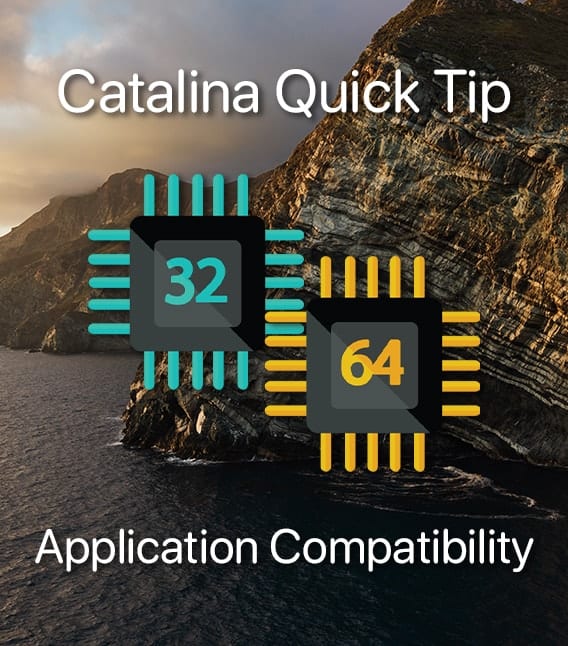
Catalina Isalnd with text "catalina quick tips: application compatibility" and images of 32-bit and 64-bit symbols

Catalina Quick Tip: How to See If an App Is Incompatible (Not 64-Bit)

macOS Catalina is 64-bit only. Apple has been phasing out 32-bit apps for years, and this operating system update takes the final step. You need to know which of your apps will work with Catalina and which ones don’t. To see if a particular software program is 32-bit or 64-bit, click the Finder icon (the blue/white smiley face in the...
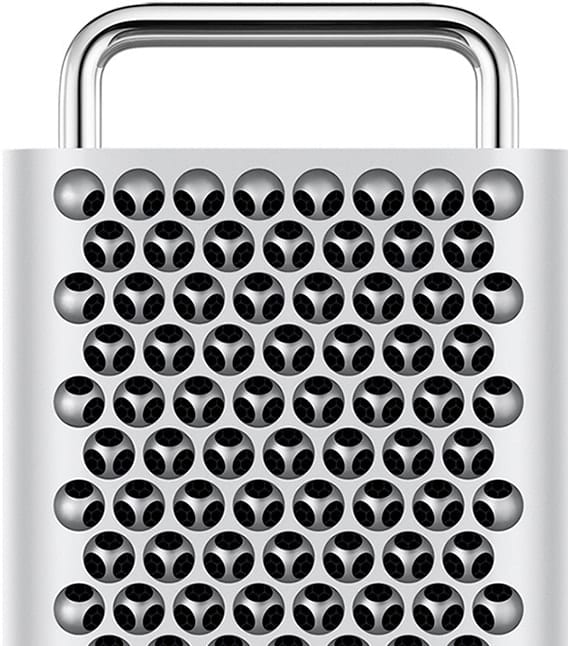

FCC Approves New Mac Pro

It doesn't seem like a big deal, but for those waiting on the new Mac Pro, it is. There wasn't any doubt that Apple was going to be granted FCC approval for its latest and greatest powerhouse, but it's the...

Mac Migration Assistant

How to Use Migration Assistant with macOS Catalina

If you just upgraded to a new Mac, or used the clean install method to upgrade to macOS Catalina, chances are you’re going to need to copy information from your old Mac, or older Mac OS, to your upgraded Mac. There...

Apple Releases Newest “Pro” Product – AirPods Pro

It was bound to happen. With Apple on an accelerated "Pro" kick in recent years, AirPods Pro is the latest product line to earn the moniker. It joins the ranks of iMac Pro (2017), iPad Pro (2018), iPhone 11 Pro...

Screen Time

Catalina Quick Tip: How to Use Screen Time

macOS Catalina brings Screen Time, a previous iOS-only feature, to the Mac. It creates usage reports that show you how much time is being spent on your computer, which apps are used most, and how many notifications are received.  With...

1 315 316 317 1,008
Page 316 of 1008