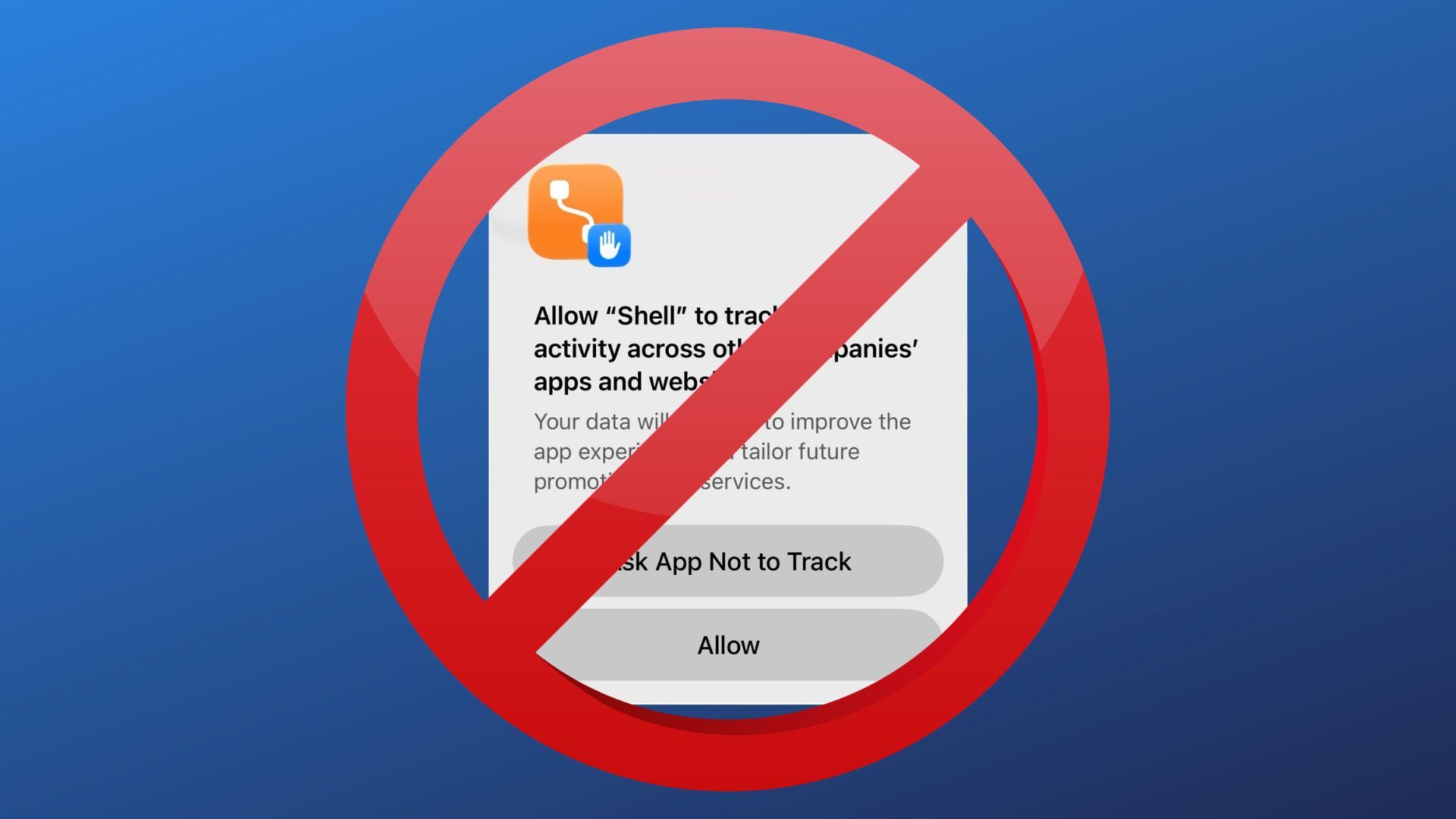
You know those super annoying popups that occur on certain apps when you open them the first time after an install or reinstall?
The ones asking if they can, you know, just chill in the background and snoop on all the interesting things you’re doing on other apps and websites to somehow “improve the experience” in their app but are really designed to help them target ads better and sell your data to their scummy ad partners?
If you hate those as much as I do, and you always click “Ask App Not to Track” and you’d rather not deal with that annoying extra step anymore, there’s a setting for that!
Pop into Settings, head to Privacy & Security, then tap Tracking up there near the top and then toggle the switch next to Allow Apps to Request to Track to off. This setting is also present on iPad as well.
Now you won’t get that pop up anymore and all future requests will be automatically denied because honestly, what business is it of the game Coffee Pool that I’ve spent way too long over the last week looking for a pair of good but not outrageously expensive loafers?
Other Topics You Might Like: