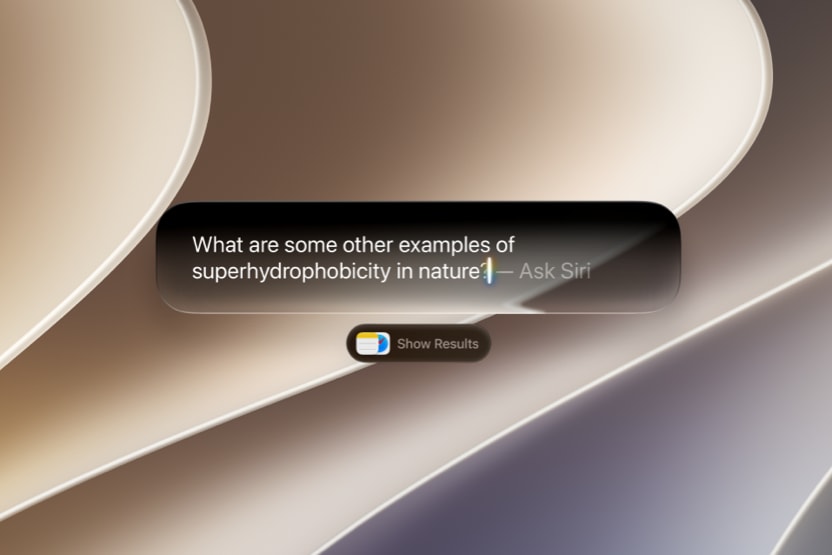
Earlier this week at its annual WWDC keynote, Apple unveiled a ton of new AI features that are coming later this year in macOS 27 Golden Gate. Chief among them is the new-and-improved Siri AI, an all-new version of the Apple assistant rebuilt from the ground up atop Apple Foundation Models, themselves built with the help of Google’s Gemini models. For all the details on all the new features and how they’ll work check out our coverage of those announcements here.
But here’s the thing: not all Macs support Apple Intelligence or these new features in macOS Golden Gate. So, if you’re excited to try them out and are curious if you have the right Mac to do so, read on below.
Can Apple Intelligence run on Intel Macs?
No. Apple Intelligence is supported only on Macs powered by Apple Silicon. If your Mac has an Intel processor, it is time to upgrade if you want the latest Apple Intelligence features. If it has an M-Series Chip like the M1 or higher, you will get a version of what you saw in the WWDC Keynote when Apple rolls it out.
Keep in mind: not all the features you saw at WWDC will be released the first day macOS Golden Gate is available. Some features may be released in public beta, and then walked back if Apple finds problems with them, and some may initially work on earlier architectures of Apple Silicon only to be deleted from official releases if Apple determines that the experience is inferior.
Do you need an M3 or later chip for Apple Intelligence?
No. Apple Intelligence runs on all M1 and newer Macs. However, it’s important to note that you likely won’t get all of the previewed new features on day one no matter what processor or memory configuration you have. The advantage newer chips like M3 and later provide is improved performance for AI tasks due to advancements in the Neural Engine, GPU, and memory bandwidth.
But remember, there is no guarantee that every M-Series processor paired with 8 GB of RAM will get every feature. Part of the purpose of public betas is to determine which features can safely be handled under a massive variety of hardware configurations and workloads.
When you bought a Mac, you benefitted from Apple’s commitment to ensuring you get as many new features for as long as possible insofar as they don’t interfere with your existing experience. What good would a shiny new macOS Golden Gate-only ML/AI task be if it crashed your system while you used it during a Final Cut Pro X automatic dialogue transcription? That’s precisely why your Mac will get everything it possibly can handle. What does that mean? It is too early to know.
Can Apple Intelligence run entirely on your Mac?
No. While simple tasks run entirely on-device, more complex ones route through Private Cloud Compute.
Why is on-device AI important?
On-device AI is central to Apple’s approach because it delivers three key benefits:
• Speed: Processing happens locally. No network query means faster response times.
• Privacy: If it doesn’t leave your device, it isn’t available to the greater internet, though Apple built its Private Cloud Compute infrastructure to provide safeguards for any data that is transmitted to the cloud for complex tasks.
• Reliability: Many features work even without an internet connection.
Will older Macs still get Apple Intelligence features?
Yes. Every Mac with Apple Silicon (M1 or newer) can access Apple Intelligence. But remember: Apple Intelligence is not one feature. Older systems may rely more on cloud processing for complex tasks; making them slower or unavailable in real-time or near real-time. Newer systems with more memory and processing power can handle more of those tasks locally.
Keep in mind: not all the features you saw at WWDC will be released the first day macOS Golden Gate is available. Some features may be released in public beta, and then walked back if Apple finds problems with them, and some may initially work on earlier architectures of Apple Silicon only to be deleted from official releases if Apple determines that the experience is inferior.
What is Private Cloud Compute?
Private Cloud Compute is Apple’s secure cloud infrastructure designed specifically for Apple Intelligence. When a request exceeds what can be handled on-device, it is processed on Apple-managed servers built with Apple silicon. Apple states that only the minimum required data is used, and it is not stored after the request is completed. This allows Apple to extend AI capabilities beyond local hardware limits while maintaining its privacy standards.
Did Google Make Private Cloud Compute?
No. Google is no doubt an important partner in Apple Intelligence. Not only were the new Apple Foundation Models custom-built in collaboration with Google’s Gemini models, but Apple has also announced an expansion of Private Cloud Compute beyond its own data centers. That means part of Private Cloud Compute will run on Google Cloud systems. However, the privacy architecture wrapping the Apple Intelligence models and any data sent to Private Cloud Compute is entirely Apple’s own.
Other Topics You Might Like:
 Are Apple’s New M5 MacBook Air and MacBook Pro Laptops Really More Expensive? It Depends on How You Look at It
 macOS 26 Tahoe is Here: What’s New and Early Impressions
 Beyond the AI Hype: The Boring Updates We Actually Want in macOS 16 at WWDC 2025
 First Wave of Apple Intelligence Features Now Available on Mac, iPhone, and iPad