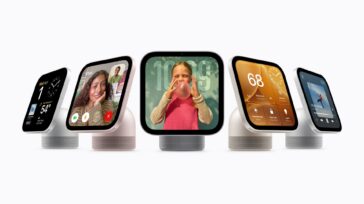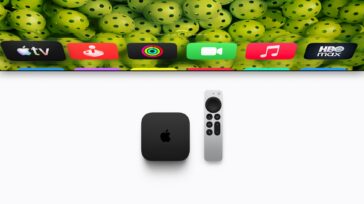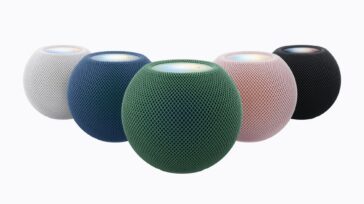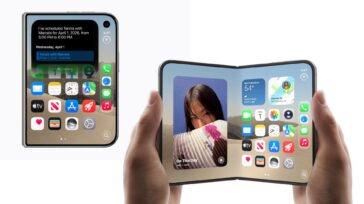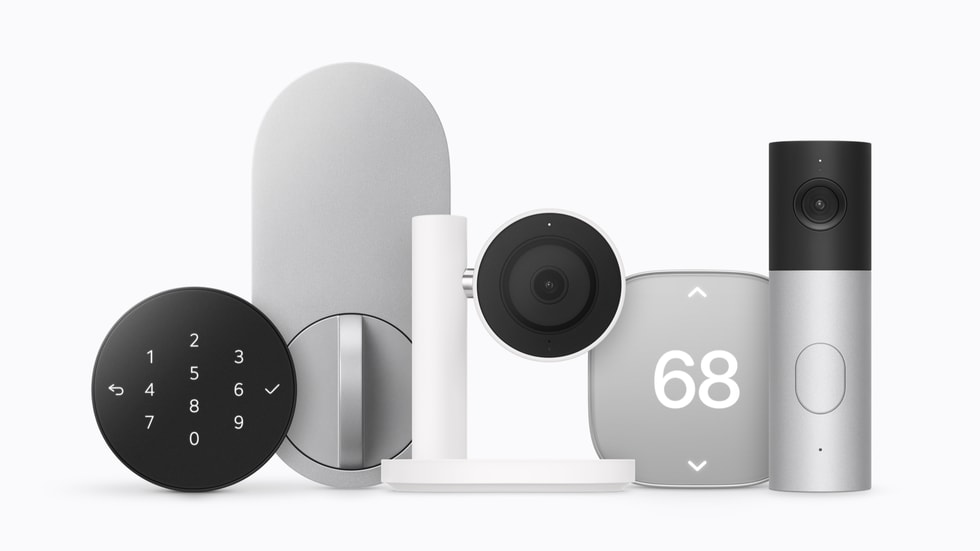
Apple announced its unified vision for the smart home today, with the new HomeView serving as a central portal and the new Apple Home Collection serving as the foundation.
The Apple Home Collection represents Apple’s first push into smart home devices—though each device is branded under a partner’s name—and includes at least one new product in each of the major smart home categories: Video Doorbells, Cameras, Deadbolts, and Thermostats.
Apple designed the collection in partnership with both LG and Schneider Electric and each product is designed to be simple to set up and easy to manage solely through the Apple Home app and the new Apple HomeView, while featuring a “clean, minimal aesthetic and premium materials.”
Simple Setup
One of the biggest frustrations with smart home devices over the years has been setup. That’s because these products are usually made by a third-party that usually requires its own app during setup before you get into the process of establishing connection with the smart home platform (Apple Home, Alexa, Google Home etc.) that you actually want to use it with.
If you’ve installed as many smart bulbs, locks, and cameras as I have, you know that a connection hiccup of some kind is to be expected. With Apple Home Collection, Apple is hoping to offer its customers products that avoid the hassle of multi-step and multi-platform connections.
We all thought (hoped) that the release of the Matter standard would solve all of these problems. Without getting too in-depth here, Matter promises a single connection that talks to all smart home platforms. Sometimes it works perfectly. Many other times it’s just another step in the setup process that often doesn’t work or stops working.
Apple says it is building upon Matter certification with the Apple Home Collection and says this lineup is fully integrated with Apple Home and each protects your data with full, end-to-end encryption.
Each Apple Home Collection product can be setup “starting with a single tap with iPhone,” Apple says, and doesn’t require the use of a separate app or login, both during setup or afterward. Everything happens in Apple Home.
With that single tap, Apple says the smart home device is immediately added to Apple Home in a setup process as quick and simple as setting up a HomePod. Apple notes that each Apple Home Collection device supports Thread, which helps it maintain connectivity even in the event of Wi-Fi connection drops.
Plus—huge bonus here—the products also automatically update their network credentials if you change your home Wi-Fi.
The Collection
Doorbell and Cameras
Apple worked with LG to develop a video doorbell, a floodlight camera, an outdoor camera, and an indoor camera.
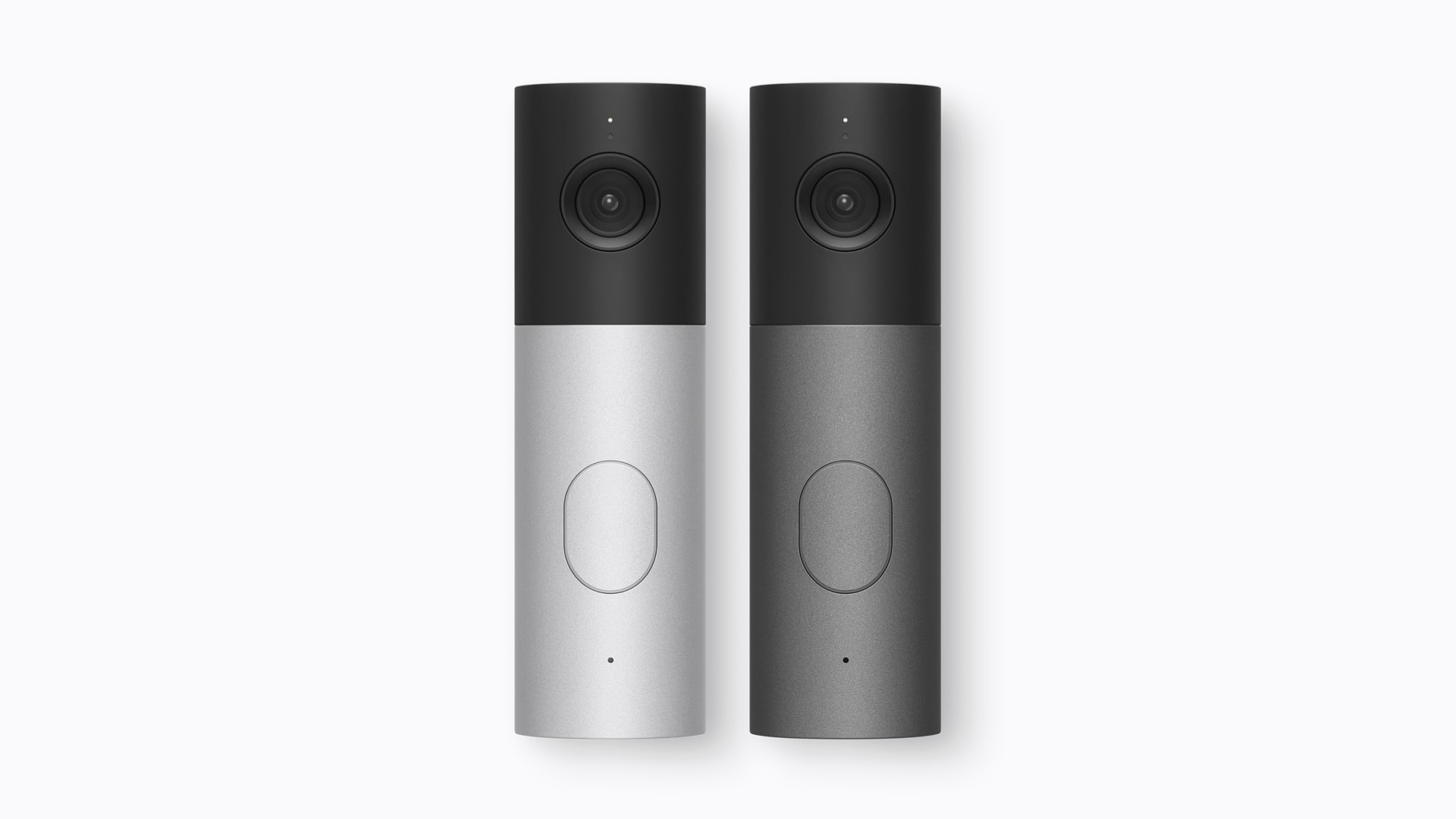
- LG Video Doorbell, $249.95: This doorbell offers a unique feature: dual cameras that capture separate views of visitors and packages, allowing you to switch between the front and bottom camera views seamlessly. The doorbell also features a built-in spotlight and a chime that plays through HomeView, HomePod, and HomePod mini. The front camera captures 2.5K resolution video, and the bottom camera captures full HD resolution.
- LG Floodlight Cam, $399.95: Features adaptive dual floodlights that activate automatically when motion is detected and low-light color night vision that preserves clarity in darker conditions.
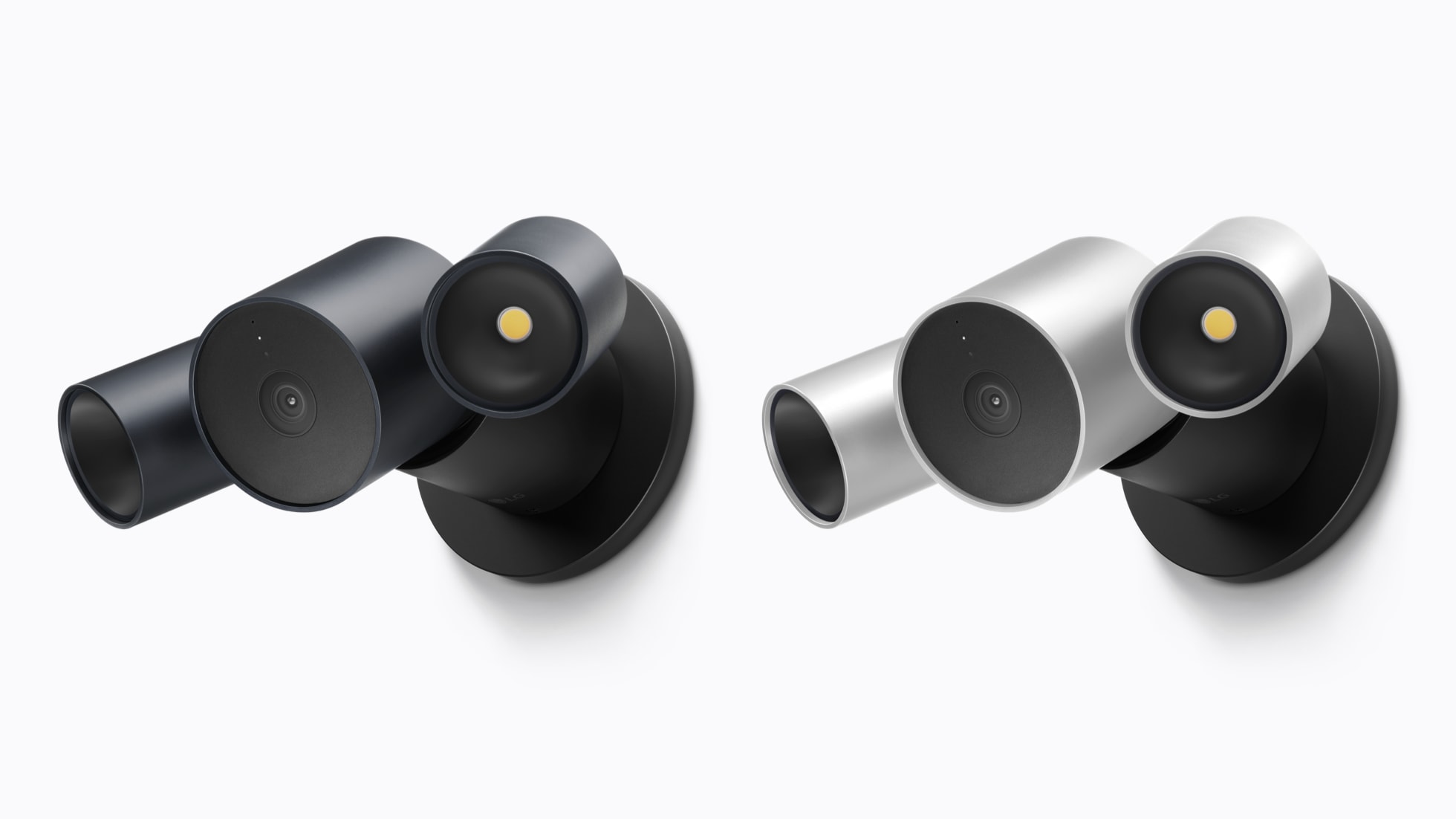
- LG Outdoor Cam, $299.95: Also offers low-light color night vision and can be easily angled with simple self-install.
- LG Indoor Cam, $199.95: This also offers a unique new idea on in-home monitoring. The camera tilts upward when you’re out of the house, allowing you to monitor what’s going on while you’re away, but once you return, it automatically tilts downward to stop monitoring. In Apple Home, you can also tilt the camera manually.
Smart Deadbolt
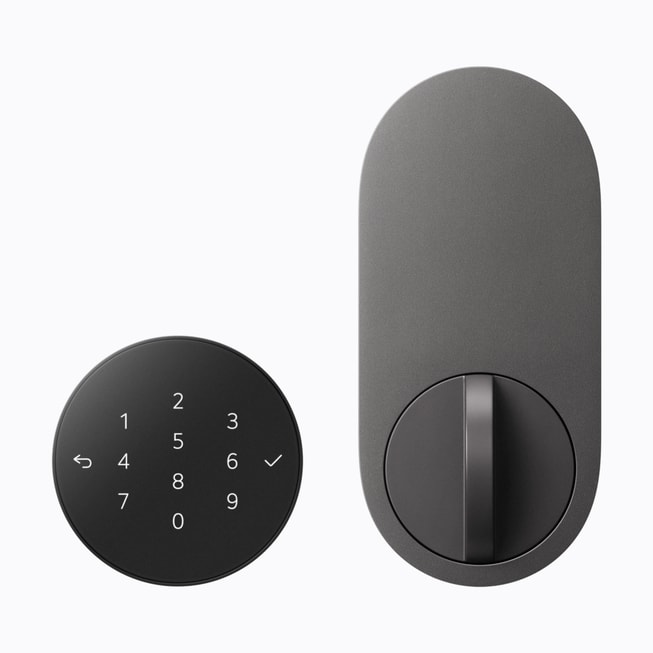
Apple also partnered with LG to create the LG Smart Deadbolt Lock, $349.95. Like similar offerings from Aqara, the LG Smart Deadbolt uses Ultra Wideband technology to automatically unlock your door when it senses you are returning home.
Whenever you walk up to the outside of the door with a compatible iPhone or Apple Watch, the deadbolt unlatches. You can also tap the lock with an iPhone or Apple Watch, use the integrated keypad, or insert a key into the hidden backup key slot to unlock the door. Control
Control and management of the lock are done through Apple Home and you can also share guest access directly through the Home app.
You can even pair the LG Smart Deadbolt Lock with the LG Video Doorbell and have them work as a system. This allows you to see who is at the door and unlock the door in a single view by asking Siri, Apple says.
The lock is Matter compatible and supports Aliro, allowing it work entirely locally so you can continue to access core functions of the lock even without an internet connection.
Thermostat
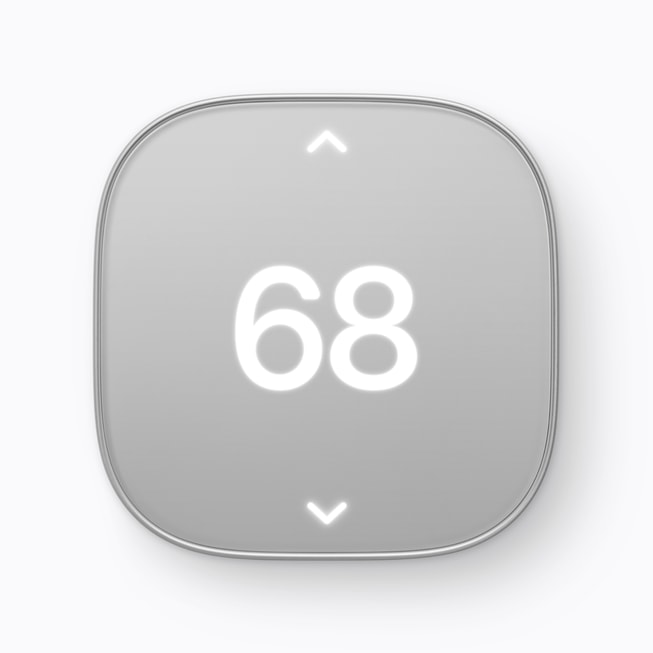
Apple worked with Scheinder Electric and LG to create two new smart thermostats:
- Schneider Home Smart Thermostat, $199.95
- LG Smart Thermostat, $199.95
- Temperature sensors for both thermostats, $39.95
The difference between the thermostats is largely cosmetic. The LG device is circular, while the Schneider device is a squircle. Both feature a very minimalist design with controls and the display peeking through frosted glass fronts.
Both devices also use on-device intelligence from iPhone to use Adaptive Temperature in the Home app to automatically adjust the thermostats based on whether someone is at home, a scene is enabled, etc. Both thermostats can also detect temperature and humidity in multiple rooms using dedicated sensors (sold separately) or by using sensors built into HomeView, HomePod, and HomePod mini.
Installation and Availability
Apple will be offering professional installation for those customers who prefer to have these accessories installed for them. Installation is being handled by ADT.
The Apple Home Collection will be available starting in December.