Apple today formally unveiled its biggest push into the smart home market yet with refreshed products powered by the newly launched Siri AI and headlined by the new Apple HomeView device.
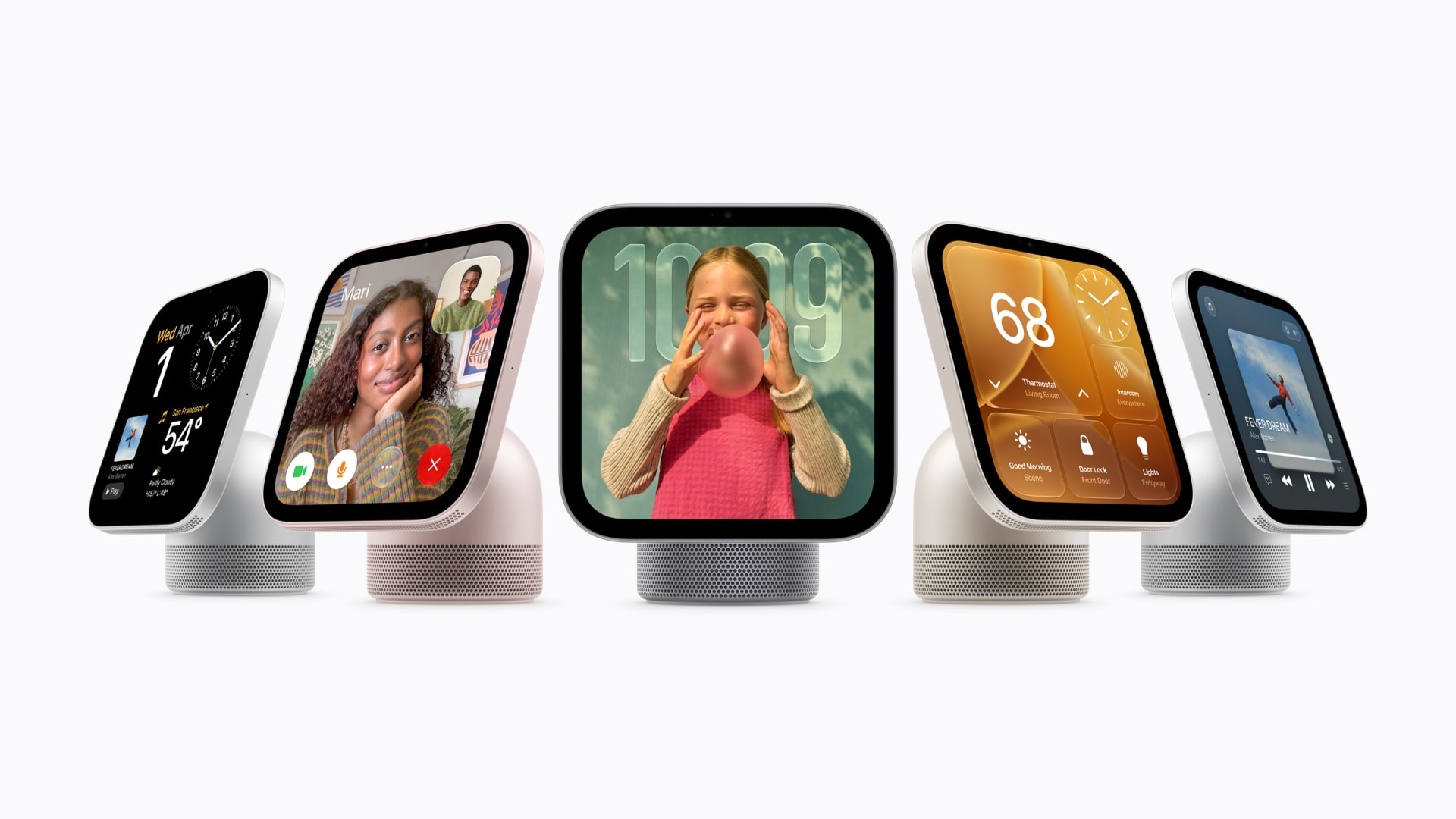
Apple HomeView is a speaker and display combo aimed at being a central hub for controlling your smart home devices, viewing calendars, asking questions, making FaceTime calls, playing music, and more.
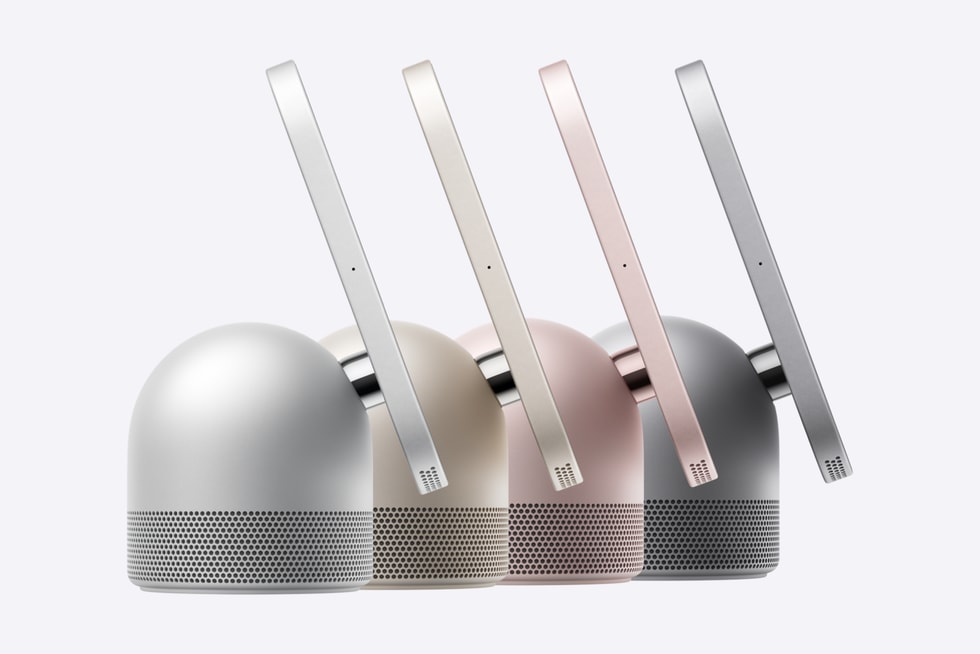
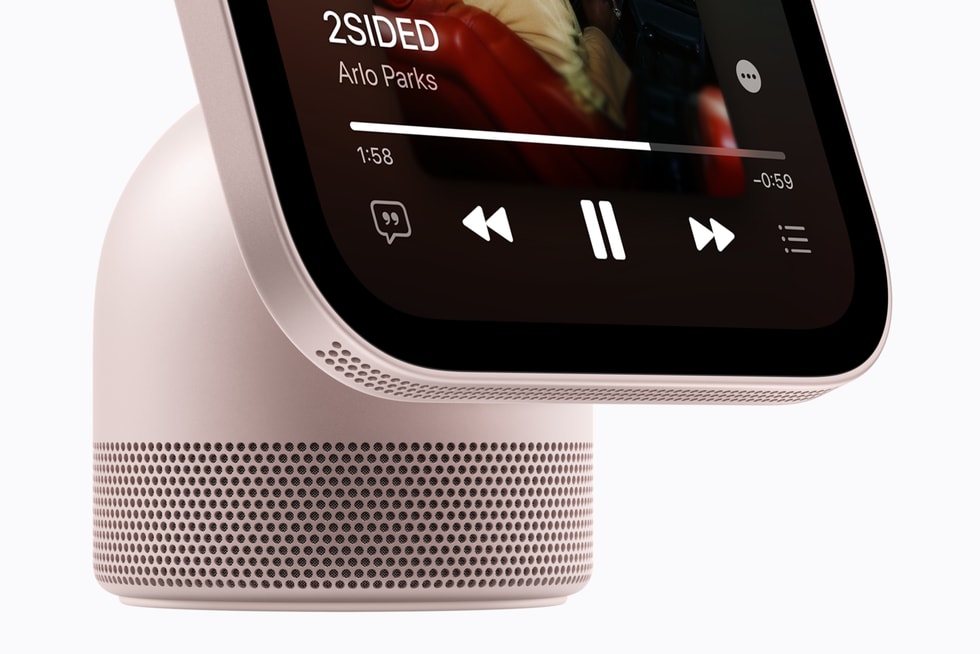
HomeView’s base is designed around a domed speaker within a sleek aluminum housing Apple says provides “room-filling sound,” and looks to be a bit larger than a HomePod mini but not quite as large as a HomePod. Sitting atop the speaker base is a 7-inch Liquid Retina display. A stainless steel hinge connects the display to the speaker base and allows for easy tilting. HomeView doesn’t have physical power or volume buttons.
The display contains a 12-megapixel Center Stage camera which is used for video calls and for recognizing who is using it.
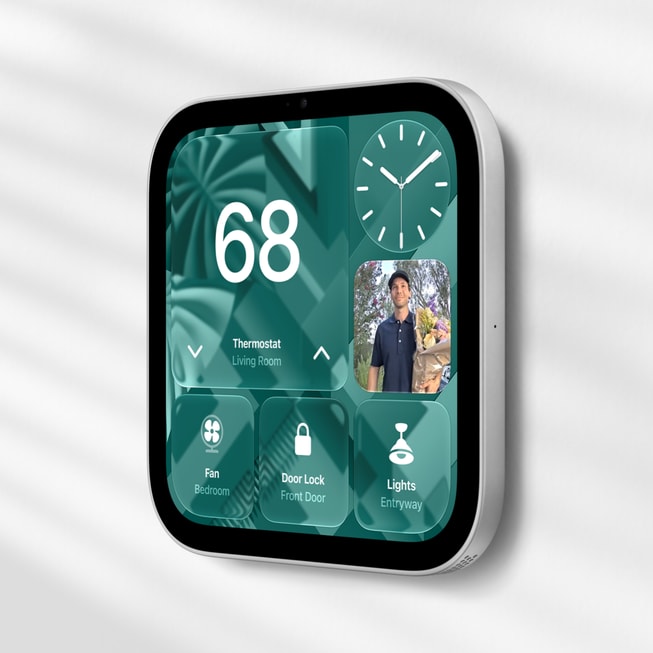
For spaces where you’d rather mount HomeView to a wall, Apple is making a version of the HomeView available that removes the speaker base, leaving only the display. Because the display-only version has built-in speakers along the bottom edge, it can still play audio. Apple says the display-only model can be attached to a wall “using three purpose-built mounts from Schneider Home, with options for self-installation or professional installation.”
Powered by Siri AI
The reason Apple is launching HomeView now is pretty simple: Siri AI. Apple could have released a product like this in the past, but due to how poorly old Siri functioned when tasked with anything more complex than turning off lights or setting a timer, it likely would have flopped, been terrible, or both. (Anyone with a HomePod knows how bad the experience of talking to those speakers has been.)
But Apple says “Siri AI is a profoundly more capable and conversational assistant with personal context understanding and onscreen awareness.” And the key parts there are “conversational” and “personal context.” Apple has designed HomeView to be able to converse with anyone in the home about their own messages, calls, calendars, emails, and other personal context while also doing more general purpose tasks like viewing shared calendars, feeds from smart home cameras, adjusting the thermostat, listening to music, etc.
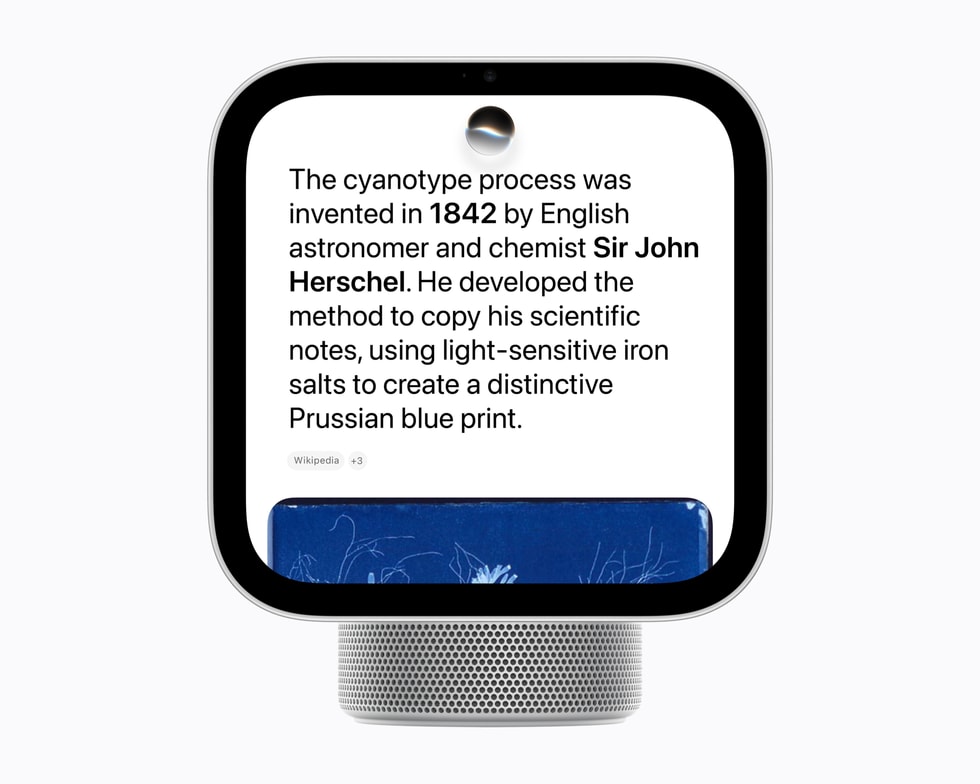
That was something not possible before Siri AI. Apple says for Siri AI to draw on personal context, each person in the home also needs their own Apple Intelligence-enabled iPhone or iPad. HomeView depends on the data from those devices for context. Users without those devices will still be able to ask questions, play music, and other things that don’t depend on personal data.
Apple says you’ll also be able to view and pickup on all conversations with HomeView in the Siri app on your iPhone, iPad, Mac, Apple Watch, or Apple Vision Pro.
Whole Home Control
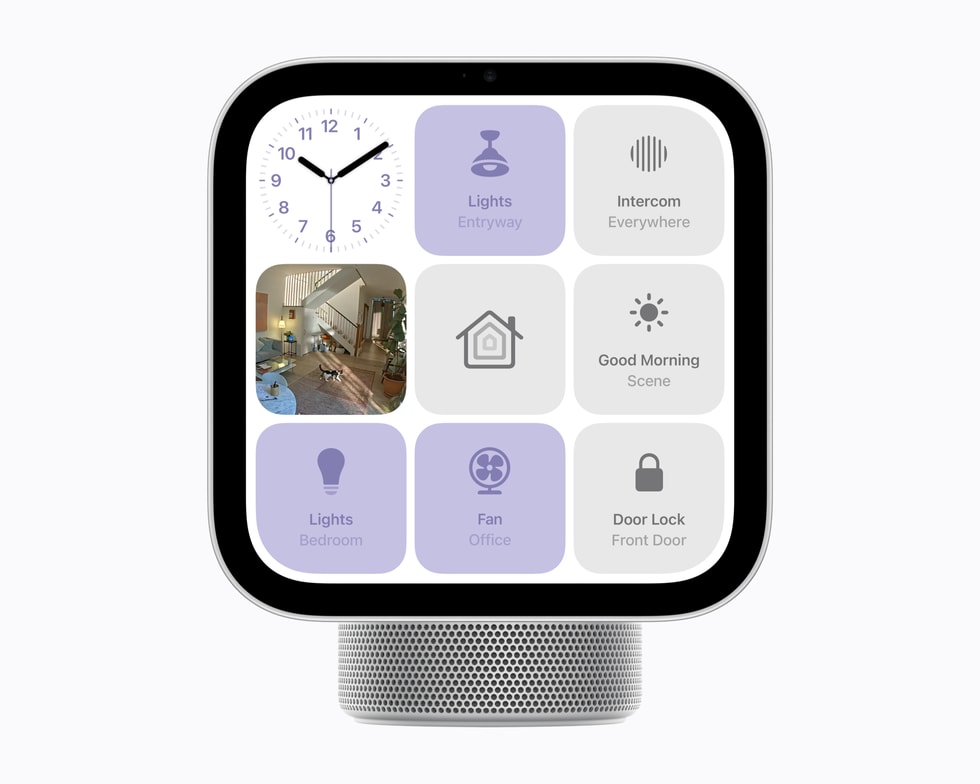
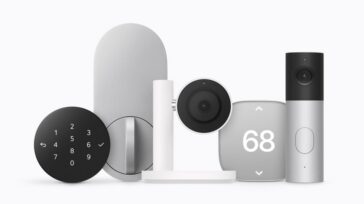
Beyond asking questions and viewing calendars, a big component of HomeView is control of your connected home devices. HomeView allows you to control lights, thermostats, blinds, locks, and other smart home devices with both touch and voice, and also allows you to pull up camera feeds. In fact, you can view up to nine video feeds at once via the display. Obviously, this smart device support includes the new Apple Home Collection of devices that Apple also announced today.
Personal Context: How Does it Recognize Everyone?
As demonstrated in the video from Apple above, the other big feature and differentiator for HomeView—beyond Siri AI—is its ability to personalize responses to each member of your household.
To do this, HomeView uses both the 12MP camera in the display and sensing the presence of your iPhone or iPad nearby. For instance, the video shows a curious brother wanting to see the text message conversation his sister was viewing on the HomeView after she walks away, but the device blocks him from doing so as his sister is no longer recognized as being present. And Apple says personal information like Messages or Calendars will only be displayed if both recognition methods are met: the HomeView must be able to recognize your face and sense that a paired iPhone or iPad is present and has recently been unlocked. If one of those conditions isn’t met, the data will not be displayed.
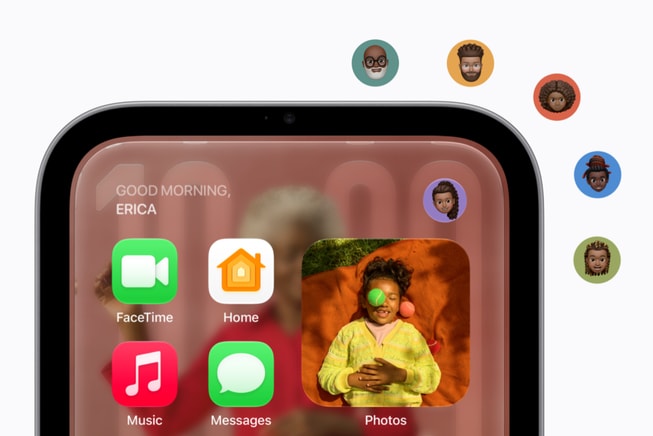
In addition to sending and viewing Messages, you’ll also be able to make and accept FaceTime calls and intercom with other HomeView units in your house or HomePods, iPhones, iPads, and Apple Watches.
HomeView also features Find My support, allowing you to check in on the location of family and friends as well as track down your Apple devices and AirTags.
HomeView is powered by Apple’s A18 chip, the chip that powered the standard iPhone 16 and 16e models released in 2024. Camera and microphone data are protected by the A18’s Secure Exclaves. This allows this data to be processed separately from the rest of the system. Apple says data processed by the Secure Exclaves “cannot be accessed by the HomeView software, apps, the user, or Apple.”
Up to six profiles are supported on HomeView, but to setup a profile on the device you will need an iPhone or iPad updated to the latest version of iOS and/or iPadOS. With a profile in HomeView, you get your own personalized Home Screen with apps and widgets.
Display and Audio
HomeView’s 7-inch display features Apple’s adaptive display technologies, including True Tone, allowing it to react to changing light during the day. Brightness can dynamically adjust from just 0.3 nits up to 500 nits. This makes it dynamic enough to sit on a nightstand or the kitchen counter.
Apple notes that HomeView also automatically adjusts its interface based on how close you are to the device: it shows simpler information easy to view from across the room and provides more detail once you get closer.
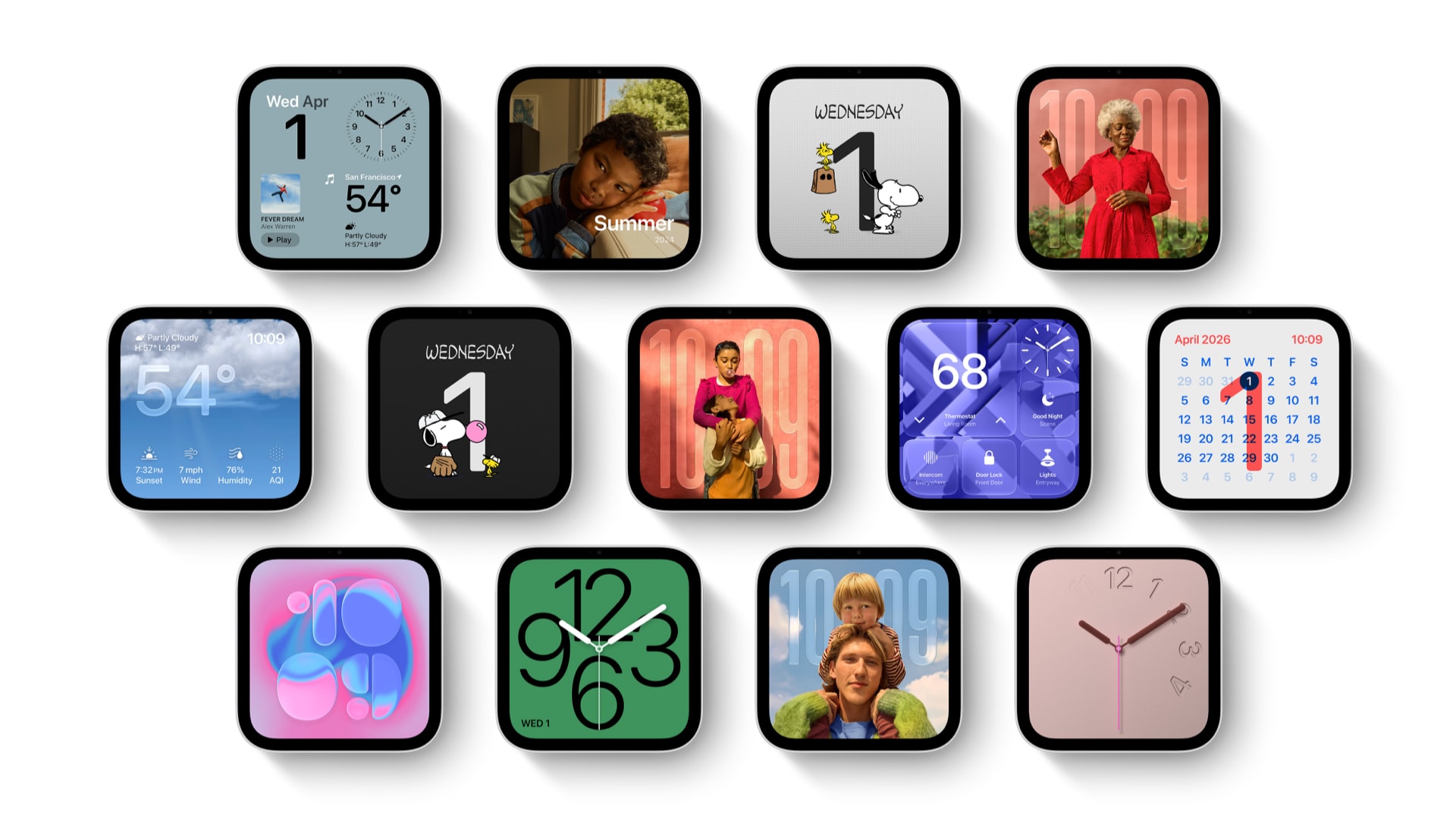
And because much of the time HomeView will be static, Apple has also allowed for a huge amount of customization through HomeView Faces. You can think of these as basically a more customizable version of StandBy mode on iPhone combined with watch faces on Apple Watch. You can choose from clocks, photos, calendars, weather and more.
As for audio, the HomeView has speakers in both its display and, obviously, in the speaker base. The display features two full-range drivers and support for Spatial Audio. Meanwhile, a down-firing woofer and two force-cancelling passive radiators are built into the base complementing the crisp highs of the display’s audio with full bass.
Apple says HomeView also features computational audio that “continuously optimizes loudness and bass response at any volume.”
Pricing and Availability
Both the standard Apple HomeView with speaker base and the wall-mounted version are $299 and will be available in four colors: silver, starlight, rose pink, and space gray. Pre-orders are open today and shipments and availability wills tart November 13, 2026.