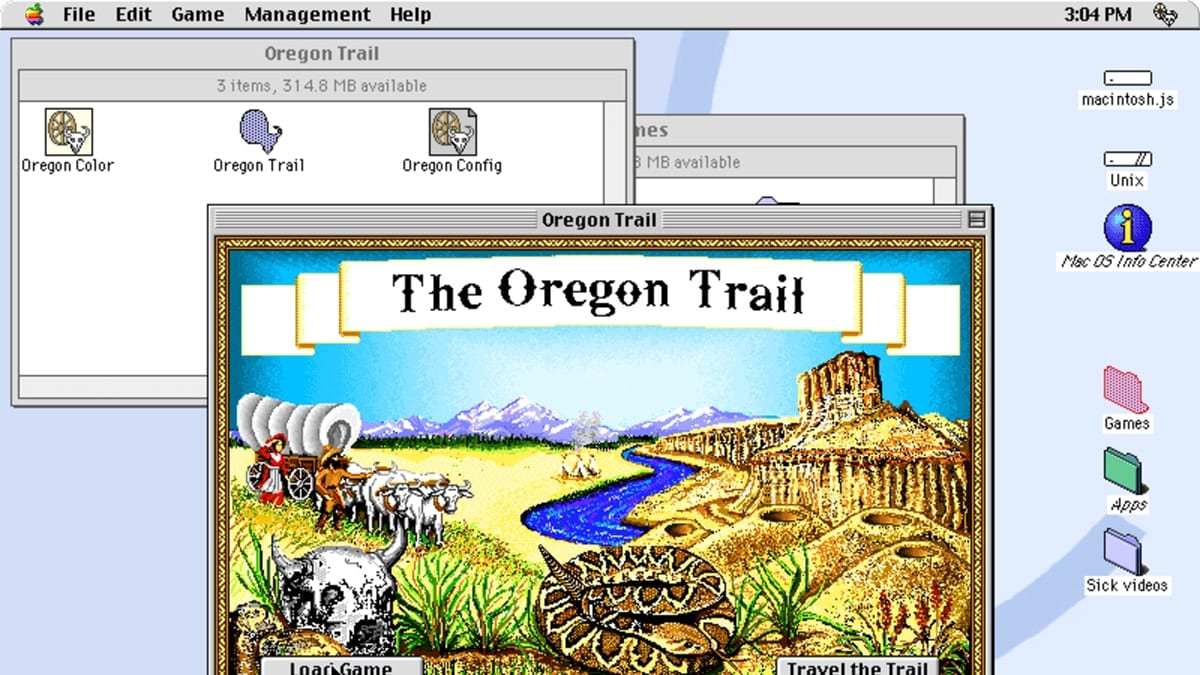
Go Retro with Macintosh.js

Many Mac users today never had the "thrill" of using the pre-2001 Mac operating system on a Motorola 680X0 or PowerPC-based Mac. Thanks to developer Felix Rieseberg, a 68k Mac emulator called Basilisk II by Christian Bauer and others, and a compiler called Emscripten by James Friend, you can now run a virtual 1991 Mac Quadra 900 on your current...

QUICK TIP: How to Save Your “Memories” Movies in Mac Photos

The Photos app in macOS has a Memories feature, which is designed to help you “rediscover favorite and forgotten moments from deep in your photo library,” as Apple states. Memories automatically creates curated collections of your most meaningful photos and videos. Here's how to save them for later!

Sample sticky note with stickies app icon

How To Become A Mac Stickies App Power User

There's one default Mac app that I'm sure not many Mac users even know about – the Stickies app. You don't need to download it because it comes with macOS. Like the name implies, the Stickies app allows you to...

Startup Security Utility window with silver lock icon

How Secure Boot and System Integrity Protection Guard Your Mac From Malware

Some users don't want to disable Secure Boot because they believe it disables all malware protection on their Mac. This belief is not correct, and Apple labeling the setting for disabling Secure Boot as "No Security" in the Startup System Security utiliy doesn't help. In this article, we tell you when and why it's okay to turn off Secure Boot.

contacts and vcard icons

TECH TIP: Managing Your “My Card” in macOS Contacts

macOS’s Contacts app automatically creates a contact card for you—your me card—when you set up your Mac. Information on your vCard — such as your name, email address, or picture (if you add one) — can be used in other...

1 255 256 257 1,007
Page 256 of 1007