
My Favorite Mac – You Might Be Surprised!
I've owned a lot of Macs over the years (and yes, a PC or two along the way), but there is still one that stands out as my favorite. I suppose there are many reasons why one specific machine rises...


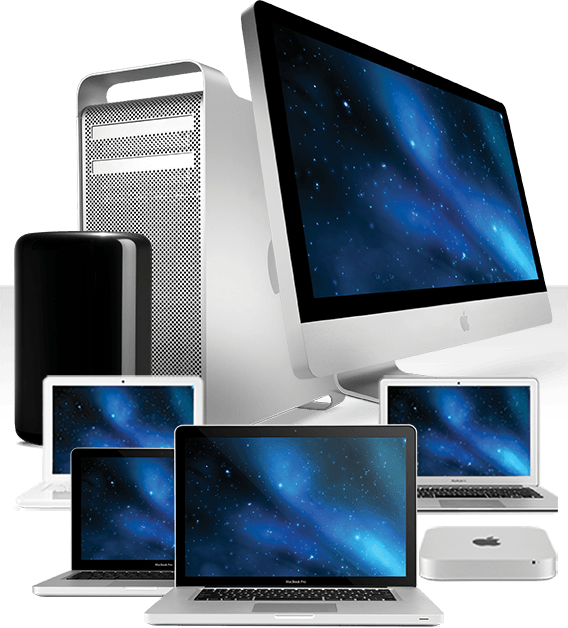
I've owned a lot of Macs over the years (and yes, a PC or two along the way), but there is still one that stands out as my favorite. I suppose there are many reasons why one specific machine rises...

When we think of Mother's Day, we think of all the flowers, candies, spa gifts, dinners, and jewelry. Technology may not be what first comes to mind when choosing that perfect present, but I believe ideas like these shake up...
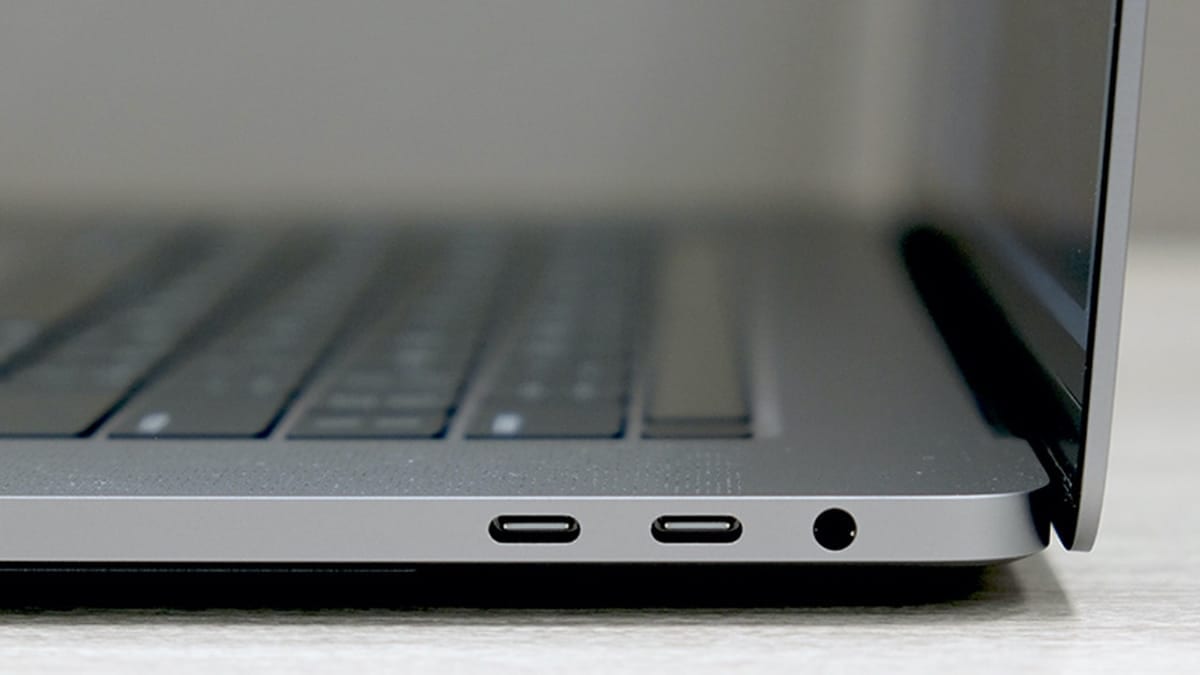
Right-side USB-C ports on a 16-inch MacBook Pro. Photo via hardware zone.com.sg Do you have a recent MacBook Pro? While these powerful notebooks have USB-C / Thunderbolt 3 ports on both sides, we're going to tell you why you should...

Rocket Yard has been doing a series of articles designed to help deal with the issues many of us are facing as we work from home during the COVID-19 shelter-in-place order. But just because you are stuck at home doesn't mean that you have to be stuck at your desk or kitchen table. You probably have a laptop, so try mixing things up a bit, and be mobile at home as you work from home! An occasional change of environment can help break the monotony, keep your spirits up a bit, and even force you to get a few steps in since you won't be hitting the gym any time soon. To help you get moving while you stay in place, we have put together several things to consider and a few resources to keep your laptop in tip-top shape.
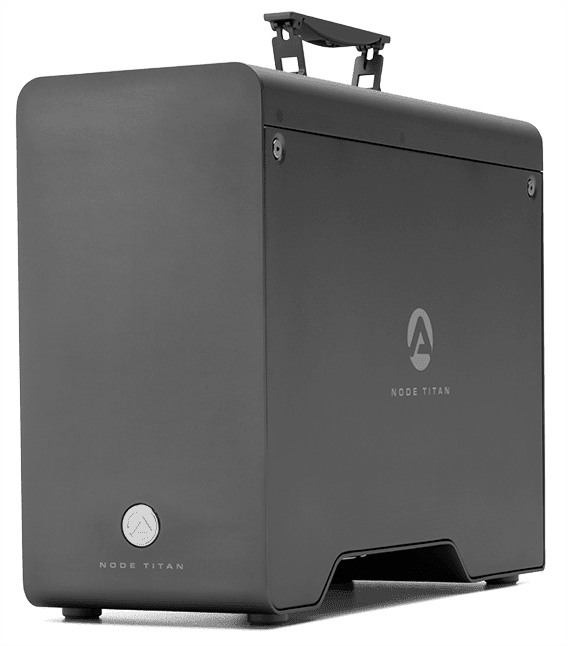
https://youtu.be/Sc1HHj_99tU Enjoy Pro-Class Gaming, Professional AR/VR Video Editing, Out-Of-This-World VR Realism, and More Introducing the AKiTiO Node Titan, an external Graphics processing Unit (eGPU) that lets users transform their notebook or other slotless computer (Mac mini, iMac, NUC, etc.) into...

Photoshop is no longer the only heavy hitter on the block. We chose to look at Affinity Photo because it is available on Mac and PC (as well as a capable iPad edition), includes a professional feature set, and offers an affordable perpetual license that is currently just $24.99. Also important is that most of your Photoshop skills will translate directly to Affinity Photo; there are only a few areas where you might have to “relearn” certain tasks. Let's take a look.
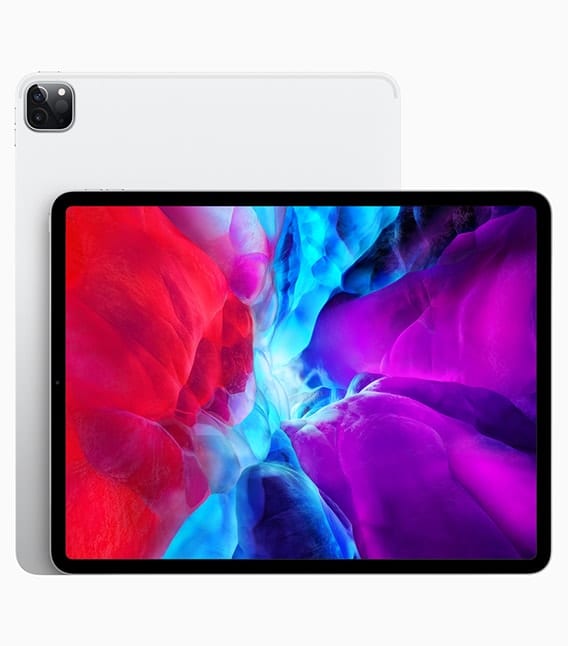
Tech leader has what users need to max out their machines for the best value and to stay connected no matter where they are OWC has responded to Apple's new product announcement, confirming that its product line will allow customers...

Our very own Tom Nelson recently provided some wonderful tips on cleaning your Mac, both inside and out. If you find that some of the "inside" cleaning sounds a bit time-consuming or difficult, we have another solution for you --...

I’ve always used a UPS (Uninterruptable Power Supply) to protect my Mac and peripherals from loss of power, electrical surges, brownouts, and noise and glitches on the power coming into my Mac. Having this basic protection had likely kept me from losing data when power failures occurred, extended the life of my Mac, and allowed me to laugh in the face of danger, or at least the thunderstorm heading our way. A UPS is something that everyone should have to protect his or her computer(s) and equipment. In this Rocket Yard guide, we’ll take a look at UPS basics, features, and how to size a UPS for your needs