Imagine a disk clean up utility, an updater, an uninstaller, a disk space analyzer and a live status board for your Mac. Separately, these applications exist in the form of CleanMyMac, Updatest, PearCleaner, DaisyDisk and iStat Menus. Collectively, these apps will cost $75US. (And one of those comes with a subscription cost.)
But now imagine that the functionality of all five apps exist within one Mac app.
Imagine no further: the app is called Mole.
Setting up a new Mac system from scratch has given me a stronger sense of intentionality when it comes to adding new software. I first discovered Mole while perusing a discussion thread on Reddit. It was initially developed as an open source, free command line utility. The version of Mole for this review is the native Mac app. (Both are made by the same developer.)
Mole’s interface is both polished and minimal. Each tool is named after a heavenly body, and has a specific meaning that correlates with what each tool will touch.
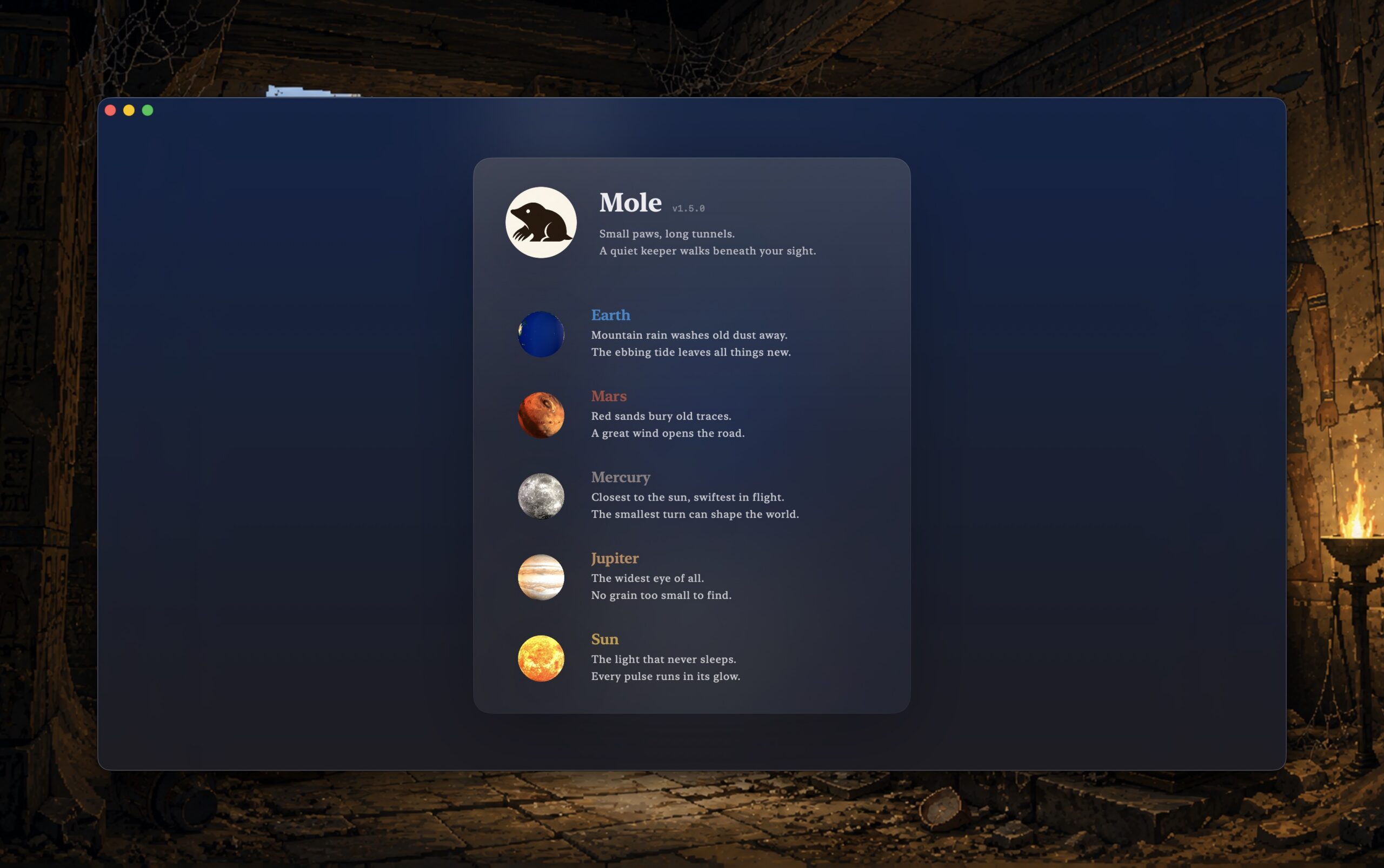
How those planetary conventions connect with the actual namesake of the app seems a little confusing to me. But, as an app, Mole shows a very clean and thoughtful layout.
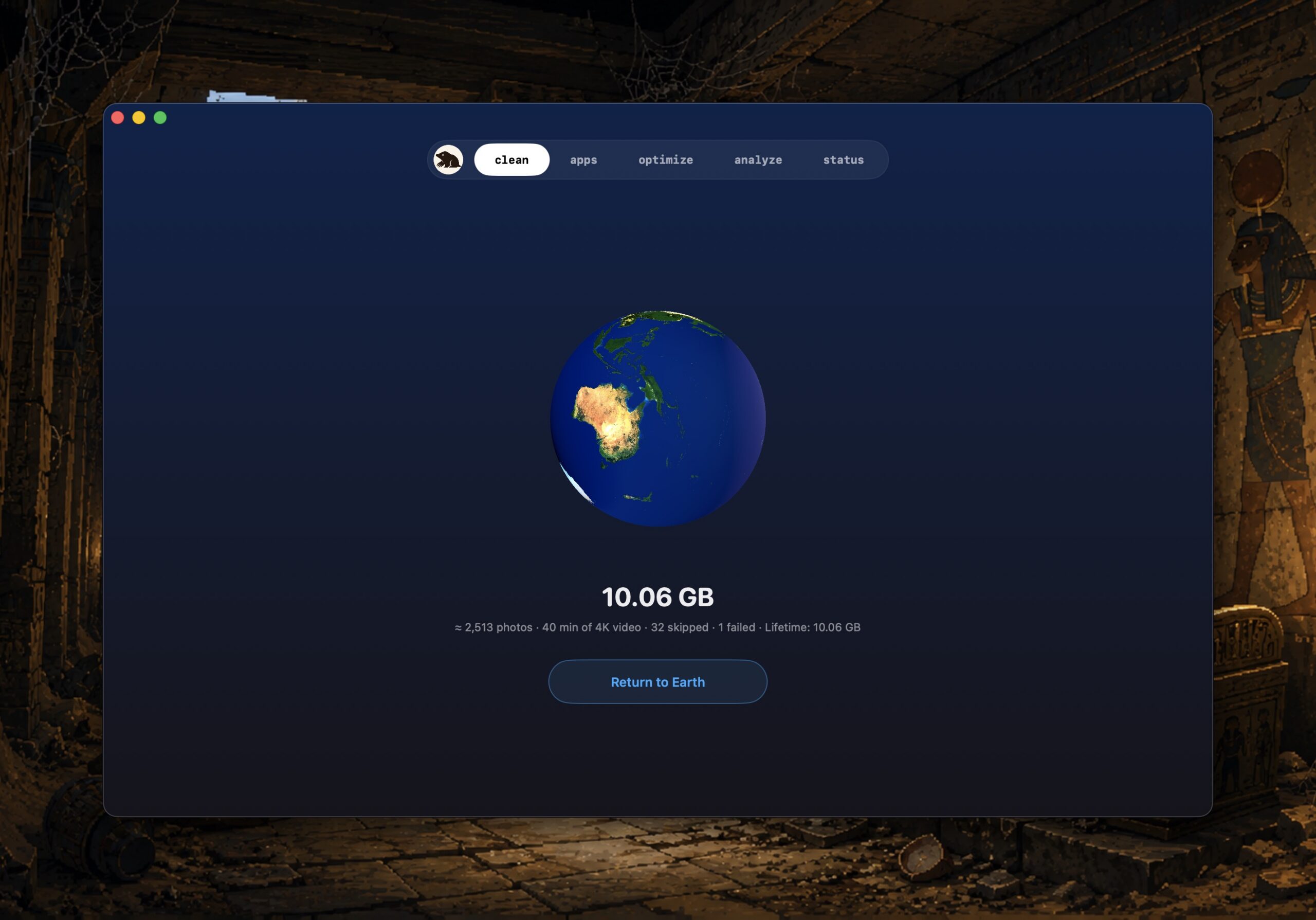
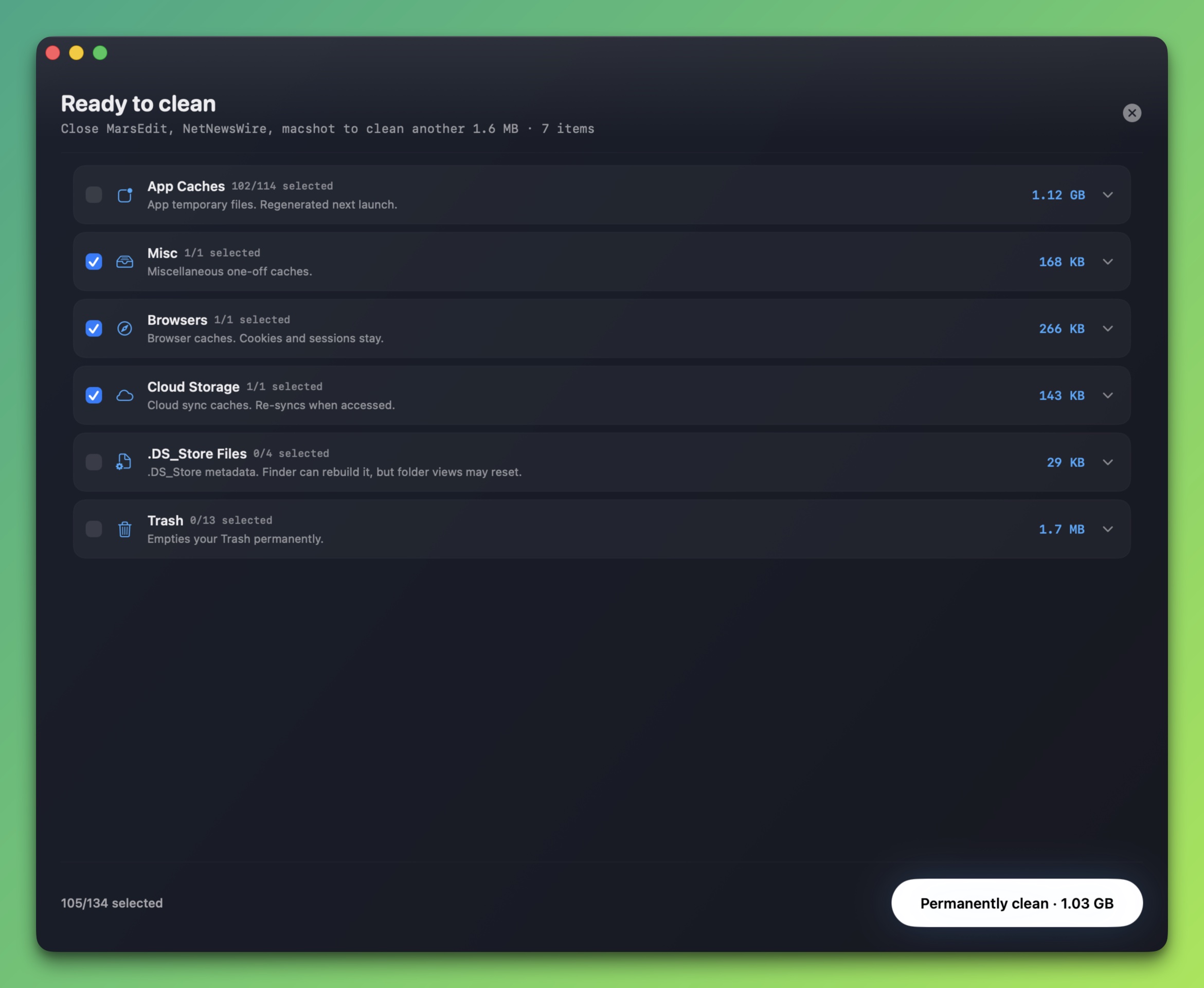
Mole’s Clean tool, scans your Mac for ten cache categories, sorted by what’s safest to remove. You can keep what you want and remove the rest. The tool recommends that you quit all other open apps for a more effective cleaning.
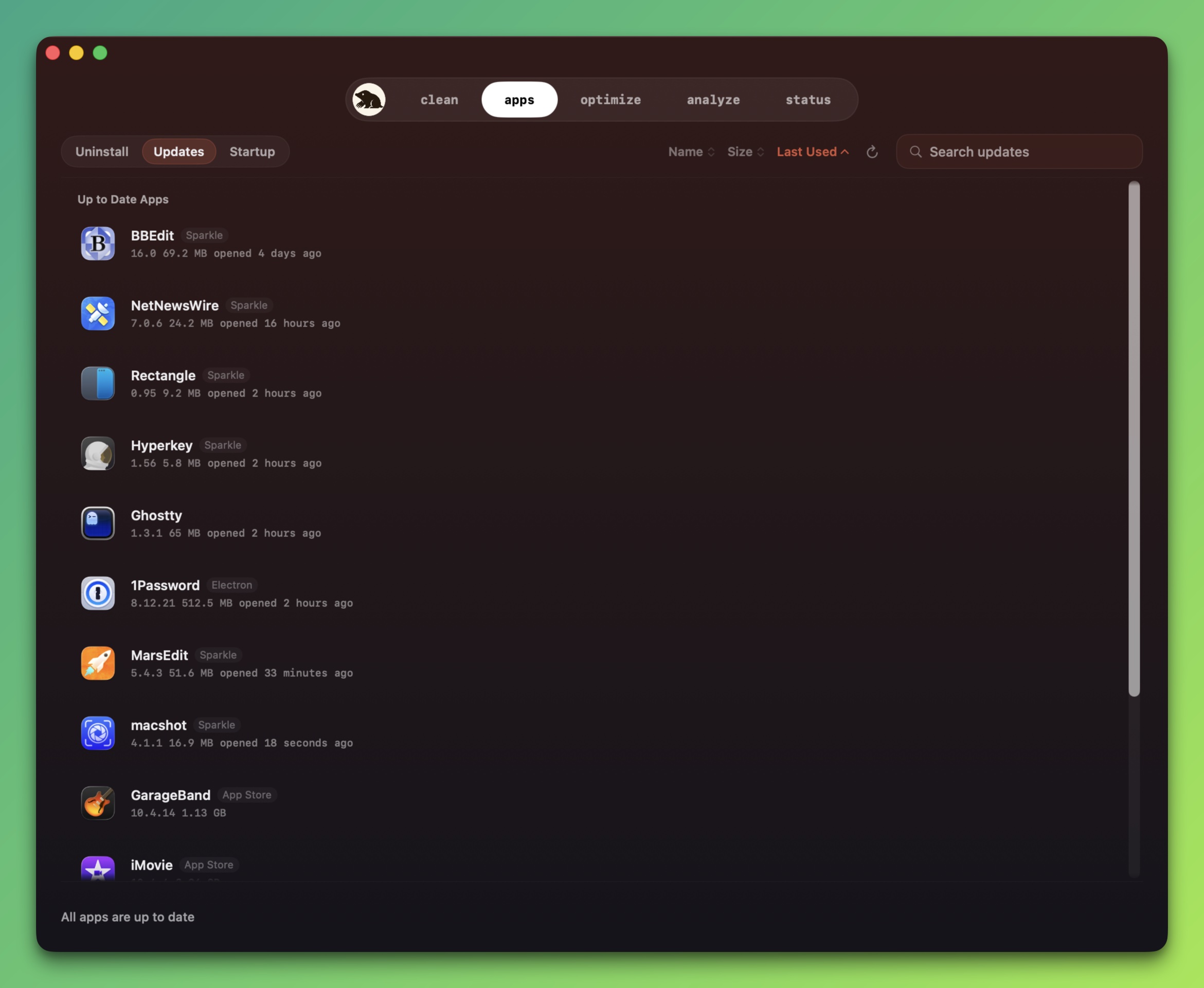
The App tool displays all installed apps and provides options for updating them or removing them altogether. A separate tab in this category lets you examine your Mac’s startup items, showing what’s directly user manageable, and what’s managed within macOS Settings.
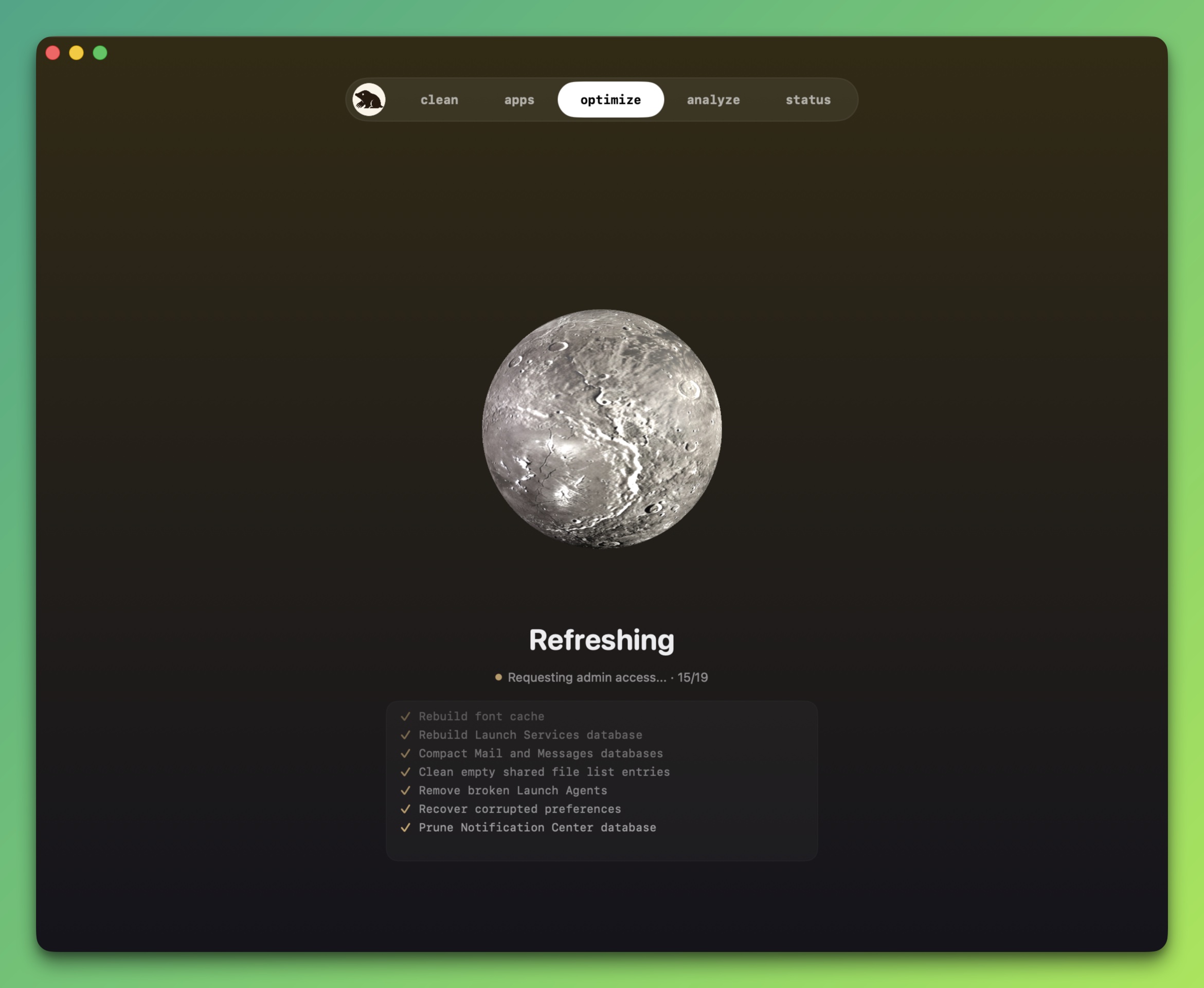
Optimize runs default maintenance tasks, rebuilding Quick Look, repair caches and metadata, and more.
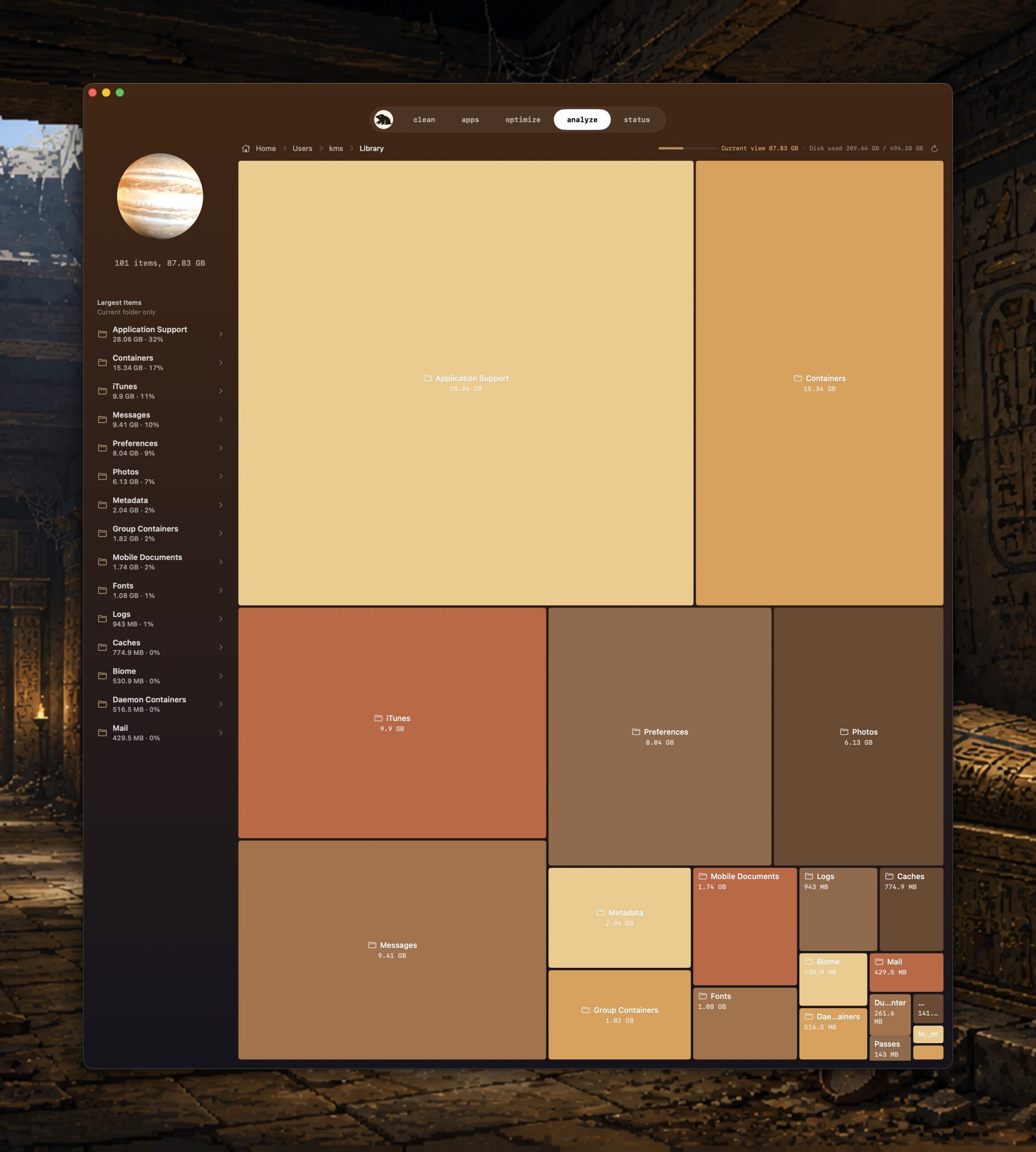
Analyze provides a pictorial mapping of the contents on your Mac, showing how much disk space is being used at every branch of the directory tree.

Status shows a real-time snapshot of your Mac’s CPU, memory, disk, network, battery, thermals, fans, uptime, and processes.
As Mole’s tools perform their respective tasks, the heavenly body represented for that specific tool will spin. It’s tastefully done, but it’s a gimmick nonetheless. I suppose it’s more visually interesting to see the Earth spin quickly compared to watching a progress bar.
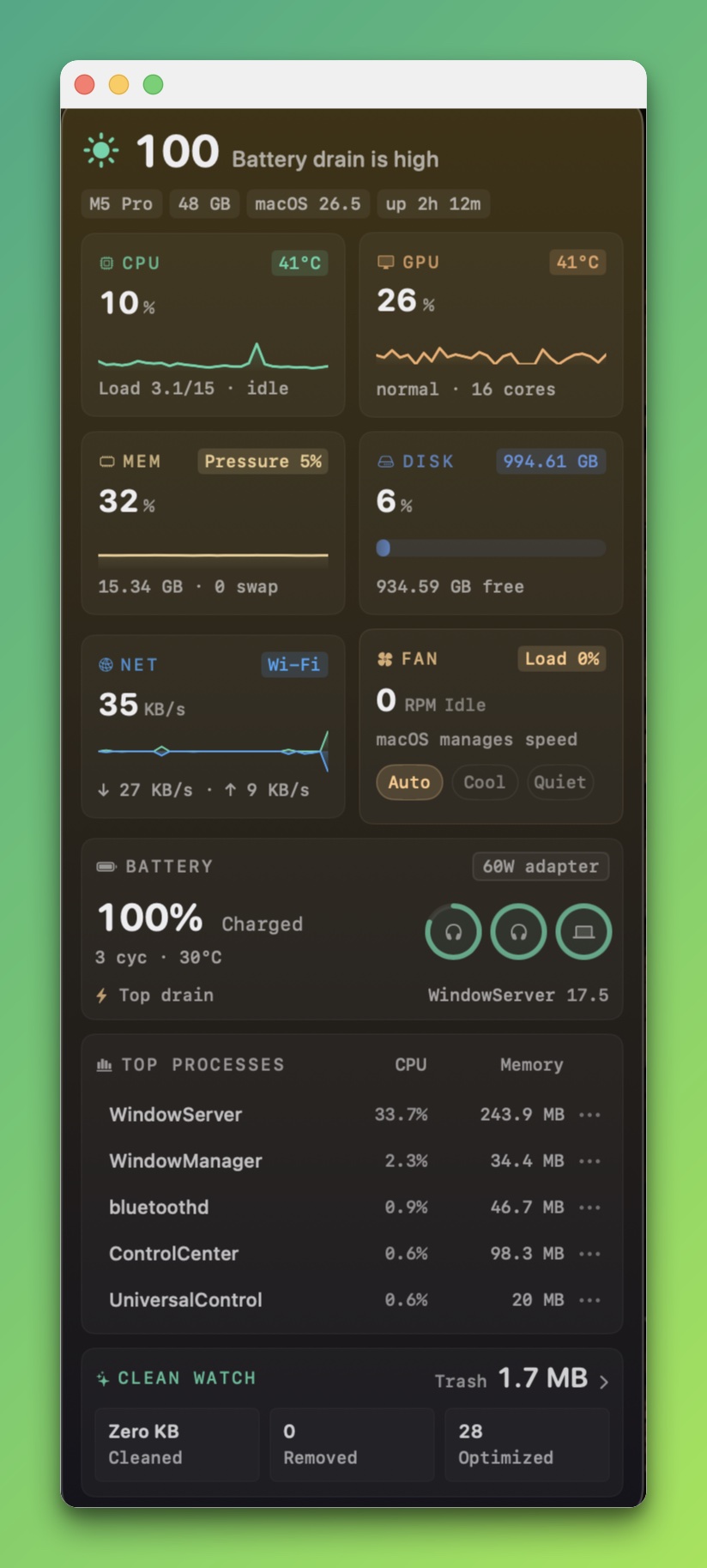
Mole includes a menubar stat utility, similar to iStat. Unlike iStat, however, Mole’s menubar stats only appear when the Mole app is open. Quit the app, and the Mole menubar quits too. It would be nice to have the menubar stay active, even if the app closes.
According to the developer, Mole was designed to be conservative when it comes to cleaning your Mac safely. Mole will show you what it will do, and it asks you to confirm before it takes action. All files stay local, there is no telemetry. And best of all, there’s no upsell. The CLI version is still free and open source.
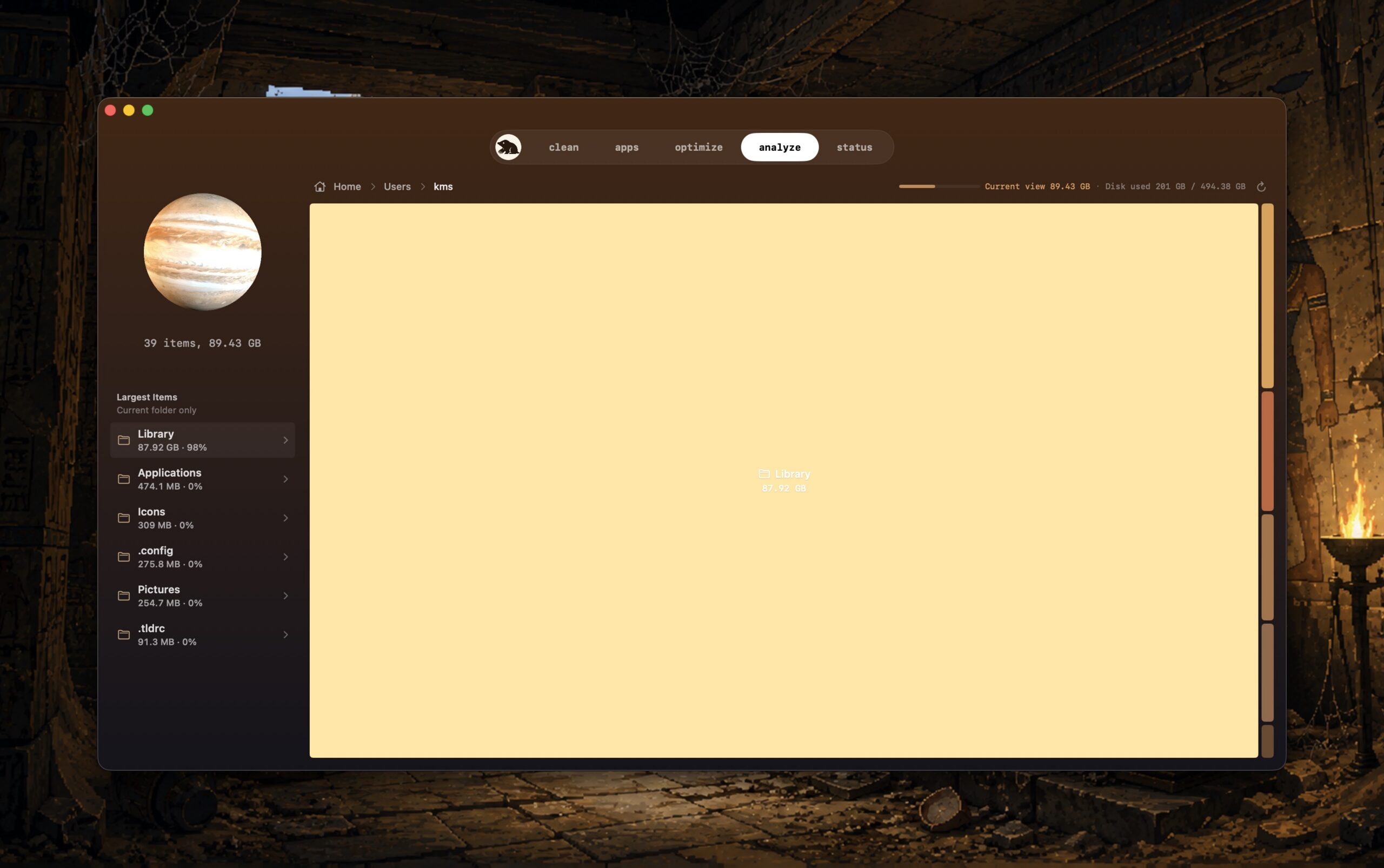
In my testing, Mole performs its tasks as advertised. Mole looks and feels modern. If I had a quibble, there are some areas within the “Analyze” tool where I feel the text label and file size are difficult to read (due to white text on a light background).
Mole has an introductory price of $9US for a one time purchase. A trial version is available, which lets you run each tool twice without a license. One license covers 2 Macs, with lifetime updates and a 14-day refund. (The price will eventually go up to $19US.)
If you have the other aforementioned apps, you don’t need Mole. But if you’re new to the Mac or haven’t invested in one of these utilities and want a one-stop-shop for a fraction of the price of the other apps listed, Mole is worth your serious consideration.