Do you ever wonder if the grass is greener on the other side? If you’re happy with what you have, you probably don’t. But when something goes wrong — or you run into a particularly frustrating problem — it can be enough to make you start looking elsewhere.
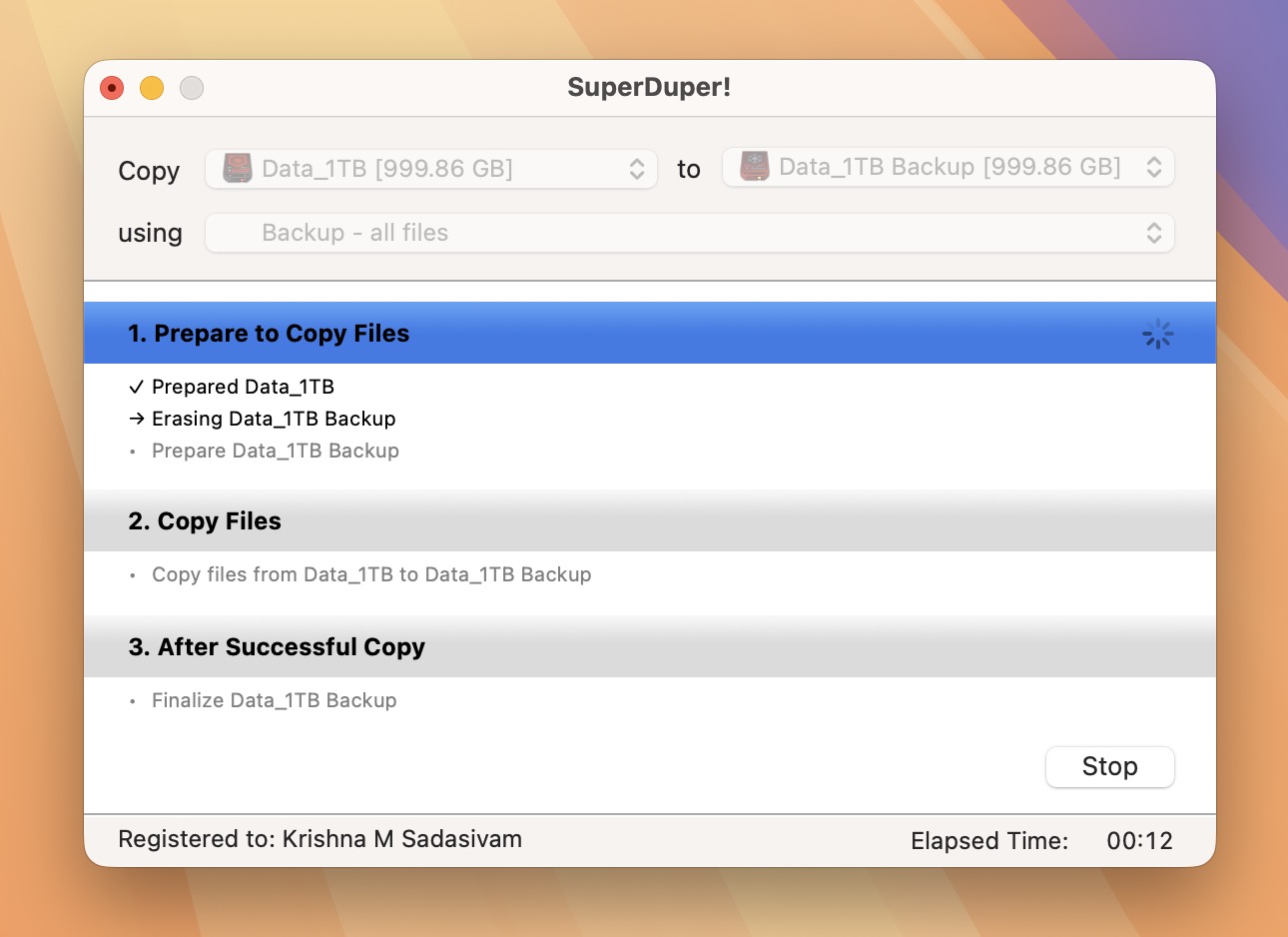
That’s exactly what happened when it came to the backup software on my Mac. I have used SuperDuper, from Shirt Pocket Software, for more than a decade now. It’s largely been reliable, to the point where I haven’t given it much thought.
That all changed a few days ago, when I ran into a particularly thorny issue with a routine SuperDuper backup procedure. The backup repeatedly failed, claiming that the destination drive had disconnected. This error happened multiple times, despite verifying that the cable and connections were both secure and in order.

I even reformatted the destination drive and started over from scratch. The result was the same. After troubleshooting in vain for several hours, I’d had enough. It was time to examine other backup options.
The chief competitor to SuperDuper is Carbon Copy Cloner (CCC) by Bombich Software. I’ve been aware of CCC for over 25 years. Truthfully, I had never given it much thought, as SuperDuper was meeting my needs. But after my backup issue, I decided it was time for me to give Carbon Copy Cloner a go, to really see if the grass was greener on the other side.
The first thing I noticed about Carbon Copy Cloner (version 7.x) is its polished interface. It feels like software that’s actively evolving alongside macOS. CCC feels like a modern Mac app. SuperDuper, while reliable, feels dated by comparison.
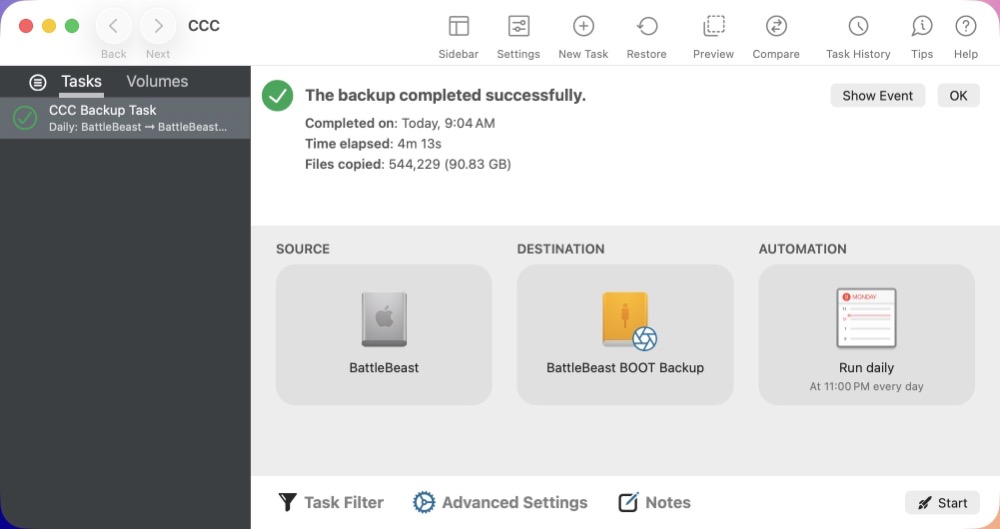
CCC keeps everything inside a single window. Tasks, connected volumes, scheduling, previews, restore options, and comparison tools are all easily accessible without feeling cluttered.

CCC’s onboarding is both thoughtful and well considered, especially for new users. CCC gently guides first-time users with contextual tooltips that explain what each option does. Once you’re comfortable, they can be disabled.
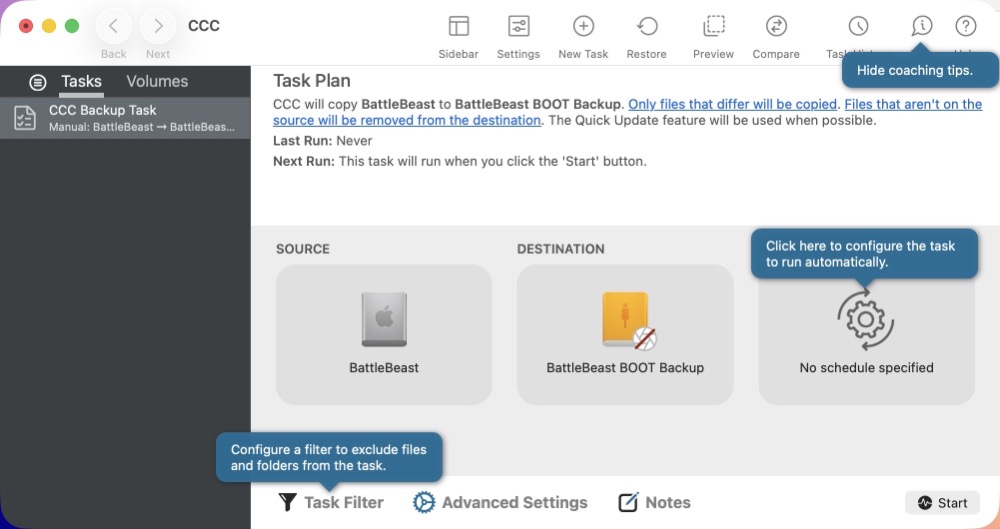
Setting up my first backup was very easy. Start off by creating a new Task. Next, select your source drive, followed by your destination drive. You can also create an automated backup schedule, with several granular options. I run backups daily, at a specific time, but if I wanted to, I could configure scheduled backups hourly, weekly, based on the day of the week, and more. All steps are explained in plain English. (i.e. You don’t have to be Mac wizard to use it.) Despite all the scheduling options, I never felt overwhelmed. The defaults are sensible, and advanced options stay out of your way until you need them.
I have my backup tasks configured as mirrors. If I delete a file on my source drive, CCC removes it from the backup during the next run.
CCC has several noteworthy features that are missing in SuperDuper.
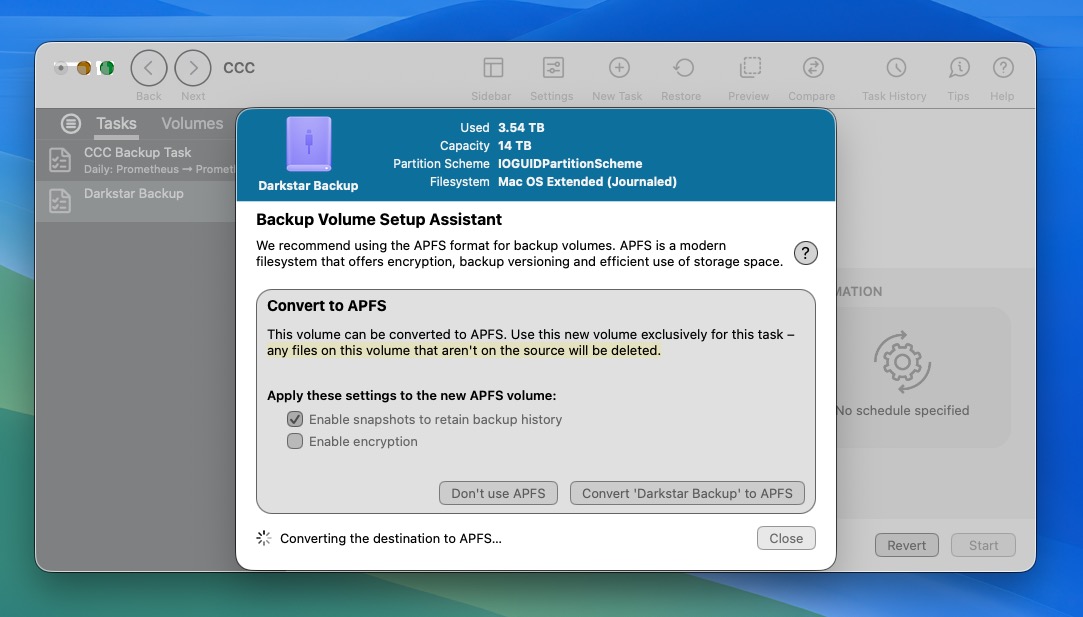
Backup tasks can be paused at any time and resumed later. CCC includes Snapshots, which provide another layer of protection. Even if I accidentally delete a file that’s mirrored to my backup drive, I can often recover an earlier version from an APFS snapshot. CCC also includes a search feature to make it easy to find what you’re looking for across all of your snapshots. Unlike Carbon Copy Cloner, SuperDuper does not provide integrated APFS snapshot creation and management.
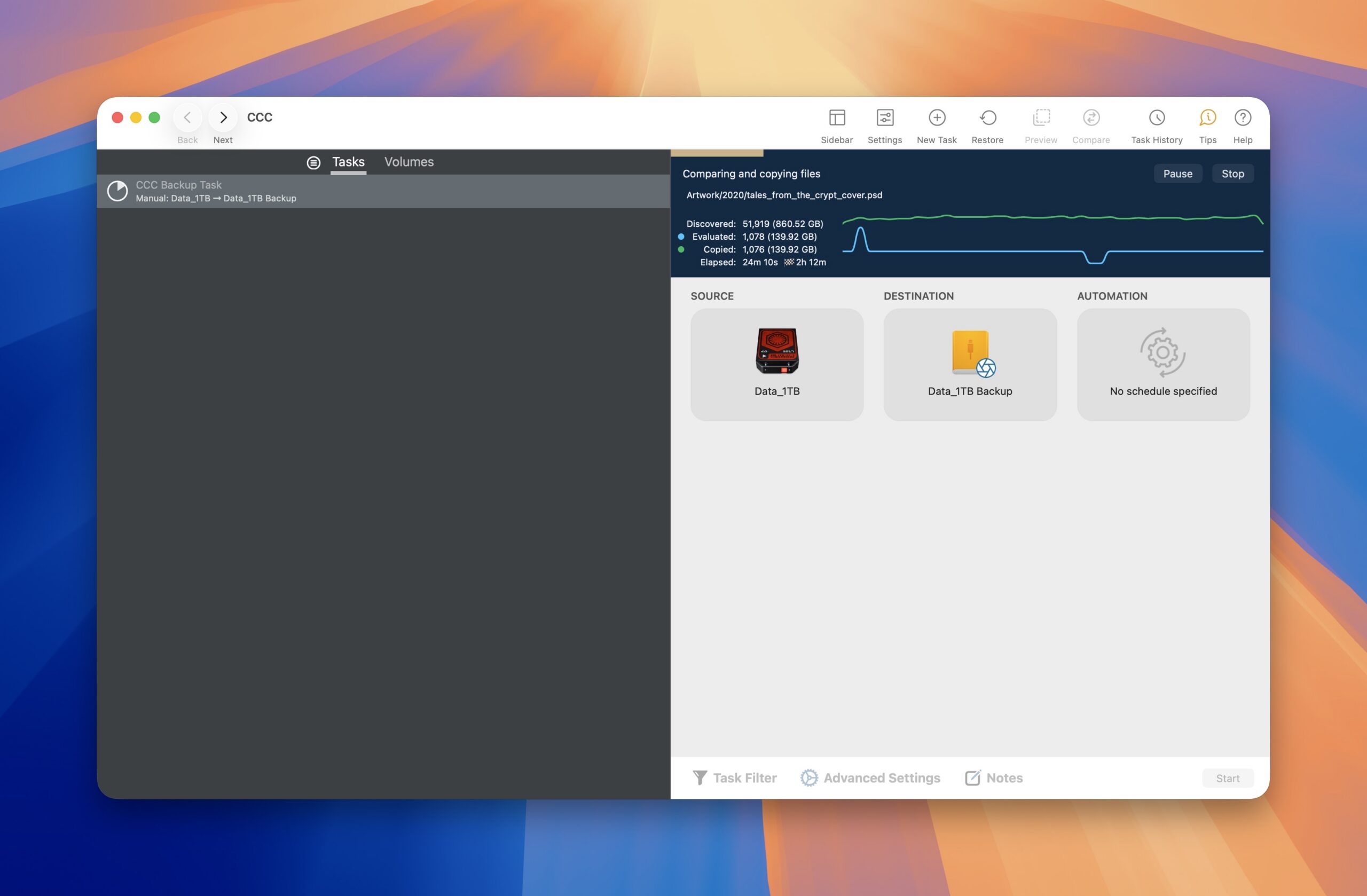
CCC can back up specific folders or entire disks, making it a one stop shop for duplication. CCC can target one source to multiple backup destinations. I really appreciate being able to view the copy and comparison results in real time, by way of a small integrated graph that appears during duplication.
Beyond cloning, Carbon Copy Cloner includes several robust pre-flight and post-flight automation options. It can also make local copies of cloud-only files, working with providers including Google Drive, iCloud, and OneDrive. I’ve found this especially useful now that services such as Backblaze don’t back up cloud-only placeholder files.
One of my favorite additions is the new Compare feature. It quickly highlights the differences between the source and destination before or after a backup, making it easy to verify exactly what’s going to change—especially when working with large drives.
Advanced Mac users will appreciate the conditional scheduling feature (i.e. run only on Ethernet, specific Wi-Fi networks,etc.)
So the real question is: should I buy Carbon Copy Cloner or SuperDuper?
SuperDuper is less expensive than Carbon Copy Cloner. In fact, it’s free for very basic backups. Both tools offer the ability to make scheduled backups. SuperDuper is still a good choice if all you need is a straightforward bootable clone. And while it’s fairly reliable for what it does, it’s really showing its age. Although SuperDuper has traditionally been praised for its simplicity, I don’t think Carbon Copy Cloner 7 is any more difficult to use. The redesigned interface and thoughtful onboarding make it surprisingly approachable. Carbon Copy Cloner is both powerful AND well designed.
Carbon Copy Cloner 7 includes several worthwhile features that allow Mac users to both control and clearly understand what’s happening during the cloning process. SuperDuper, by comparison, relies primarily on a traditional log file. CCC supports NAS backups and includes many options for automation enthusiasts and power users alike. In summary, if your needs go beyond making a basic cloned backup, Carbon Copy Cloner, in my opinion, is the stronger overall choice.
And that SuperDuper backup error I mentioned earlier? Carbon Copy Cloner successfully made the clone on the destination drive without any issue. Bombich’s customer support also deserves mention. During my testing, I asked whether I needed to erase my existing SuperDuper backup drives. They replied within an hour to explain that I could simply point CCC at the existing destination without reformatting it. That was a pleasant surprise.
Carbon Copy Cloner 7 costs $49.99US from the developer’s website, with special upgrade pricing available for educators and users moving from earlier versions. Bombich Software provides a free 30 day trial, with all features unlocked, so you can see if Carbon Copy Cloner is right for you. After spending time with both applications, Carbon Copy Cloner has earned a permanent place on my Mac. I’m glad I switched. I’ll still keep an eye on SuperDuper, because it’s served me well for many years. But today, Carbon Copy Cloner is the backup application I’d recommend without hesitation.
In this case, the grass really is greener on the other side.