A new Mac represents an opportunity to start “fresh”, whether you’re coming over from another platform, or from an older Mac. Recently, I purchased an M5 Pro MacBook Pro, to replace my nearly five year old M1 Pro MacBook Pro. Instead of simply migrating all my files and apps over to the new machine, I wanted to take a more considered approach.
To that end, I’ve compiled a list of five applications I immediately install on every new Mac. As with any list, I’ll say this my Top 5 represent my preferences. (Your mileage may vary.)
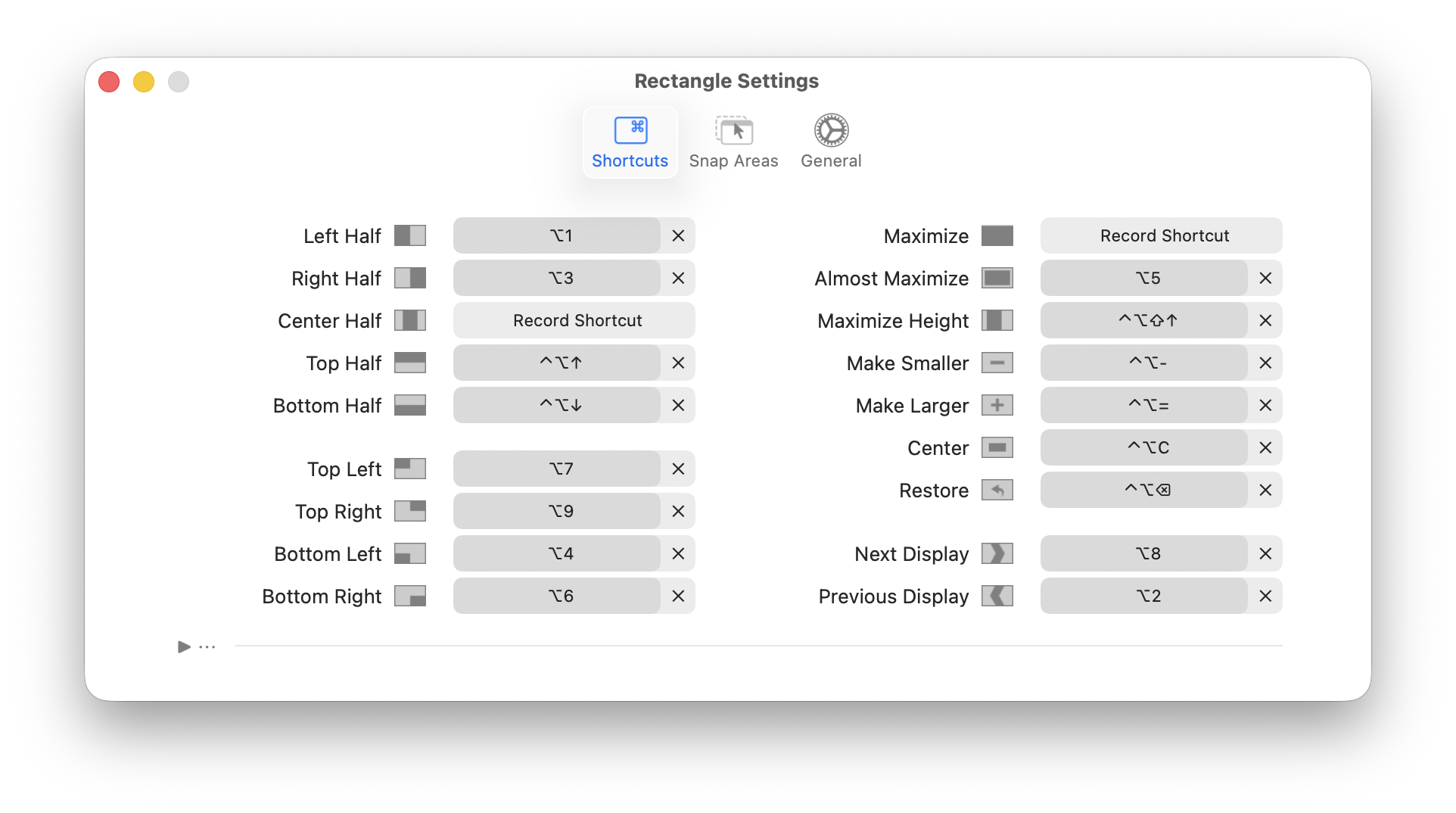
1) First on the list is Rectangle, a free and open source window manager for macOS. This application provides quicker and consistent window snapping compared to the built-in macOS offering. In my testing, macOS’s window management keyboard shortcuts work only on certain apps and every app. Rectangle works flawlessly across every app I use, and it supports moving windows to and from external displays. A paid version offers more features, but the free version more than meets my needs.
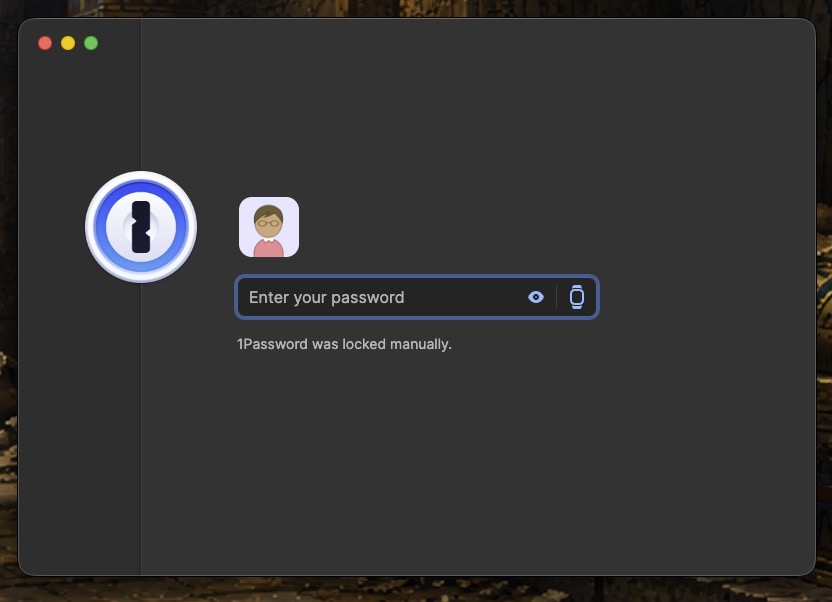
2) Passwords are everything, and for years I’ve used 1Password to manage all of my family’s passwords. It keeps all of my account passwords and logins secure and syncs across all of my other Apple devices. Apple’s own Password app is a good fall-back, but 1password offers a cleaner, more organized experience. Plus, it integrates nicely with browsers like Safari, Chrome and Firefox. I only wish 1password retained its native macOS feel, so it would feel more integrated with macOS. 1password is subscription-based.
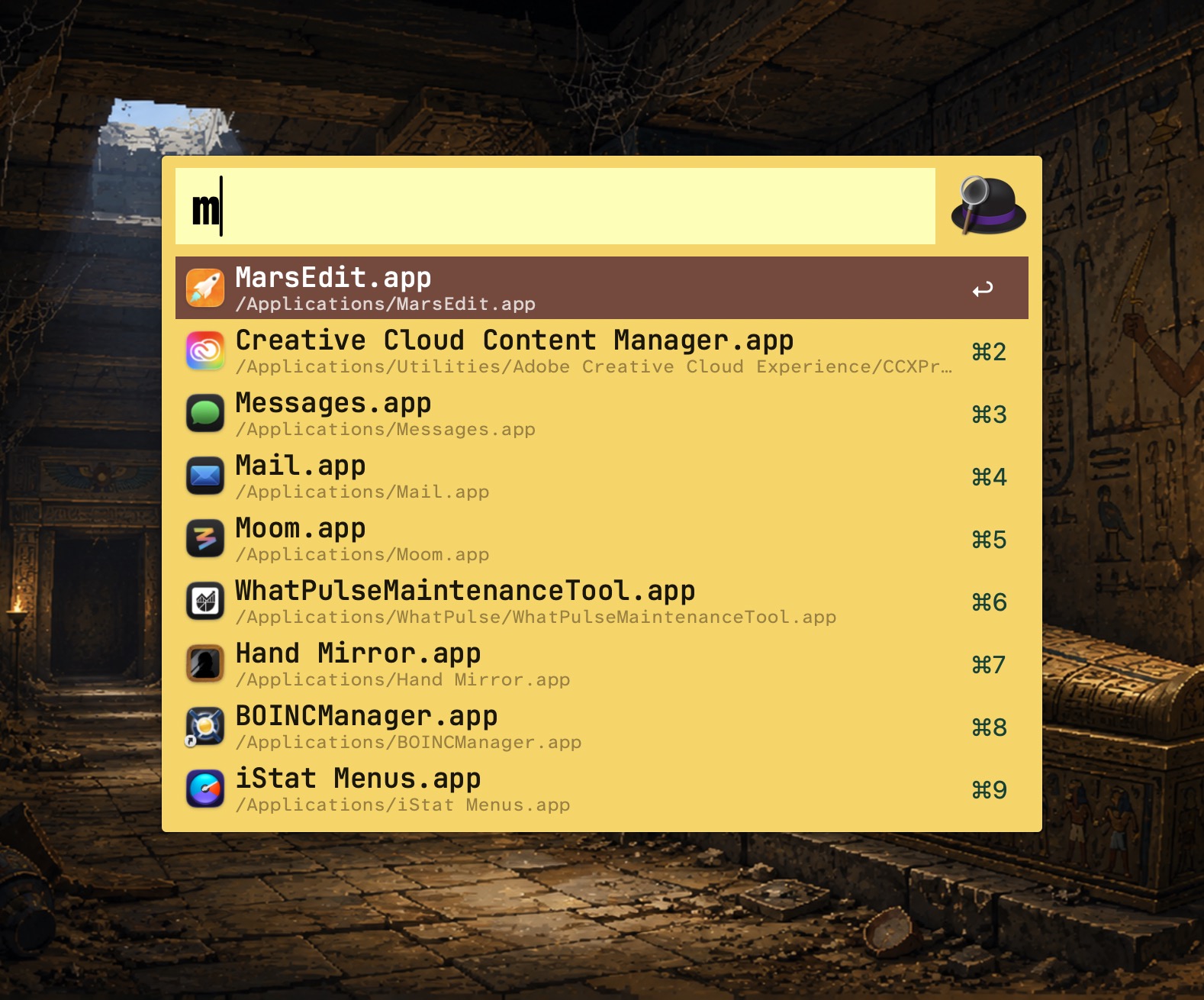
3) Alfred is my favorite application launcher. It’s faster than Spotlight, it’s stable, and (with the paid add-on PowerPack) it brings a robust set of capabilities that go beyond launching apps. I’ve used other launchers like LaunchBar and Raycast, but keep coming back to Alfred. Despite its age, Alfred’s still rock solid. Alfred is free. (A new version 6 has been teased on the developer’s blog.)
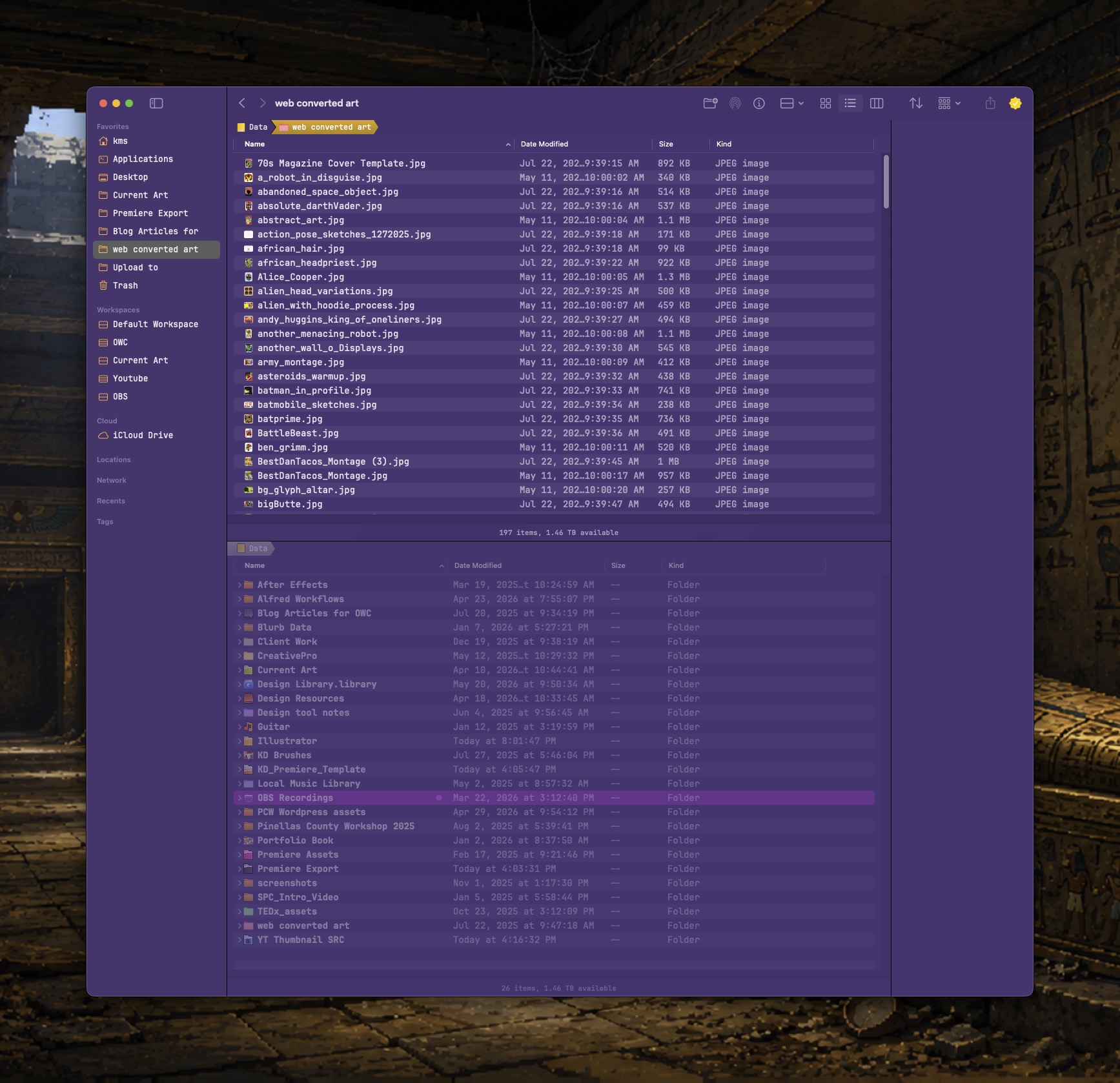
4) Bloom brings a refined Finder experience to the Mac, by way of several useful multi-pane layouts. Bloom has completely replaced the Finder for me, because it makes working with files so much easier. The ability to set custom Workspaces, where each pane in Bloom’s multi-pane layout can be set to specific folders, is a game-changer. Bloom costs $16US.
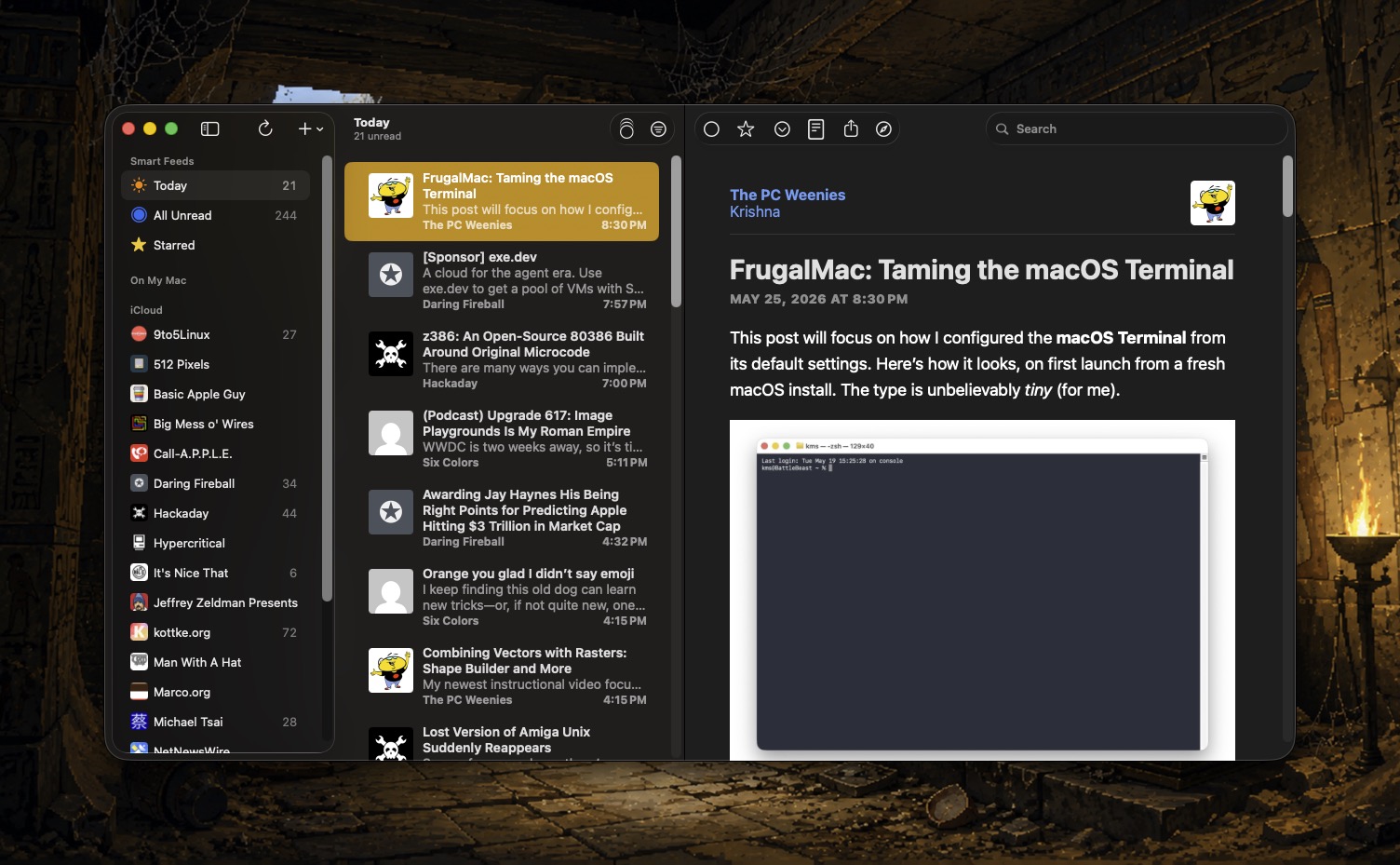
5) NetNewsWire is my favorite RSS reader, letting me keep up with my favorite blogs and sites. It’s free, it’s fast, and it lets me focus on the articles I want to read, without distraction. It also syncs across all my Apple devices, letting me pick up where I left off.
It was really tough to keep my list to just five applications. Honorable mentions must go to CleanShot X (screenshot and screen recording utility), Fantastical (calender), Typinator (text expansion), and PastePal (visual clipboard history). What are YOUR five must-have Mac apps? Let me know in the comments below.